How to Pay via Local Transfer on KuCoin Pay?
Last updated: 06/15/2026 10:24:00
Supported Local Bank Transfer
KuCoin Pay now supports local transfer network in the following regions (Country - Currency):
-
Mexico (MXN): SPEI
-
Bangladesh (BDT): bKash & Nagad
-
Zambia (ZMW): MTN & Airtel Transfer
Use KuCoin Pay to pay via local fiat transfers seamlessly:
-
Offline: Pay at supermarkets, restaurants, cafes, and retail locations by selecting merchant’s bank name and entering account/phone number.
-
Online: Pay on e-commerce platforms, streaming subscriptions, game credits, mobile services, and more — only provide the recipient's receiving information.
We are continuously expanding to support more regions worldwide. For QR-based payment methods in other regions, please click here.
Pay with Local Transfer
- Step 1: Locate KuCoin Pay (Three ways)
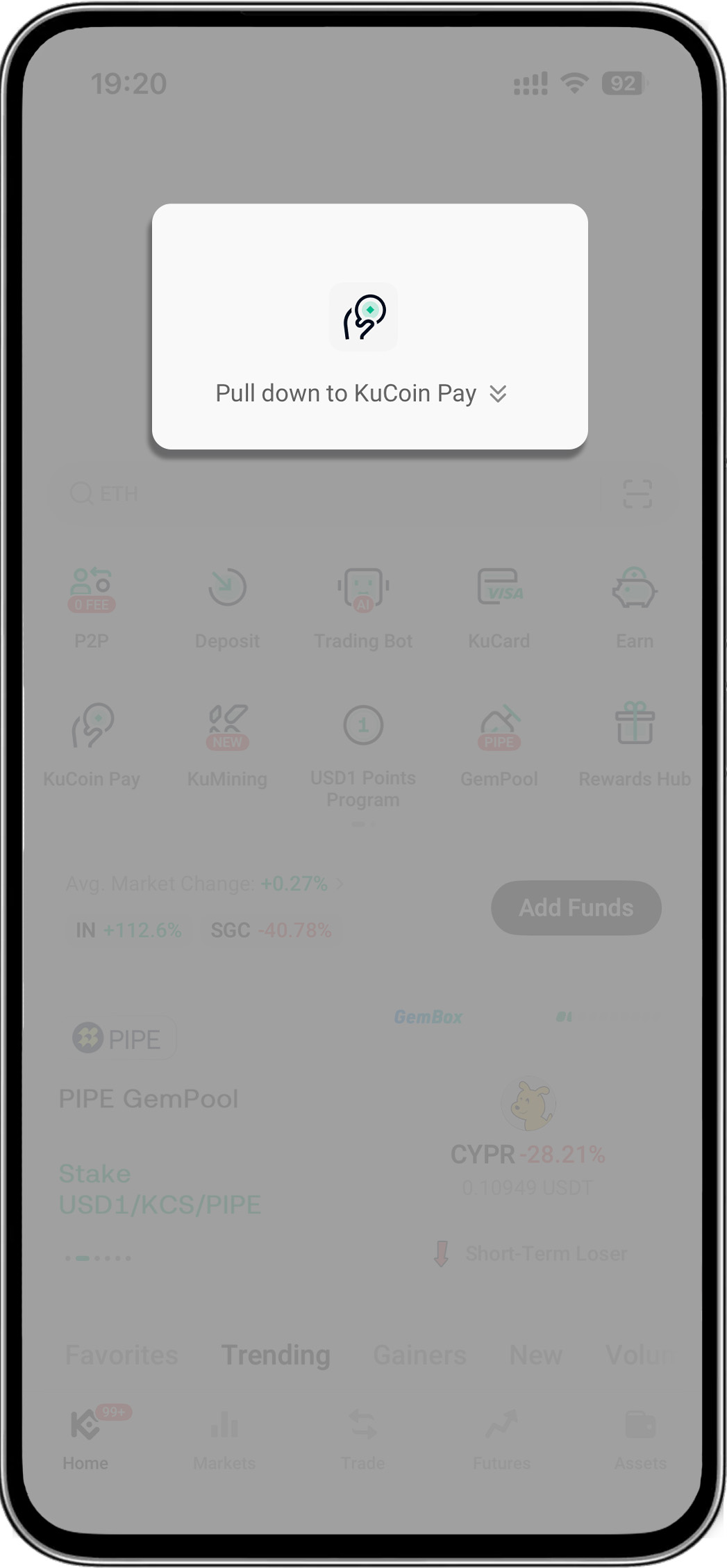
- Open your KuCoin app > Pull down on the homepage to reveal "KuCoin Pay"
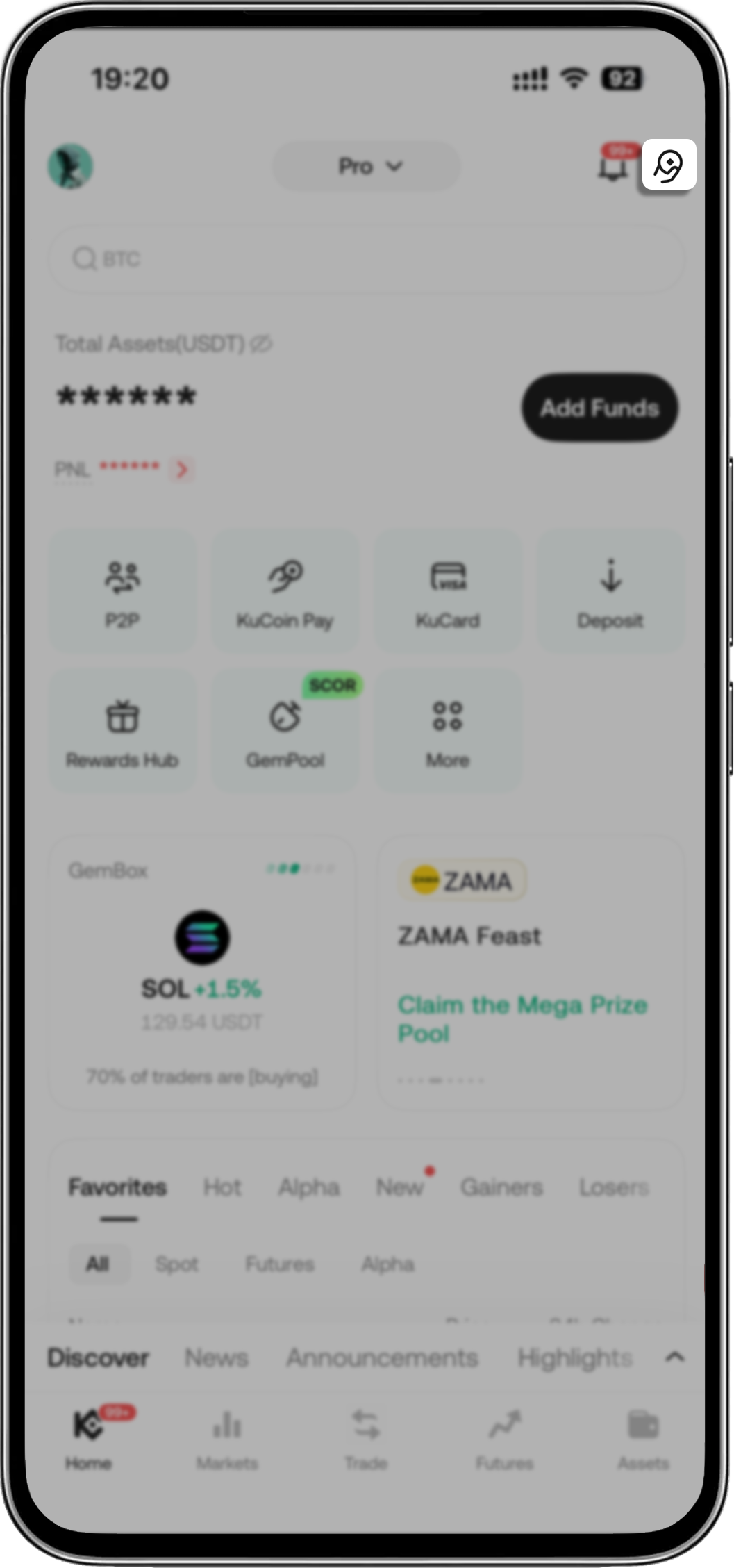
- Open your KuCoin app > Tap KuCoin Pay icon on the upper-right corner
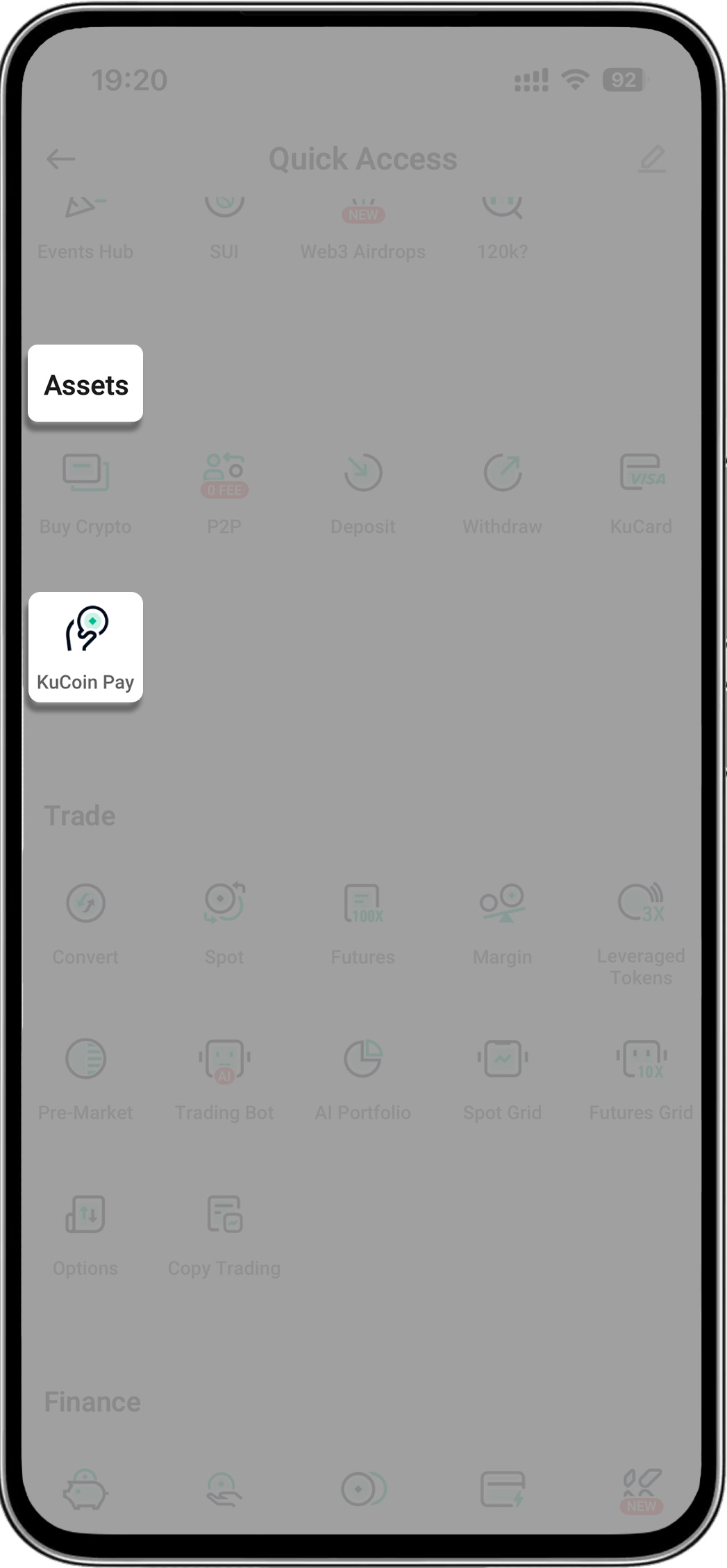
- Open your KuCoin app > Tap "More" > Find "Assets" > Select "KuCoin Pay"
- Step 2: Tap Local Transfer icon (within KuCoin Pay)
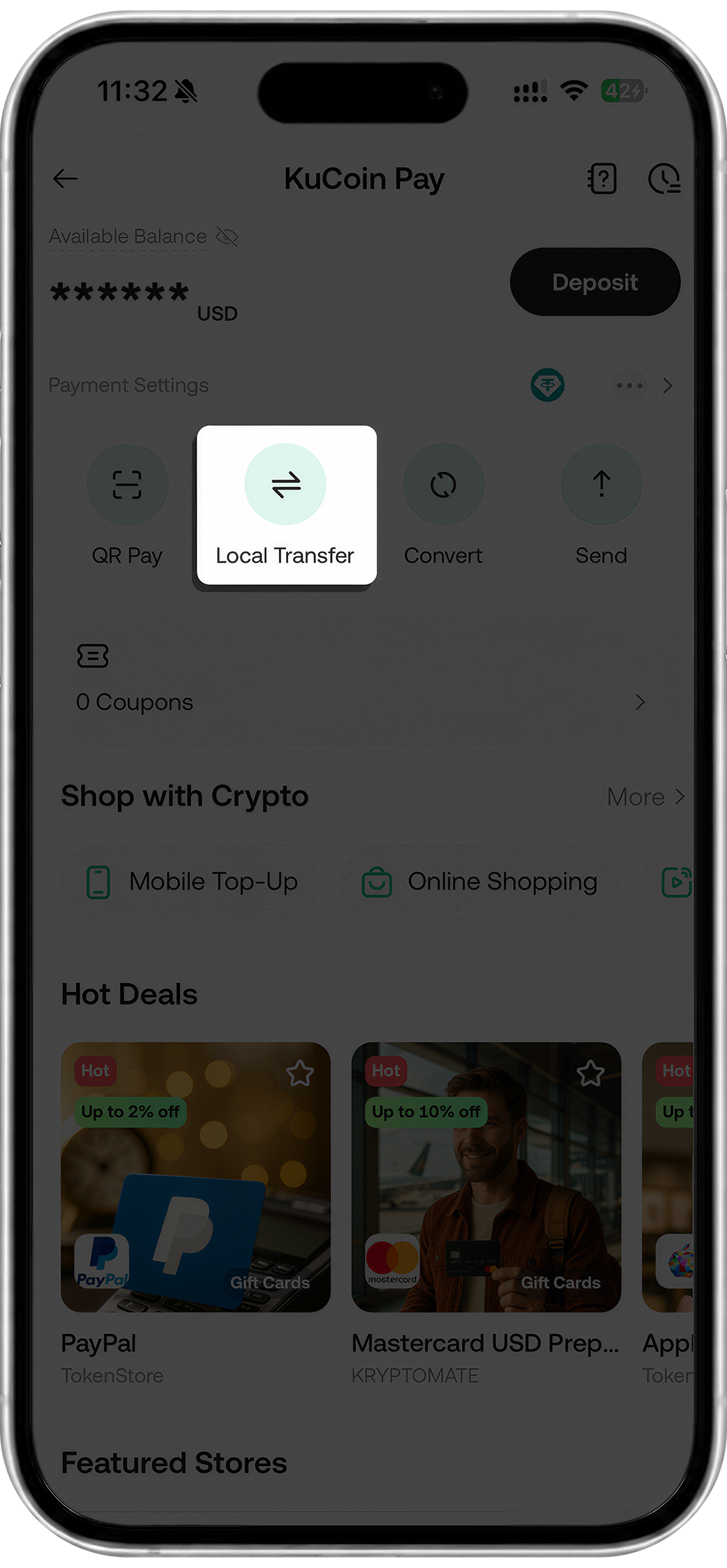
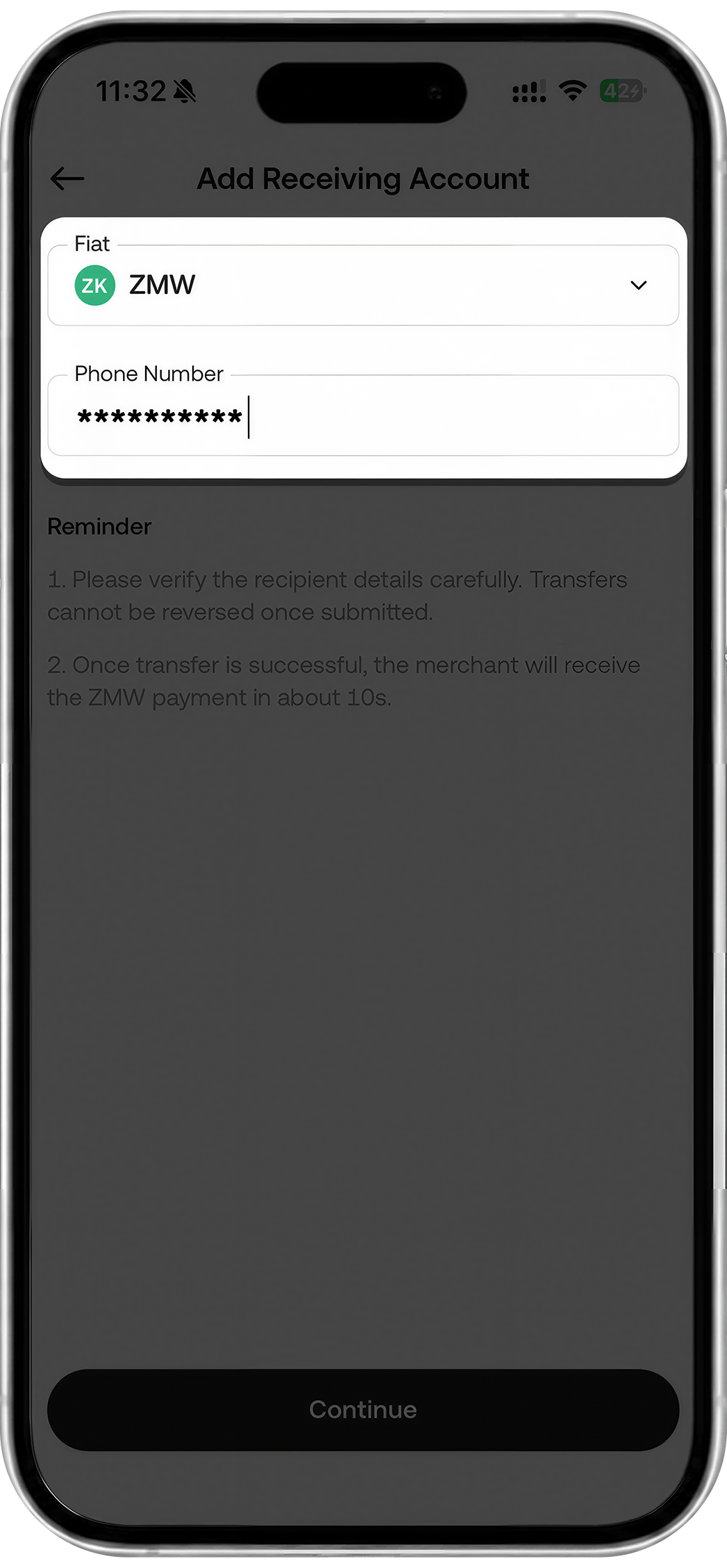
- Step 3: Enter the recipient‘s receiving information (Phone Number/Account Number/Bank Name may be needed)
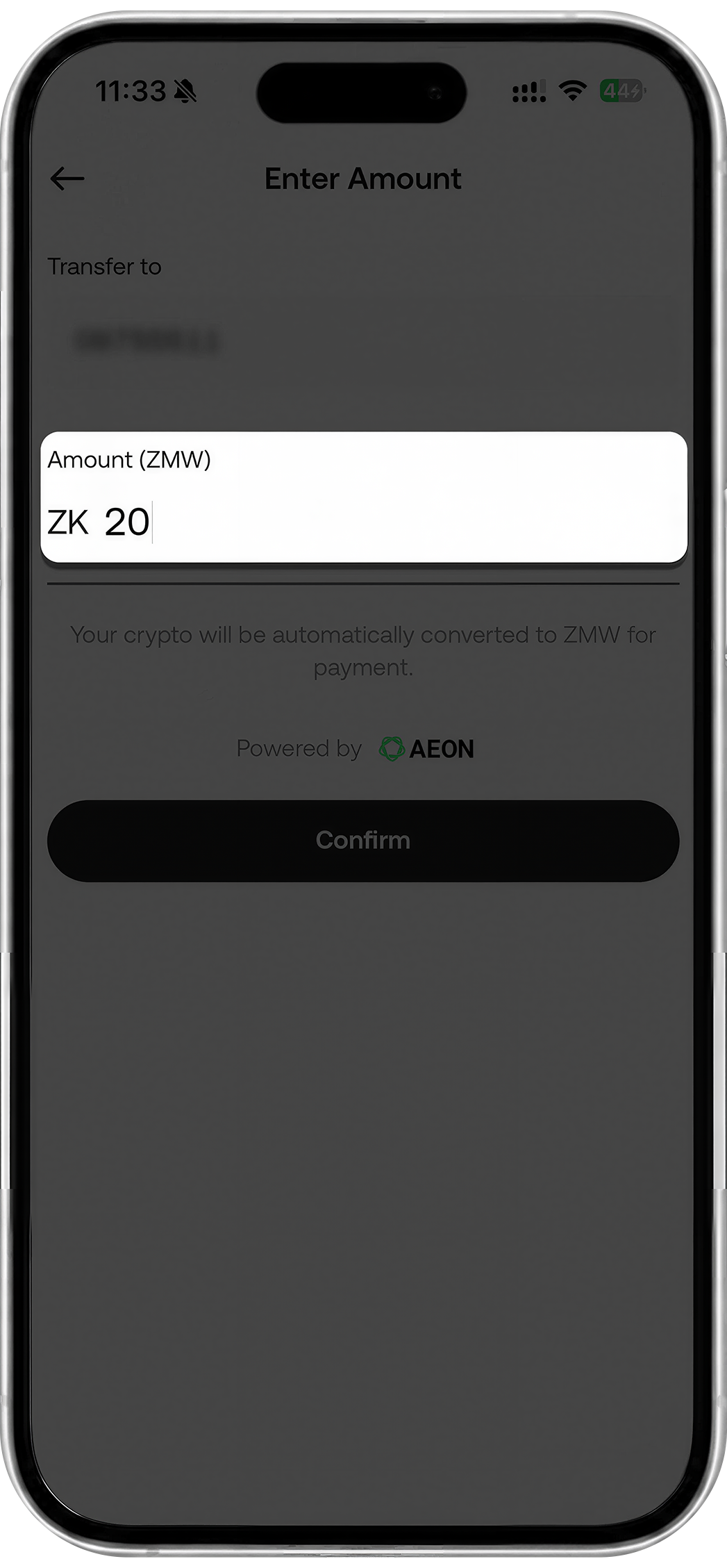
- Step 4: Enter amount
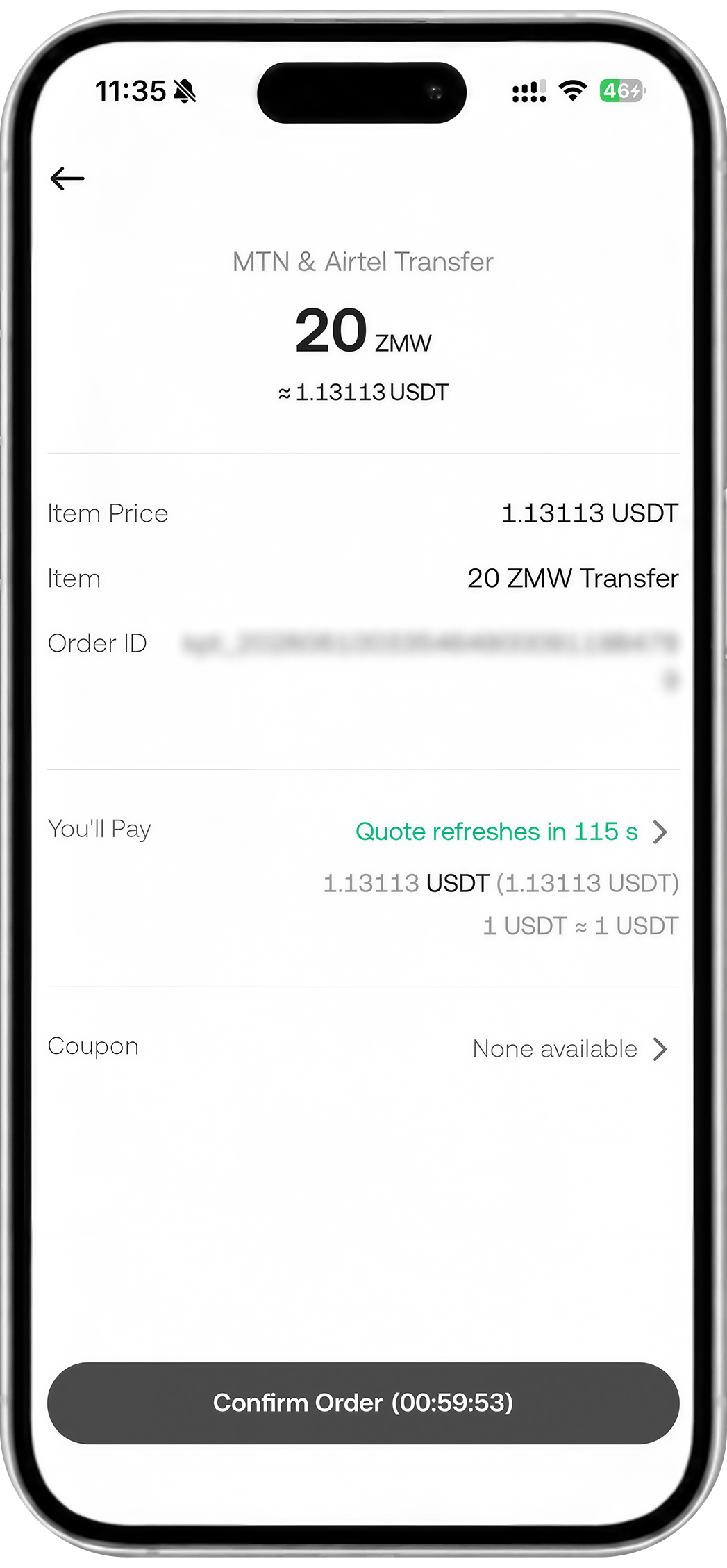
- Step 5: Confirm order
- Step 6: Enter password
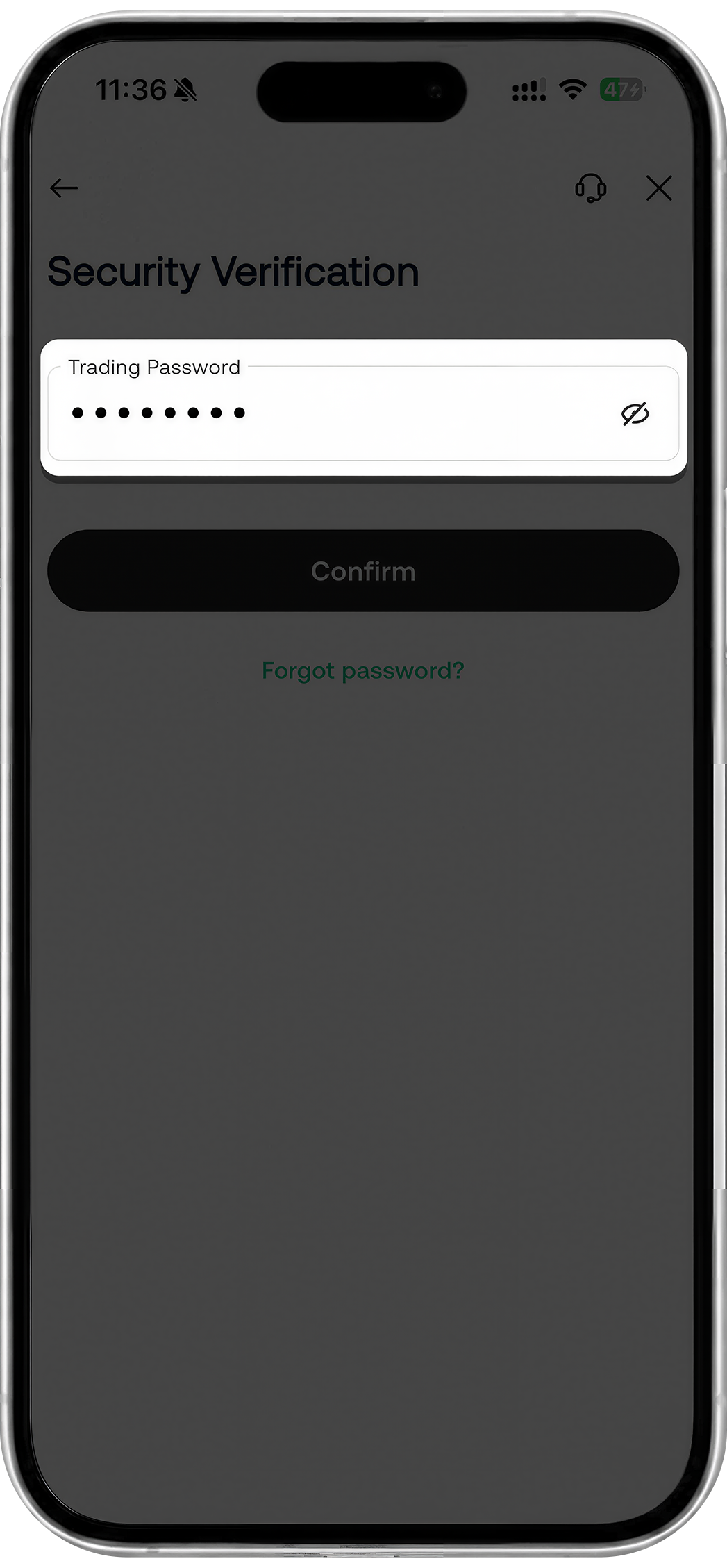
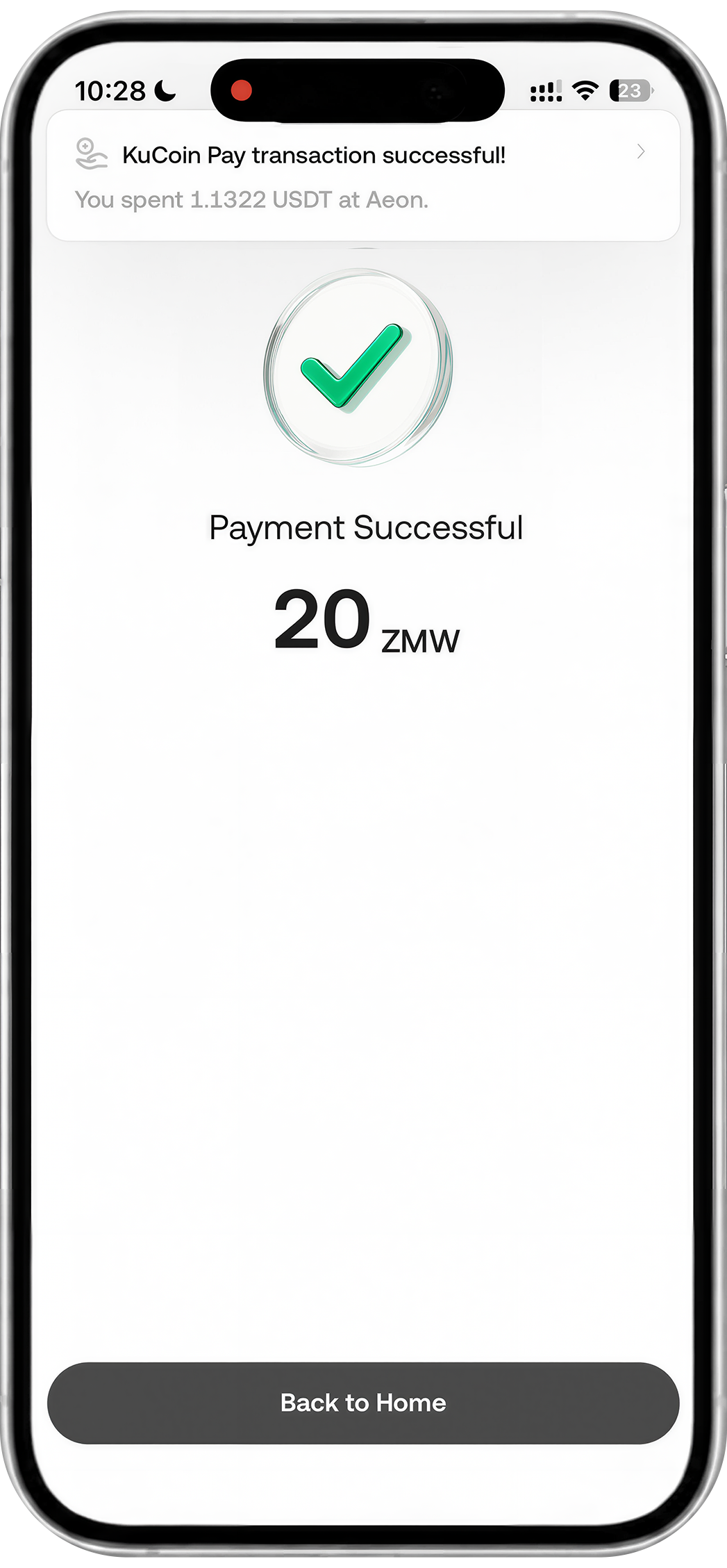
- Step 7: Payment successful