

4 Warning Signs Your Account Is in Danger — 3 Emergency Steps to Take Immediately
2025/10/27 11:15:02
Have you ever been unable to log in and assumed it was a network issue?
These might not be coincidences—they could be signs that your account is being secretly compromised by hackers!
When your account shows any of the following signs, be alert immediately: it might be the system sending you a "distress signal"!
⚠️ 4 Major Red Flags Indicating Your Account May Have Been Hacked!
-
Receiving Unusual Security Notifications Warnings from the official platform like "login from an unfamiliar location," "password changed," or "bound phone/email modified"—even just one instance is unlikely to be a false alarm! This is the system sounding the alarm at the first sign of trouble; never take it lightly.
-
Suddenly Unable to Log In Your password is correct, but you get a "login failed" prompt? When you try "Forgot Password," you find the bound phone number or email has been quietly changed? This is a critical red flag—it's highly likely an attacker has already taken full control of your account!
-
Discovering Activity You Didn't Perform Do you see operations in your account logs, transaction history, or activity history that you never performed? For example, an unfamiliar transfer appears in your wallet... Don't hesitate, act immediately!
-
Being Flooded with Verification Code SMS Messages Receiving a large number of verification code SMS messages from different platforms in a short time? This is usually an attacker using your phone number for "credential stuffing" (attempting to log into other platforms) or intentionally bombarding you with spam messages to make you miss the crucial verification code.
🆘 Suspect Your Account is Hacked? Stay Calm — Follow These 3 Emergency Steps Immediately
✅ Step 1: Change Your Password Immediately
-
Change your password immediately in the "Security Settings" of your account.
-
The new password should be strong enough: we recommend at least 12 characters, mixing uppercase and lowercase letters, numbers, and symbols, and ensure it hasn't been used anywhere else.
✅ Step 2: Quickly Enable Two-Factor Authentication (2FA)
-
Be sure to enable Two-Factor Authentication immediately. Once enabled, even if your password is compromised, the attacker cannot log in without your phone or security key. This is currently one of the most effective protective measures.
✅ Step 3: Thoroughly Check Login Devices & Sessions
-
Go to the "Account Security" page of your account and carefully review recent login activity and device information.
-
If you find any unrecognized devices or login records from unfamiliar locations, click "Remove" immediately.
-
Go to the "Account Security - Keys" page and carefully review the key creation history. If you find any unrecognized keys, delete them immediately.
📞 If you need to contact customer support for help, be sure to do so through the designated channels on the official website or within the official App (KuCoin Help Center: https://www.kucoin.com/support). Be wary of "customer service phone numbers" or "customer service links" found through online searches to prevent secondary scams!
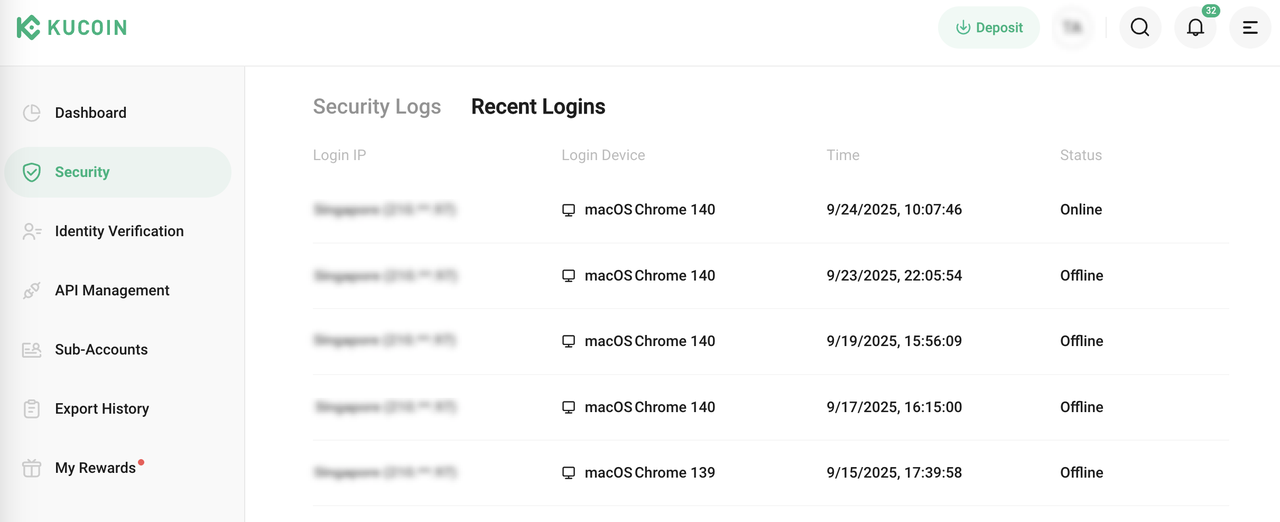
Review login records
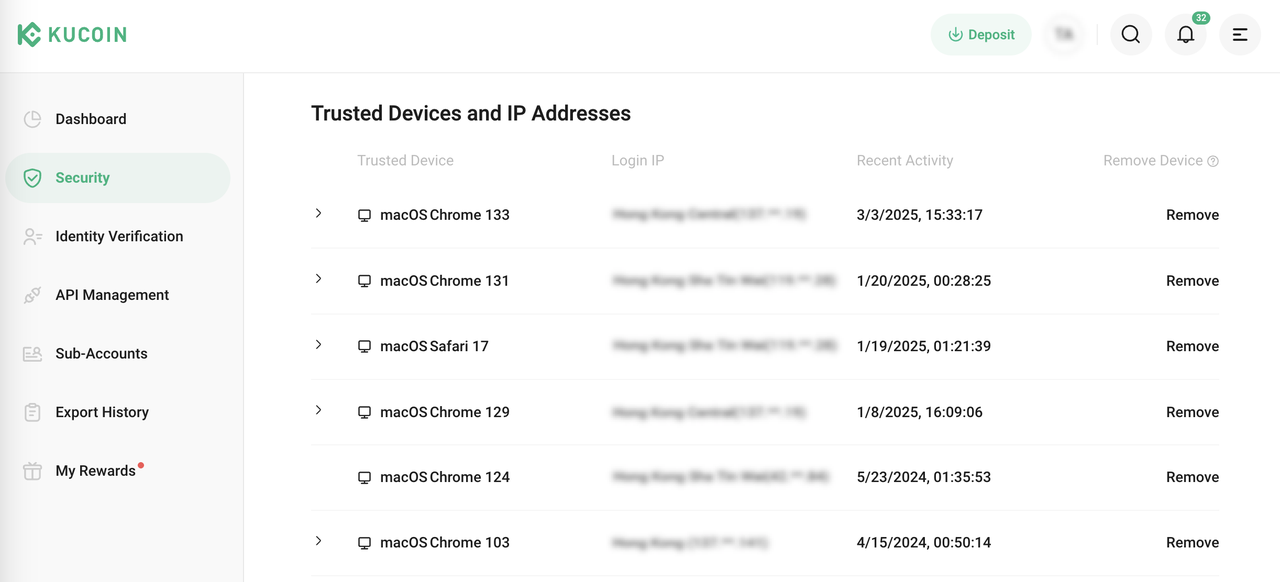
Review trust device records
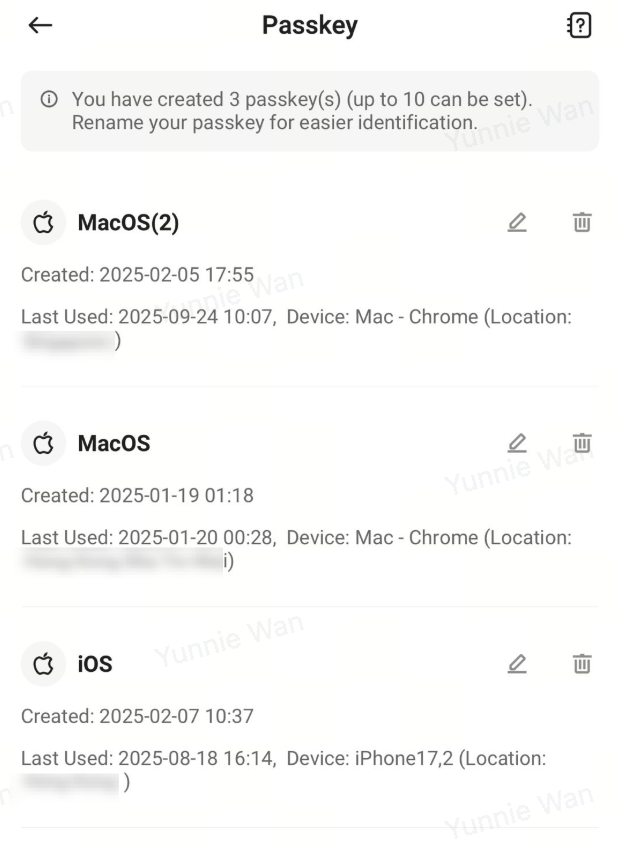
Review passkey records