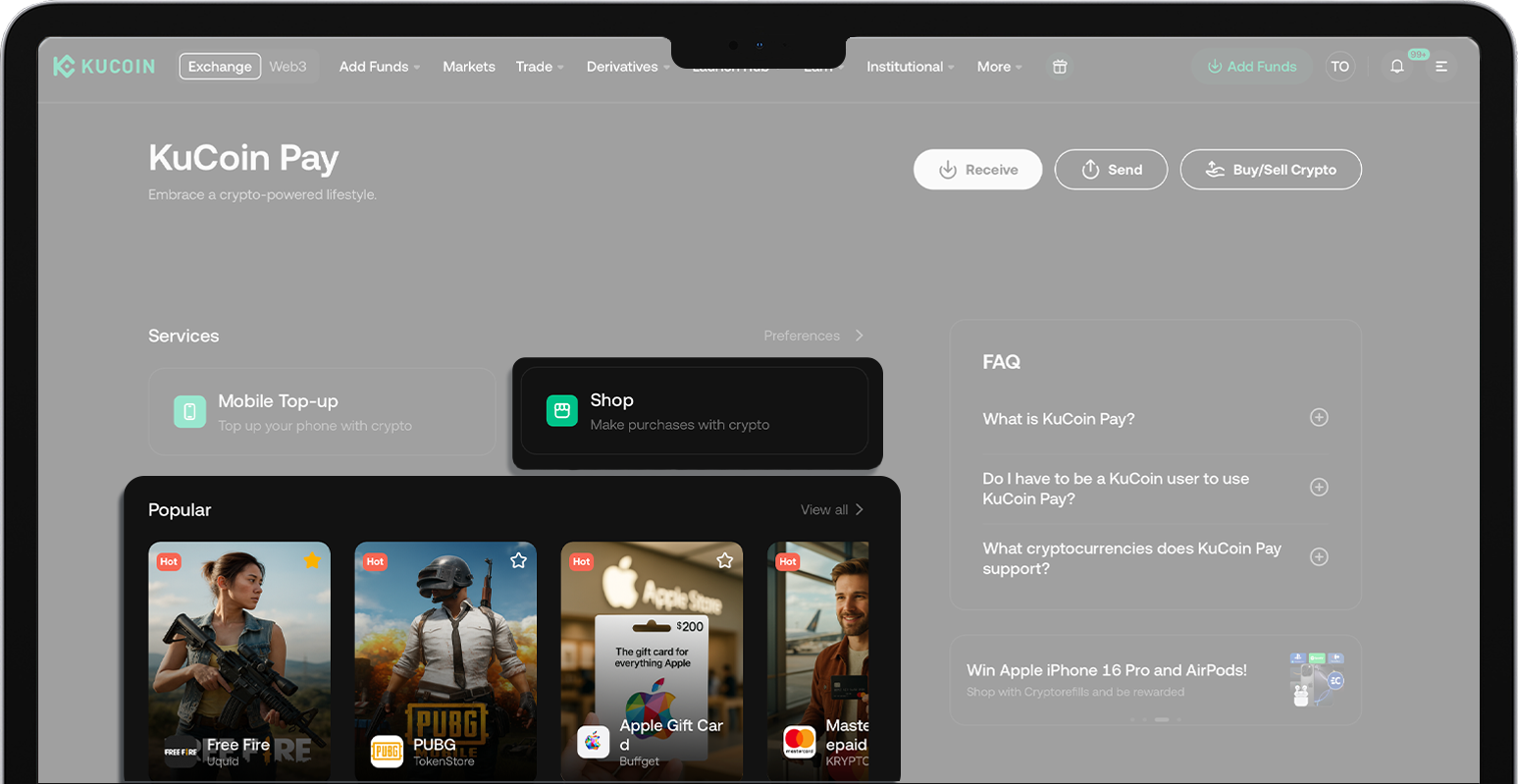
How to Shop Online with KuCoin Pay? (Web)
Last updated: 01/26/2026 01:48:00
KuCoin Pay partners with leading online merchants including: TokenStore, CoinGate Gift Cards, Coinsbee, Cryptorefills, KryptoMate, Uquid, Buffget, Bittopup, UMY and more — enabling you to pay seamlessly using your crypto balance for Mobile Services, Game Gift Cards, Entertainment Premium Cards, E-commerce Rewarble Card, Travel, Hotel Booking and so on.
On Web
Example: Coinsbee
1. On Coinsbee website:
- Step 1: Select "KuCoin Pay" on Coinsbee
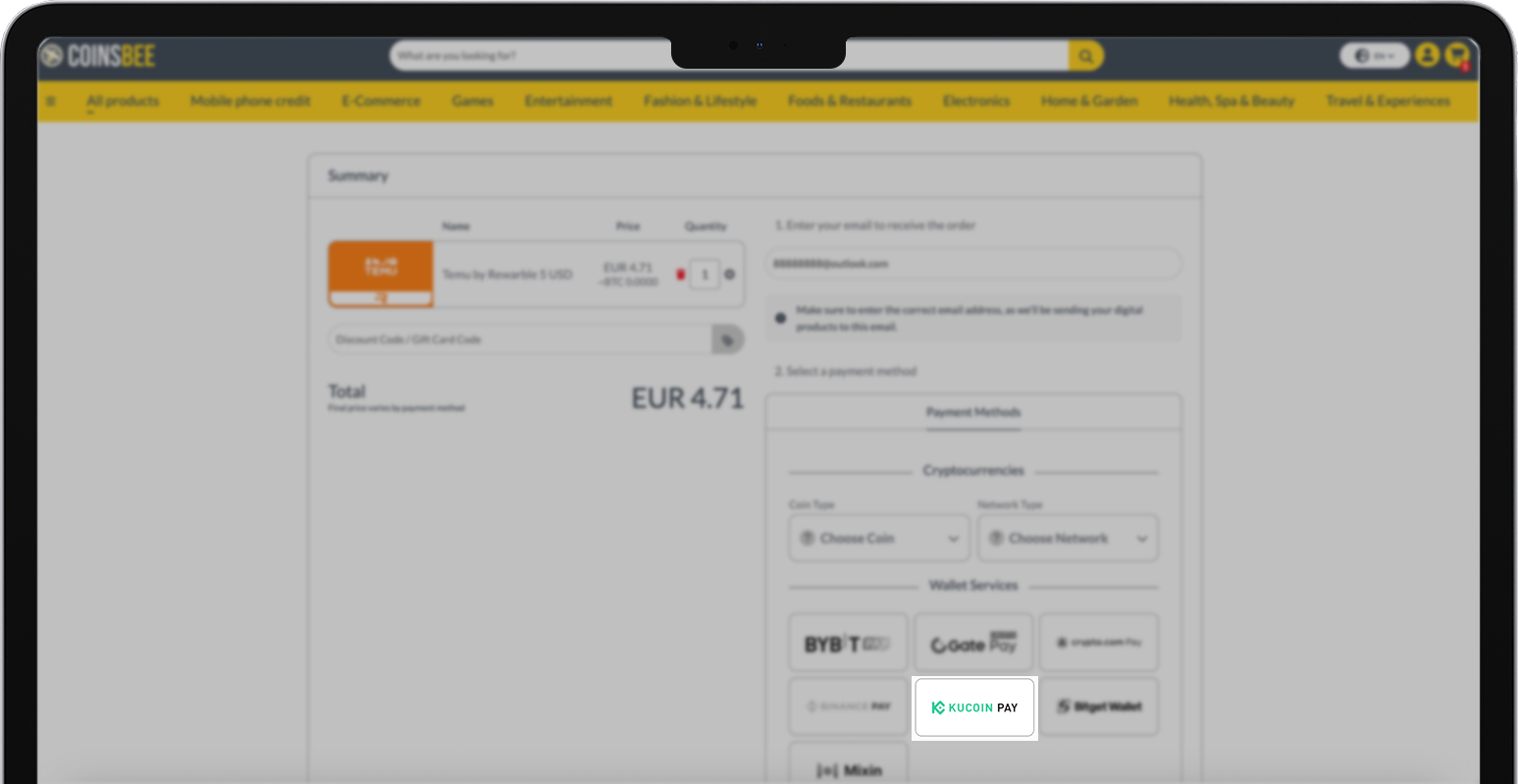
- Step 2: Proceed to payment
There are 2 ways:
- Directly use KuCoin App to scan the QR code
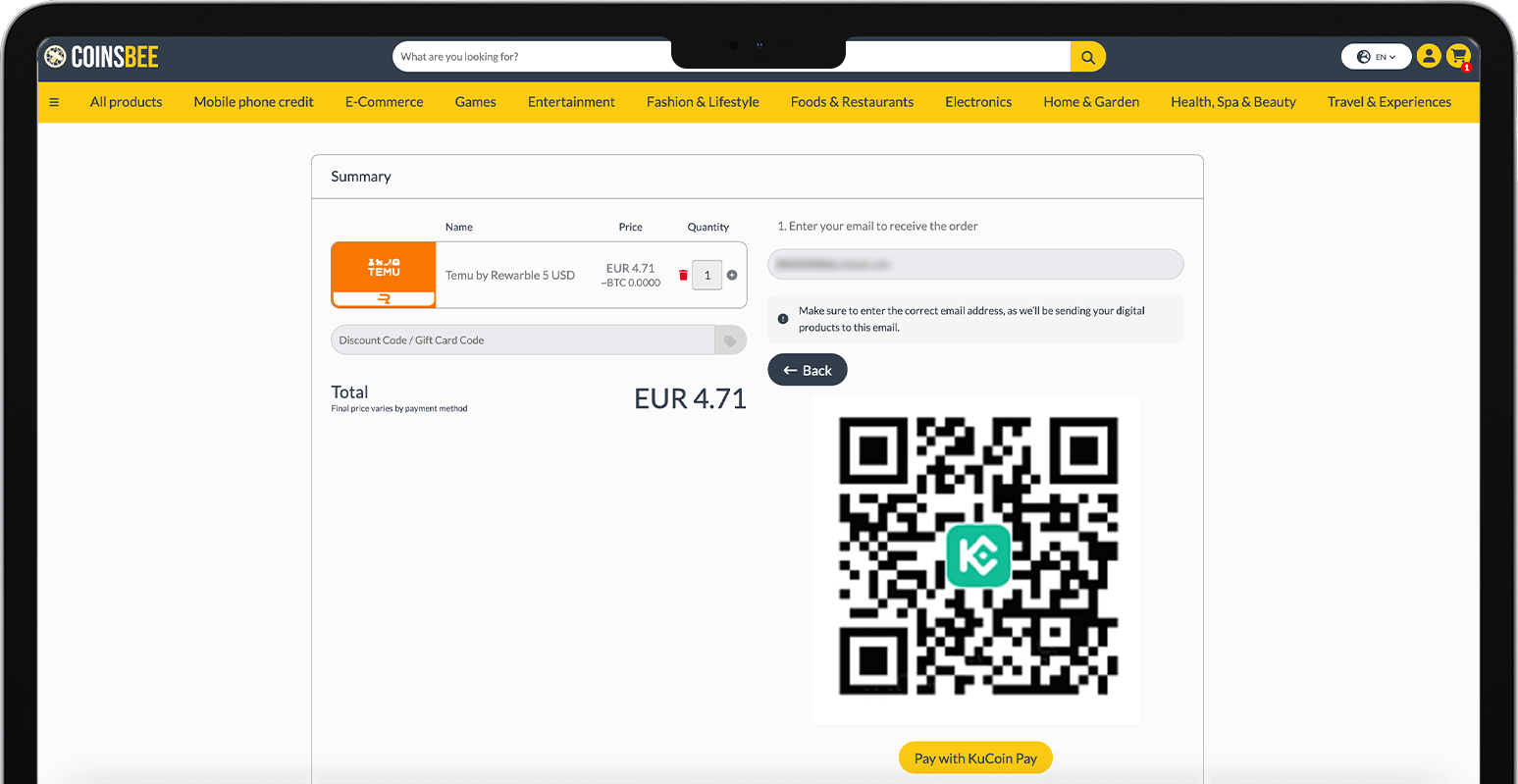
- Select "Pay with KuCoin Pay" > Proceed to KuCoin Pay Checkout
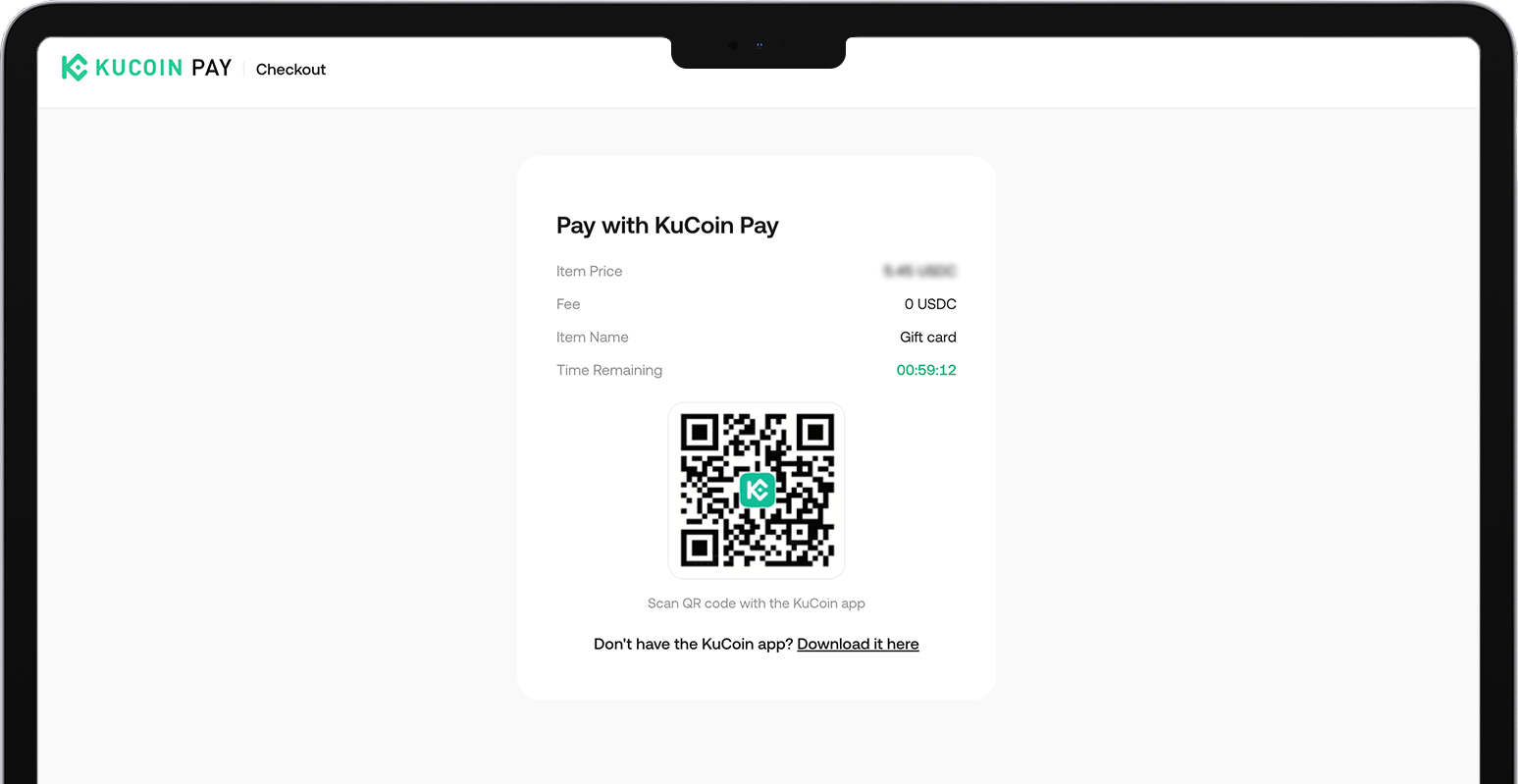
2. In KuCoin App:
- Step 1: Locate KuCoin Pay
There are 4 ways:
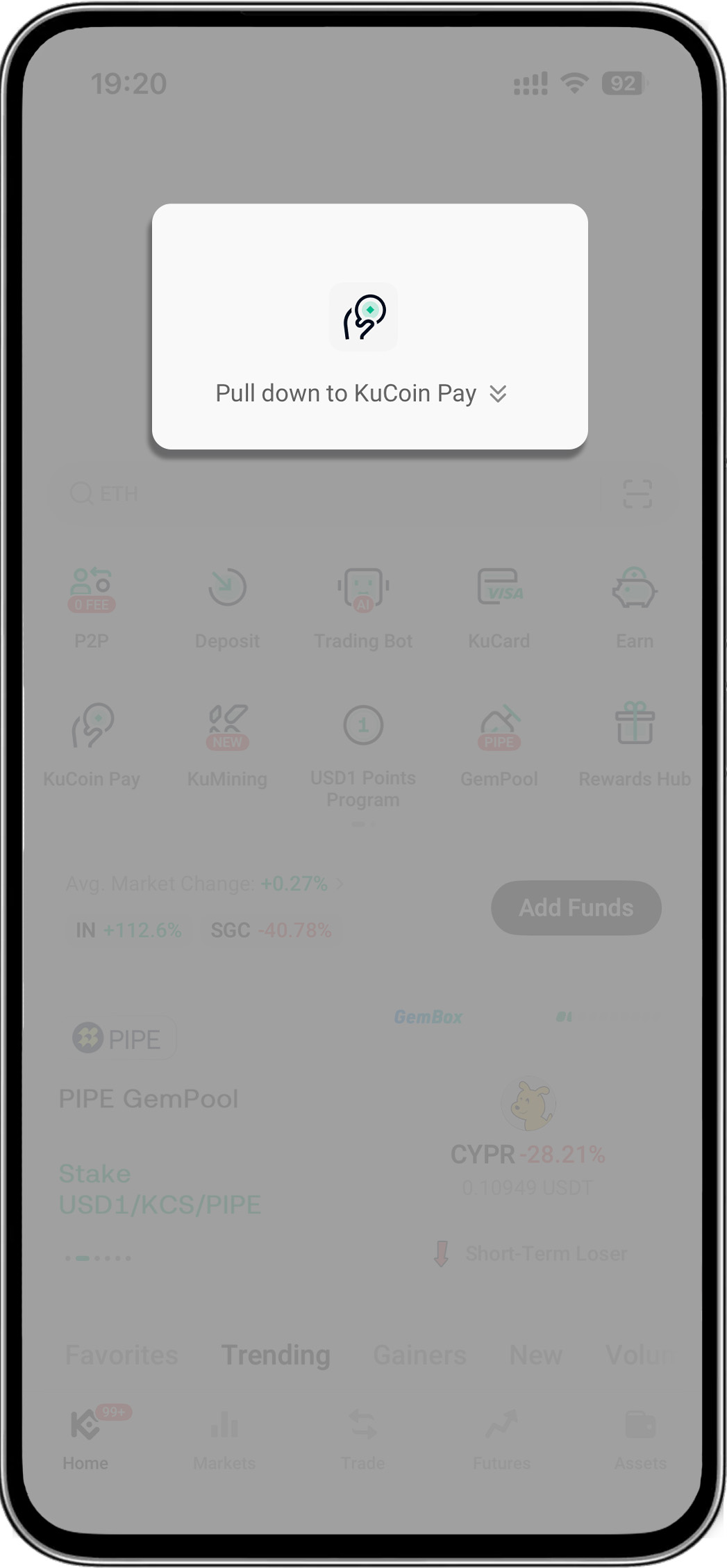
- Open your KuCoin app > Pull down on the homepage to reveal "KuCoin Pay"
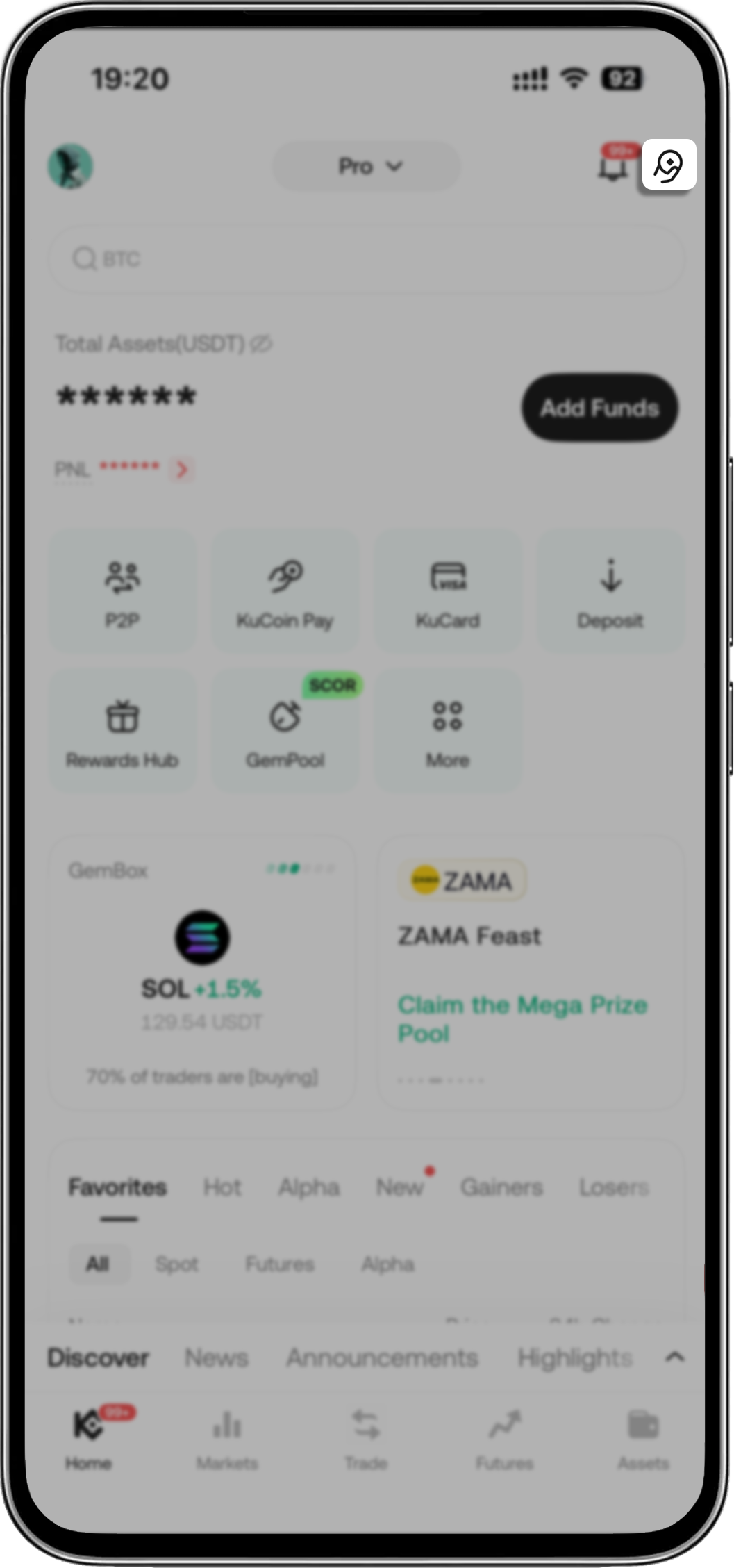
- Open your KuCoin app > Tap KuCoin Pay icon on the upper-right corner
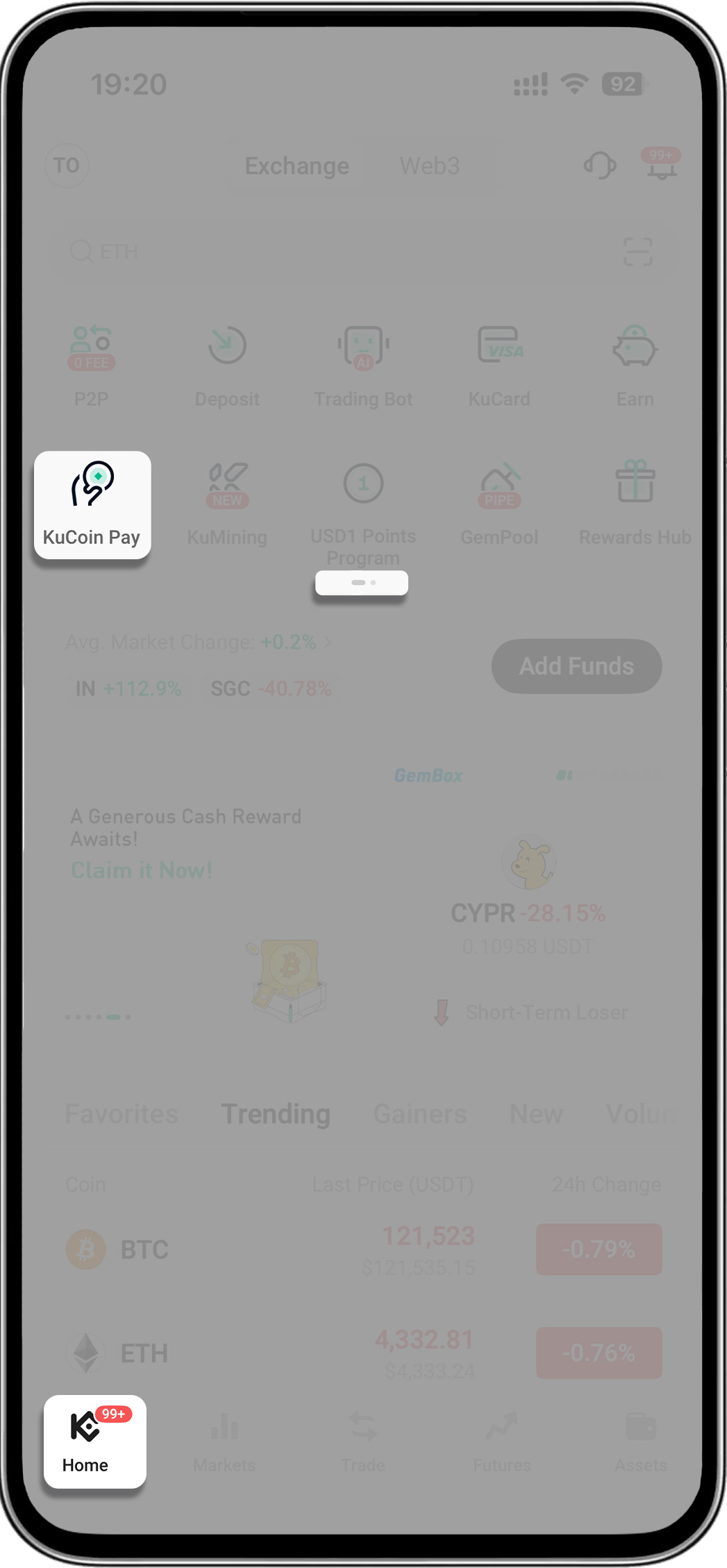
- Open your KuCoin app > Go to menu's second page > Tap "KuCoin Pay"
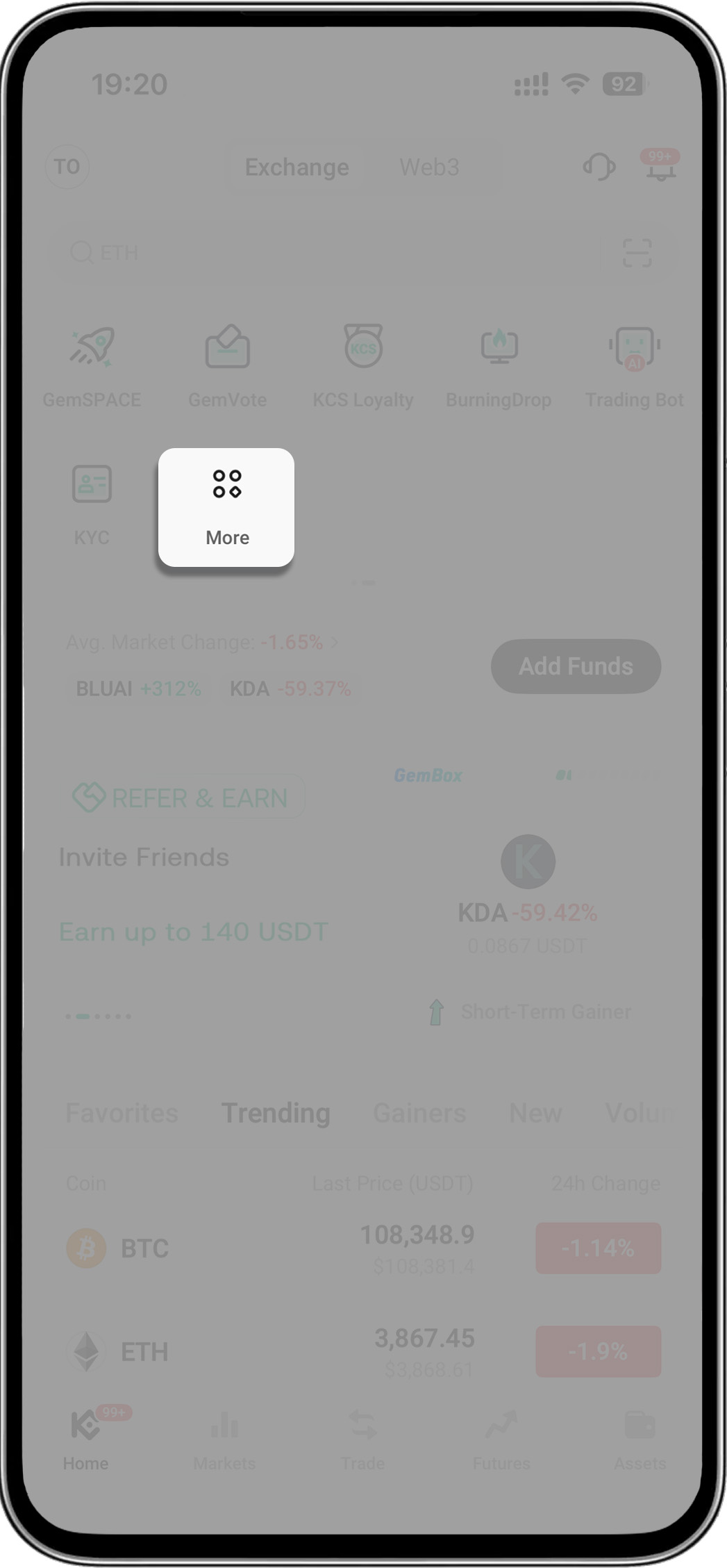
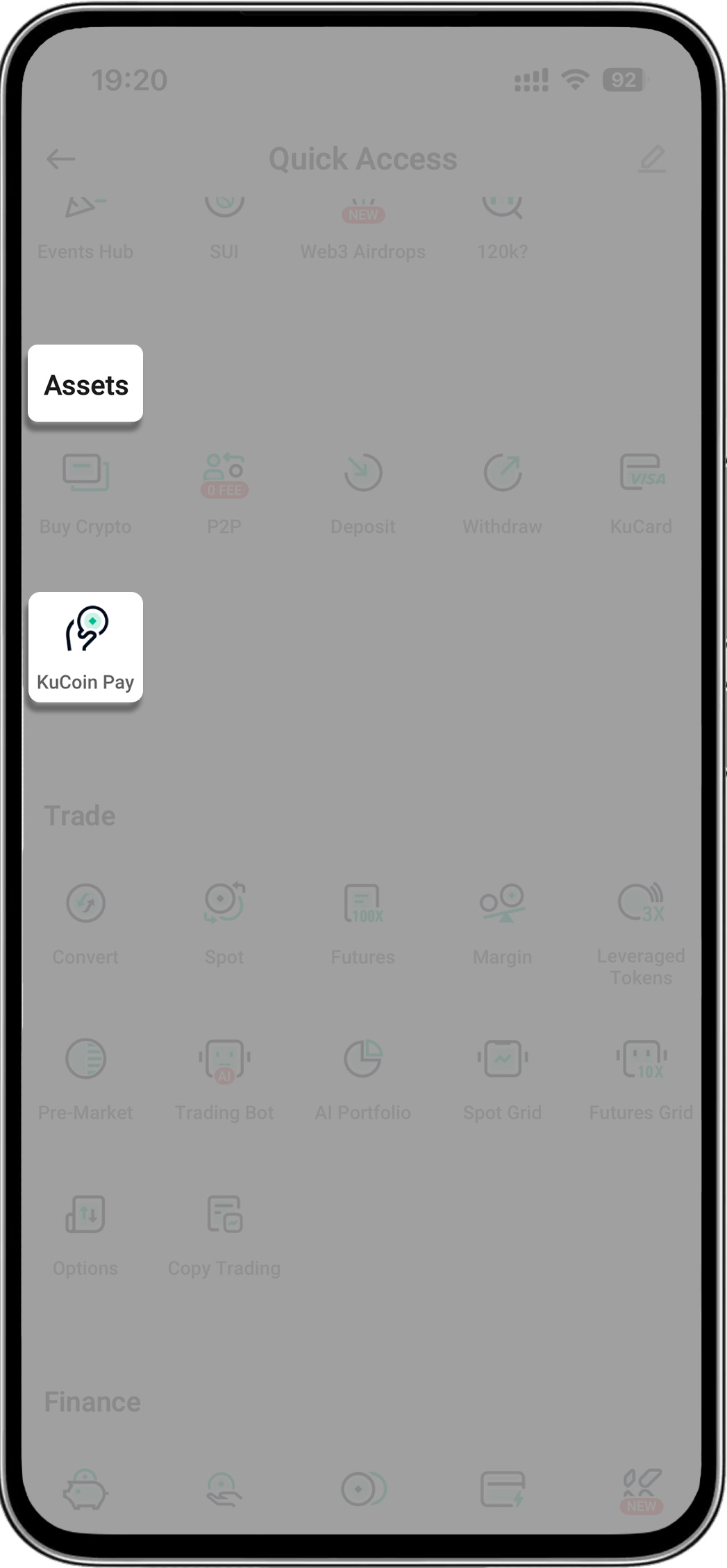
- Open your KuCoin app > Tap "More" > Find "Assets" > Select "KuCoin Pay"
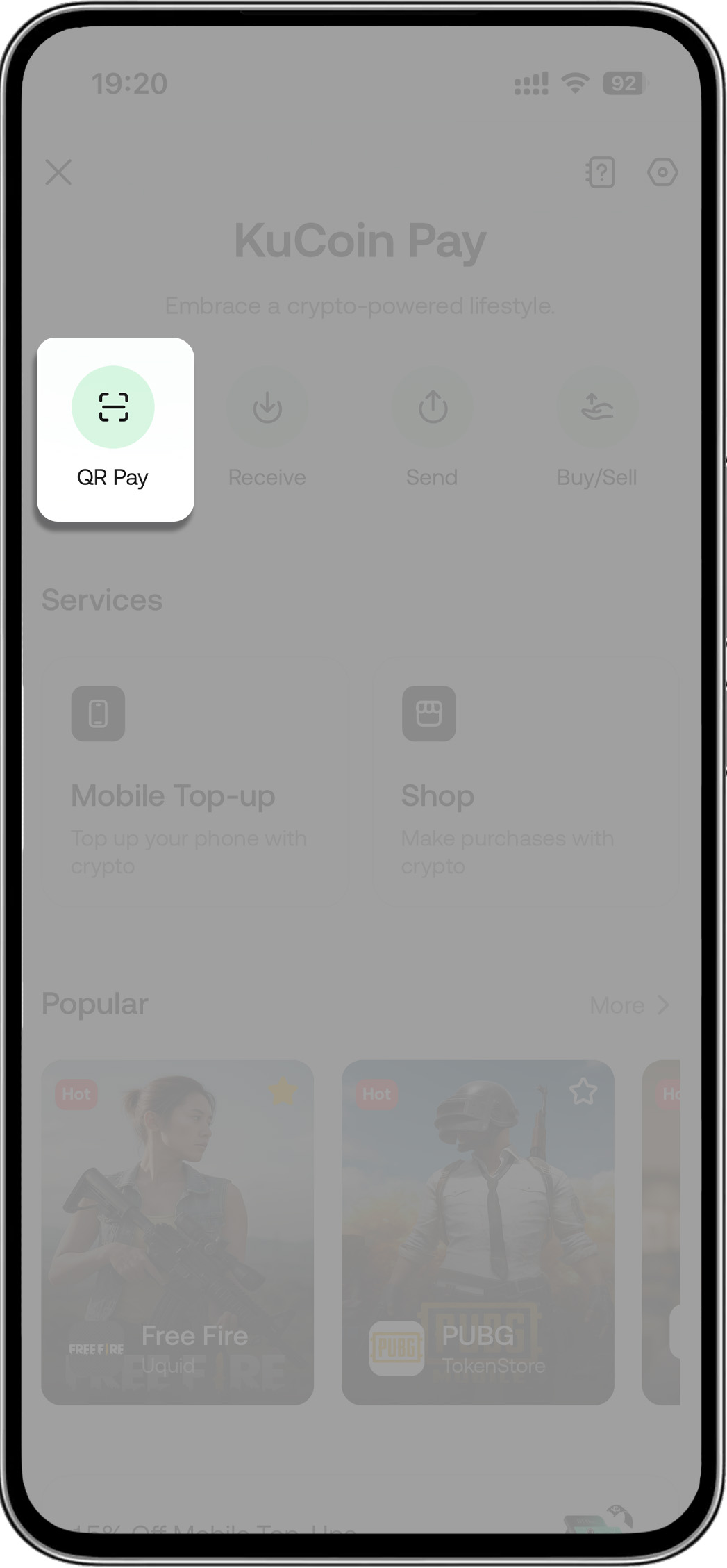
- Step 2: Tap scan icon (within KuCoin Pay) > Scan the merchant’s QR code to pay
-
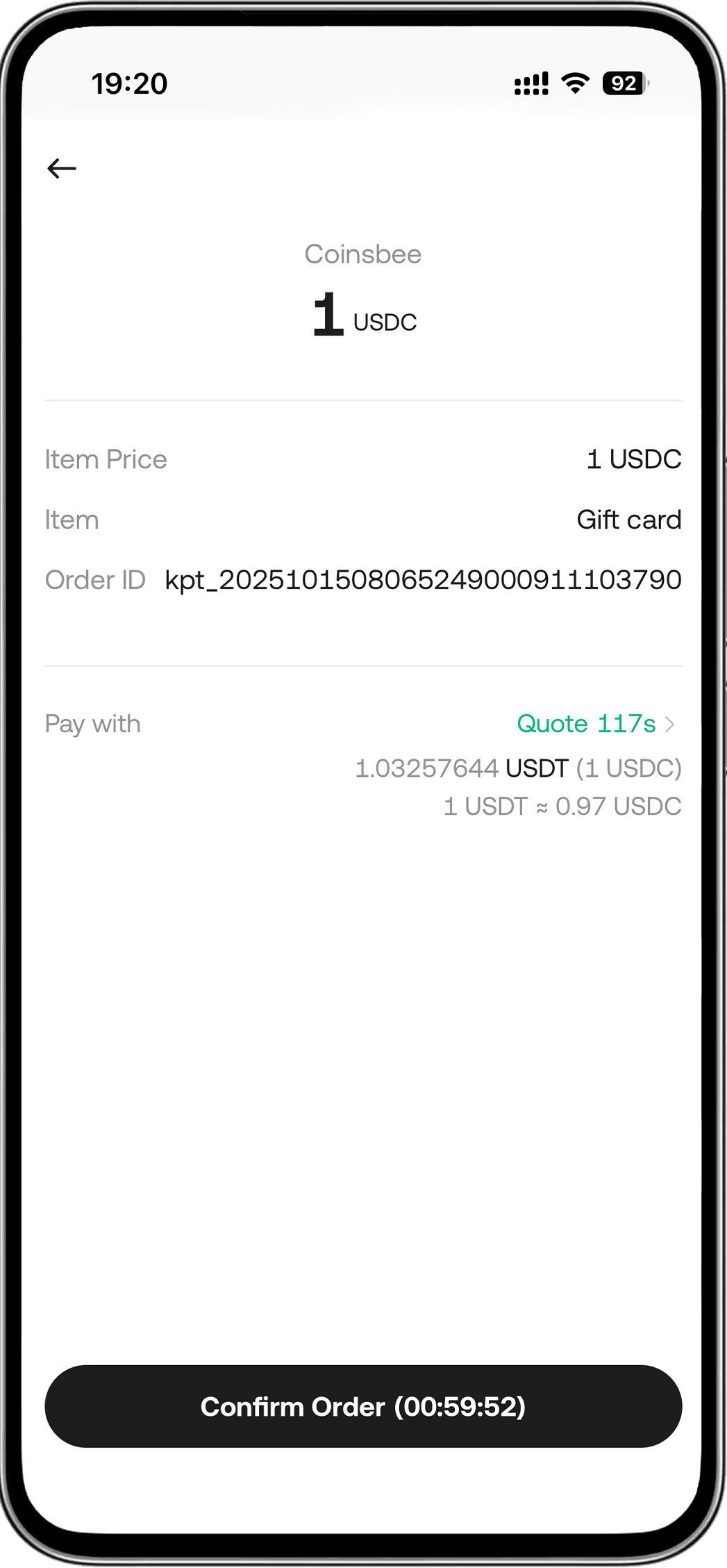
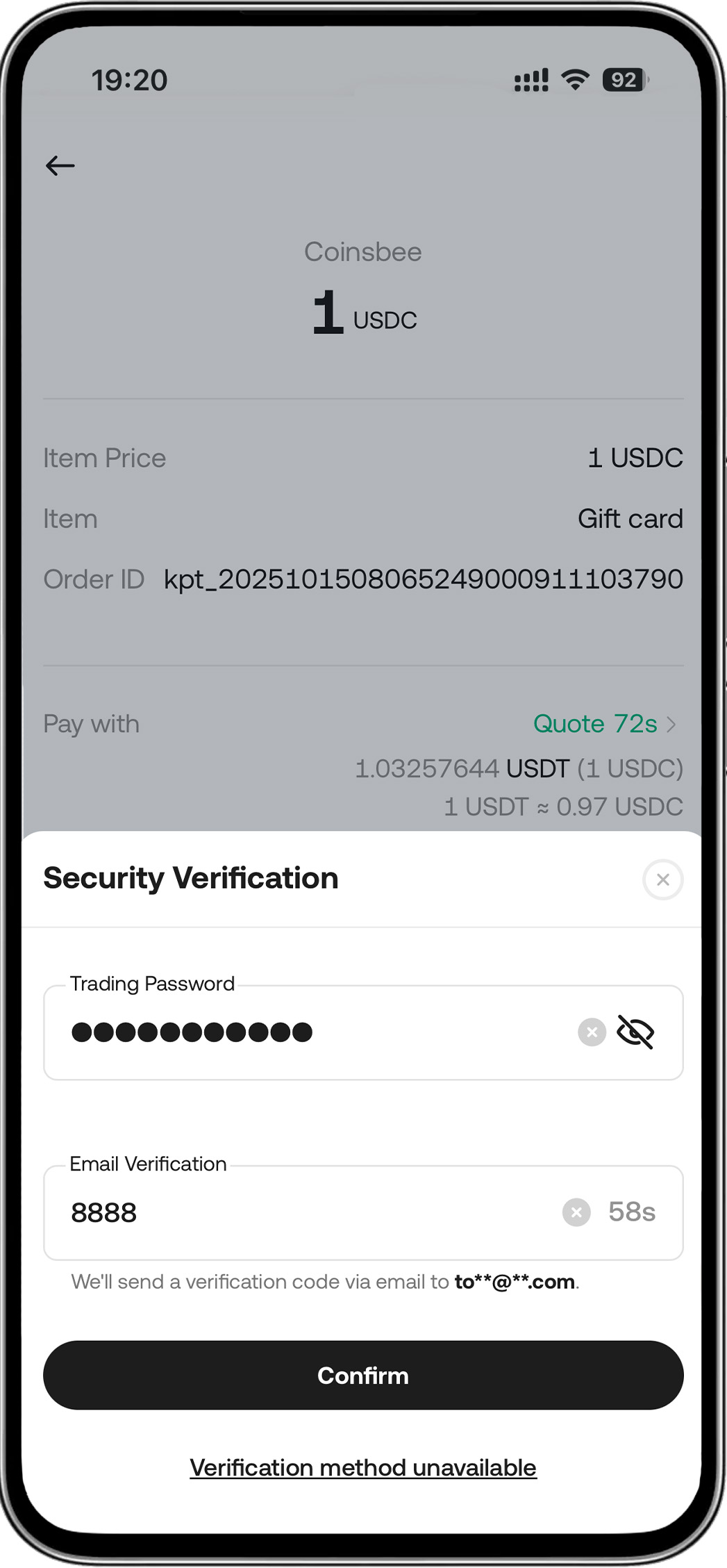
Step 3: Tap "Confirm Order" > Enter password > Payment Successful
Discover More Products and Services
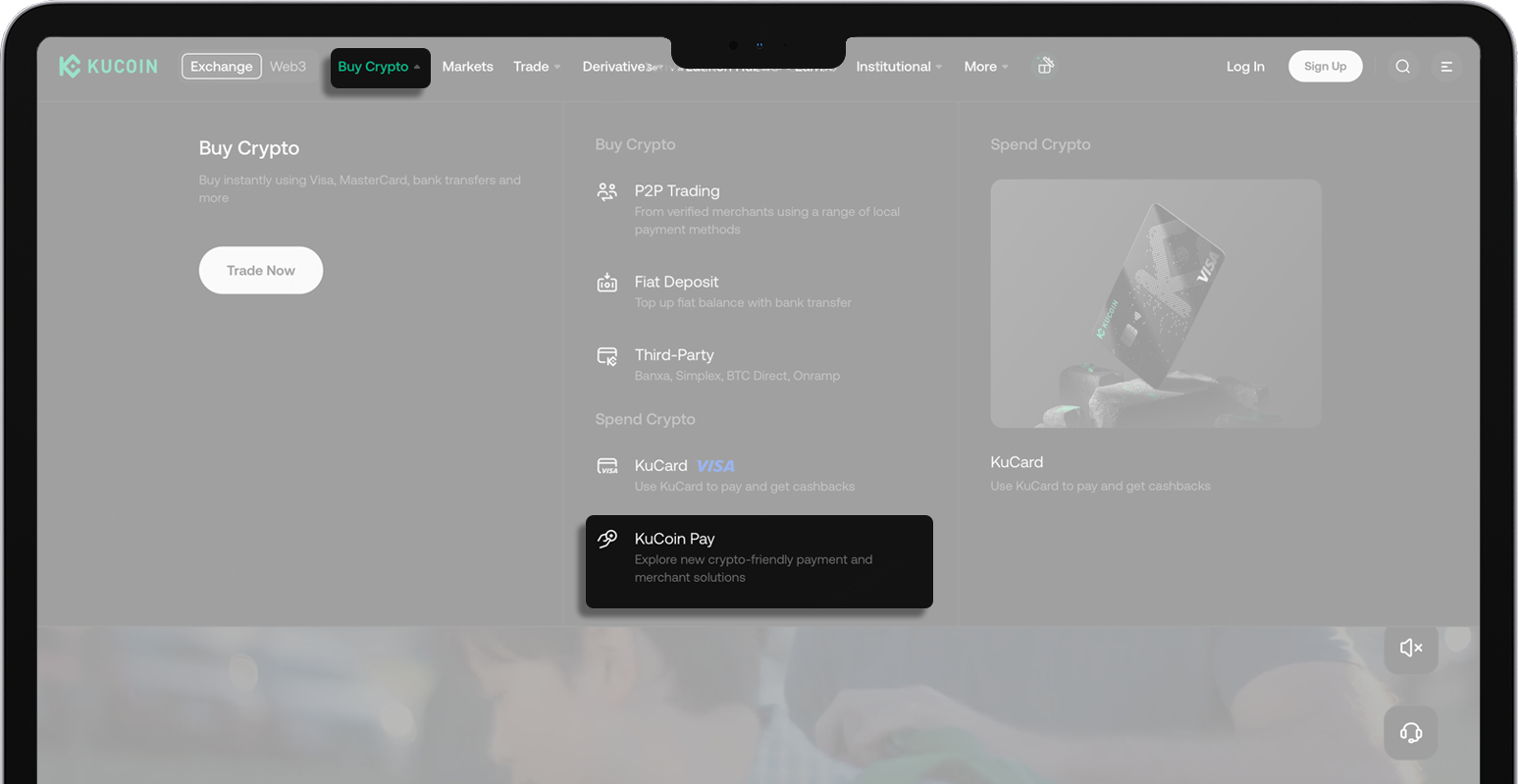
1. Open KuCoin Website > Click "Buy Crypto"(top navigation bar) > Select "KuCoin Pay"
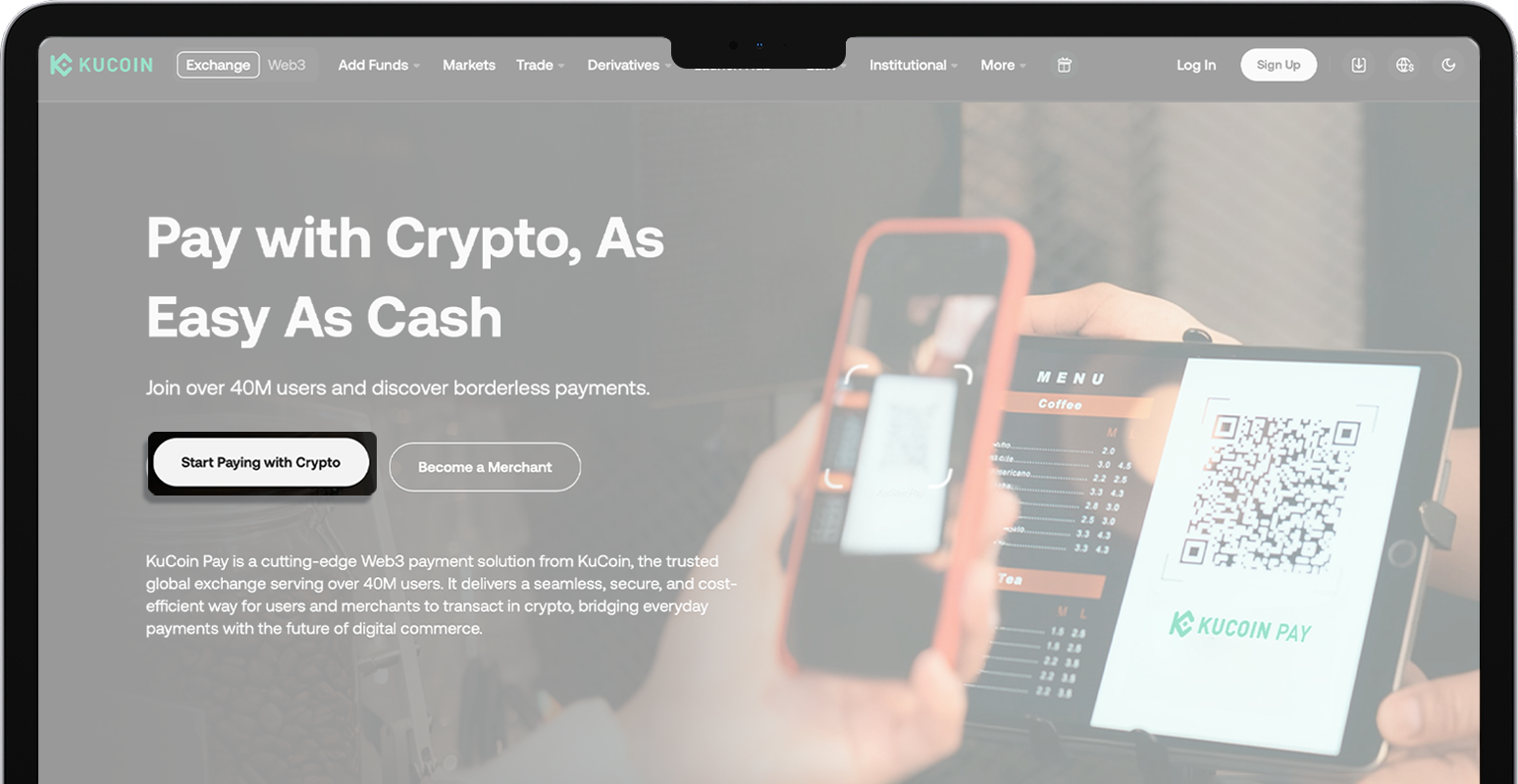
2. Click "Start Paying with Crypto"
3. Log into your KuCoin account > Click "Shop" or select products and services in "Popular"