
Security Guard: Understand and Strengthen Your Account Security
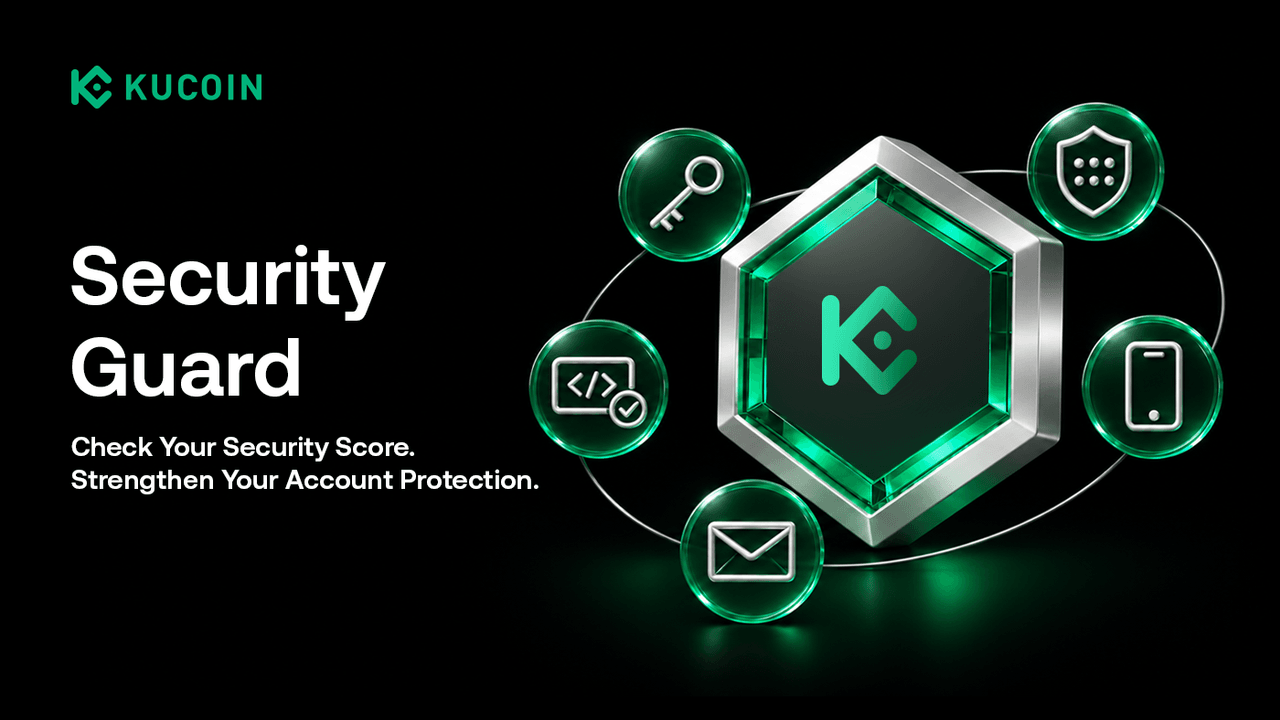
🛡️ What is Security Guard?
-
Visualize Risk: No more guessing. Clearly grasp your account's security level through intuitive scores and star ratings.
-
Instant Positive Feedback: Complete a security task, and watch your score update immediately, making every upgrade to your protection visible.
-
Smart, Tailored Recommendations: The system precisely detects your account status and prioritizes the actions that will boost your security the most, helping you reach the top tier faster.
Your Security Score reflects the security settings enabled on your account. A higher score indicates more complete security settings, but does not guarantee protection against all threats.
📍 Where to Find Your Security Score?
-
Web: Log in to the website, go to your Profile page, and you will see the Security Score entry at the top of the page; or check the top right corner of the Security Settings page. Click here to go directly
-
App: Open the KuCoin App, go to Profile, and look below your UID in the center; or go to the Security Settings page, where it is prominently displayed at the very top.
📊 Understanding Security Ratings
1. Weak Security
Low security score. Your account has potential risks, and we recommend completing basic security setups ASAP.
2. Moderate Security
You have enabled some key security protections. Review the remaining recommendations to further strengthen your account security.
🚀 How to Boost Your Security Score?
🛡️ Deep Dive: Core Security Tools Explained (Why Do They Matter?)
🔑 Passkey
What it is: The next generation of passwordless authentication.
Why it matters: It uses your device's biometrics (like Face ID or Fingerprint) for verification. It provides phishing-resistant authentication and reduces reliance on passwords, while allowing you to log in instantly. It is one of the most secure and convenient authentication methods available on KuCoin.
📱 Google Authenticator (GA)
What it is: Provides time-based, dynamic one-time passwords (TOTP).
Why it matters: It adds an extra layer of protection when required for login or sensitive actions, helping reduce the risk of unauthorized access even if your password is compromised. Never share these codes or enter them on an unverified website.
🛡️ Anti-Phishing Code
What it is: A unique code or phrase customized by you.
Why it matters: Once enabled, all official emails from the exchange (e.g., withdrawal confirmations, password changes) will include this code. If the code is missing or incorrect, stop and verify through official channels. Always check the sender and destination URL as well.
📞 Phone Verification
What it is: Binding your primary mobile number.
Why it matters: Used to receive SMS verification codes for sensitive operations like logins and withdrawals. It may also support account recovery, subject to additional verification.
✉️ Email Verification
What it is: Binding your primary email address.
Why it matters: Ensures you receive account activity notifications and security alerts. It may also be used for password resets or account recovery, subject to verification. Protect your linked email account with a unique password and two-factor authentication.
Make Security a Habit
Disclaimer: The information on this page may come from third parties and does not necessarily reflect KuCoin’s views. It is provided for general reference only and should not be interpreted as financial or investment advice.
Virtual asset investments may involve risk. Please carefully assess the product risks and your own risk tolerance. For more information, please refer to our Terms of Use and Risk Disclosure.