
How to Complete Your Australian Tax Filing for KuCoin Trades
Koinly is a leading cryptocurrency tax platform that allows crypto investors to generate capital gains reports that are compliant with local laws. It is available in multiple countries including the Australia, UK, Germany, Austria and Switzerland.
Cryptocurrency taxes are fairly complex, mostly due to lack of guidelines but also because there can be a large number of trades involved. Figuring out your cost-basis and keeping track of the tax liability as you trade is crucial if you want to reduce your tax burden. Koinly helps with this by synchronizing your wallets and exchange accounts and showing you the profit/loss for every transaction! You can read more about how taxes work in their crypto tax guide.
Advantages of KuCoin for Taxpayers
KuCoin boasts a number of advantages for traders when it comes to tax time. Not only is the platform designed from the ground up to provide complete transparency with regards to transaction history but it is also one of the few crypto exchanges to provide you with transaction logs of each and every crypto trade and movement including your spot/margin and futures history.
KuCoin users can export transaction history in a spreadsheet (csv) or using the built in API. We will breakdown how to do this in the next section.
Exporting data from KuCoin with CSV files
KuCoin provide the ability to allow all users to export their KuCoin account history for tax declaration and data query purposes.
You can simply log in to your KuCoin account and visit the Export History page to download the history you want.
➡️How to Export Account History
Exporting data using the KuCoin API
For this you will need to use a service like Koinly that integrates with the KuCoin's API, you can create a free account on Koinly to get started. Once you have done that, follow these steps:
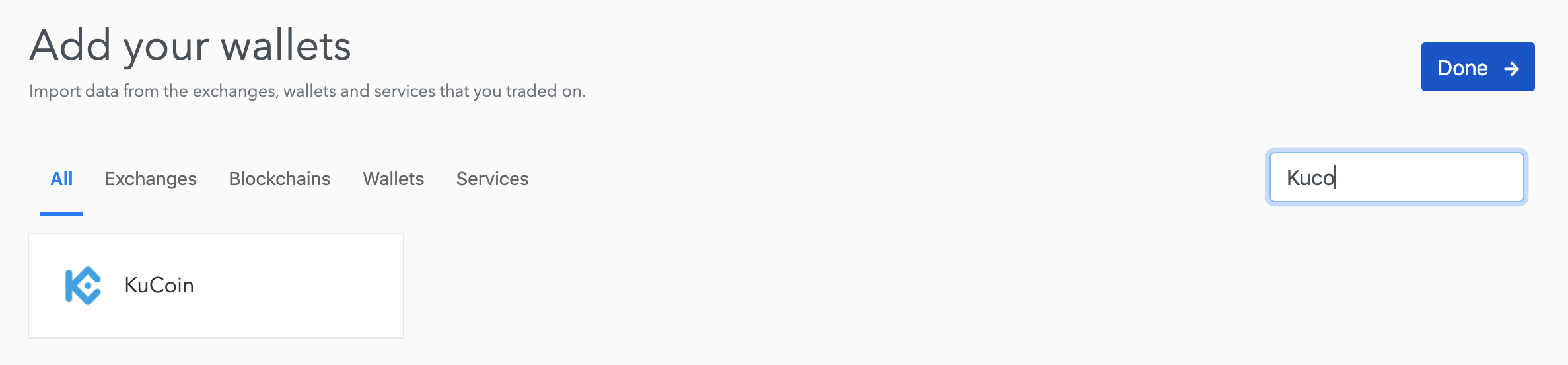
1. Select KuCoin from the Wallets page
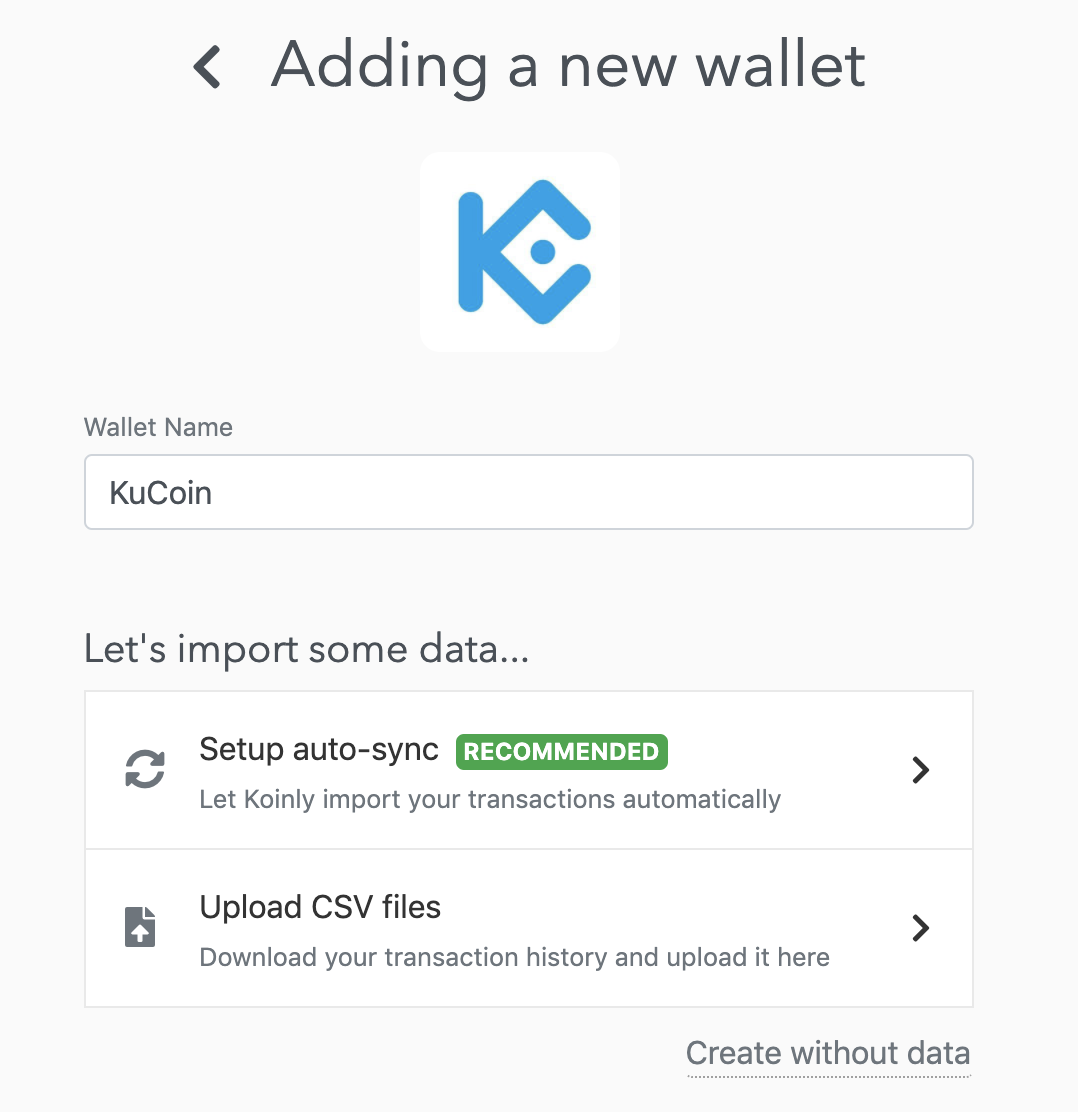
2. Click on Setup auto-sync
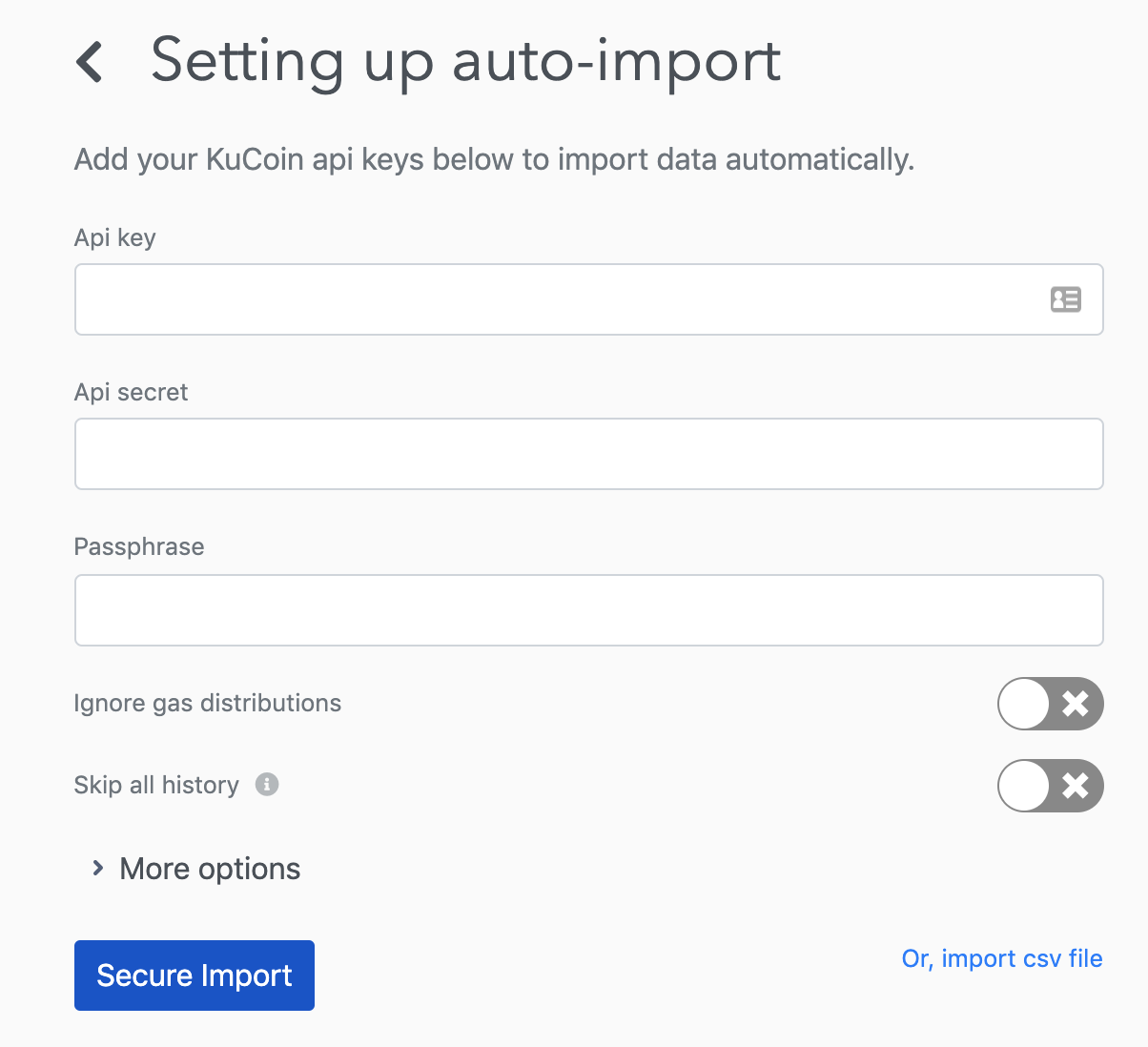
3. Enter your KuCoin API keys (generated from API Management page on KuCoin)
4. That’s it! Now just wait for Koinly to pull in data from the KuCoin API automatically.The full KuCoin tax guide can also be found here: How to get your KuCoin tax documents
Koinly will now be able to synchronize all your transaction and trading history as well as any future transactions to produce compliant crypto tax reports that you can use to file your taxes yourself or with the help of an accountant.