Step-by-Step Guide To Deposit AUD via PayID on KuCoin
Step-by-Step Guide To Deposit AUD via PayID on KuCoin
Master instant AUD deposits on KuCoin with our 2026 PayID guide. Learn how to fund your account in seconds with zero fees on AUD deposits and start trading 500+ assets today.
Thesis Statement
Efficiently funding a digital asset portfolio has become a cornerstone of the modern Australian investor's strategy, particularly as the local market matures into a global hub for blockchain innovation. As of April 2026, the demand for seamless fiat-to-crypto bridges has peaked, with over 52% of Australian users preferring traditional bank transfers for their reliability and cost-effectiveness. KuCoin, often referred to as the People's Exchange, has answered this call by integrating the New Payments Platform (NPP) via PayID. This system allows Australian residents to bypass the traditional multi-day waiting periods associated with international wires, offering a near-instant gateway to over 500 digital assets.
Whether you are looking to capitalize on a sudden market dip or simply want to automate your monthly dollar-cost averaging, understanding the nuances of the PayID deposit process is essential for navigating the high-speed landscape of 2026's decentralized finance. The most effective way for Australian investors to fund their KuCoin accounts in 2026 is through the PayID system, which leverages the New Payments Platform (NPP) to provide instant, zero-fee AUD transfers directly from local bank accounts.
Complete Identity Verification (KYC) – Mandatory
Log in to KuCoin Australia (official site/app: kucoin.com/en-au).
Go to Profile (avatar) → Identity Verification → Individual.
Select Australia → Upload a clear photo of an Australian driver's license or passport.
Complete live facial recognition (selfie).
Wait for approval (usually minutes to hours).
Important: Name on ID must exactly match the name on your personal Australian bank account.
Note: KYC is required before any AUD deposit. Use a personal (not joint/business) account.
Generate PayID Deposit Details
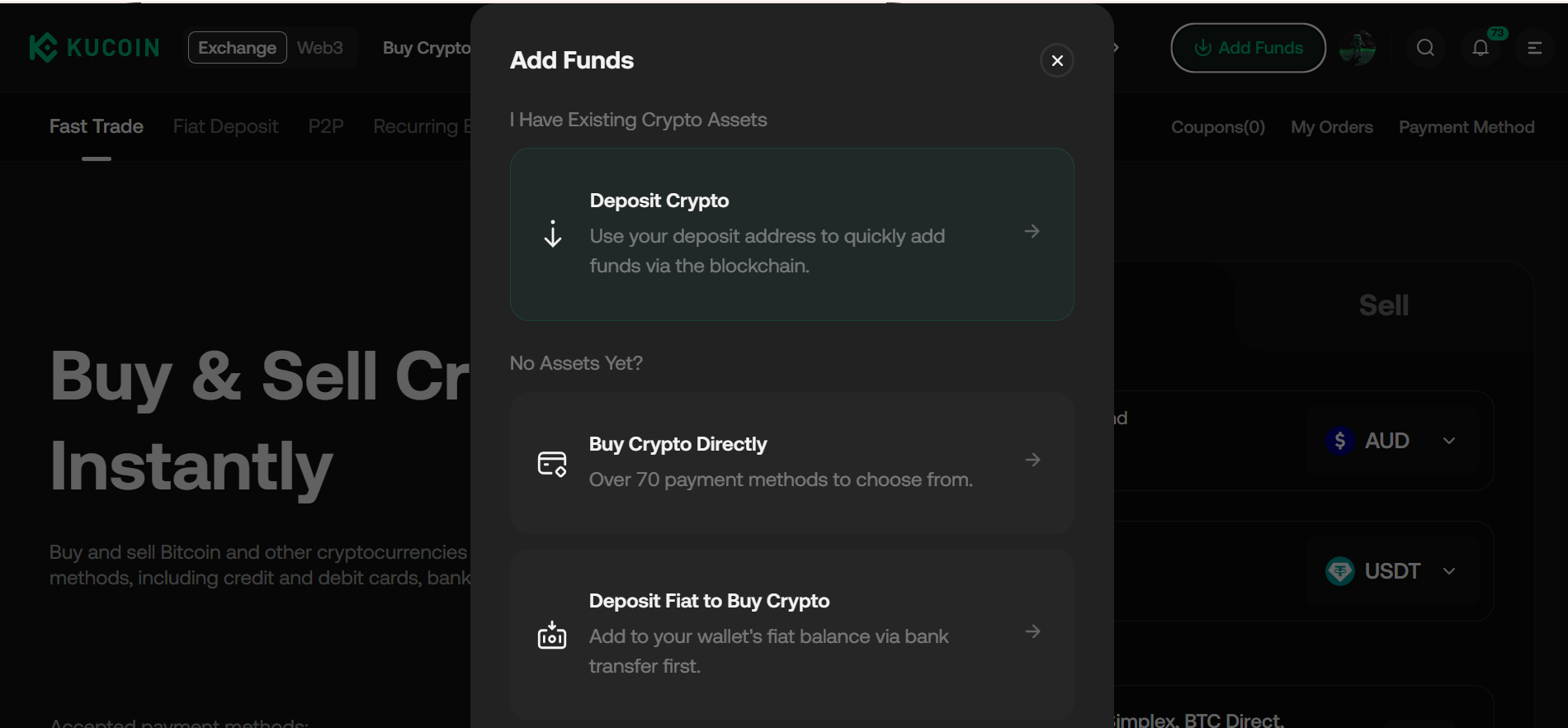
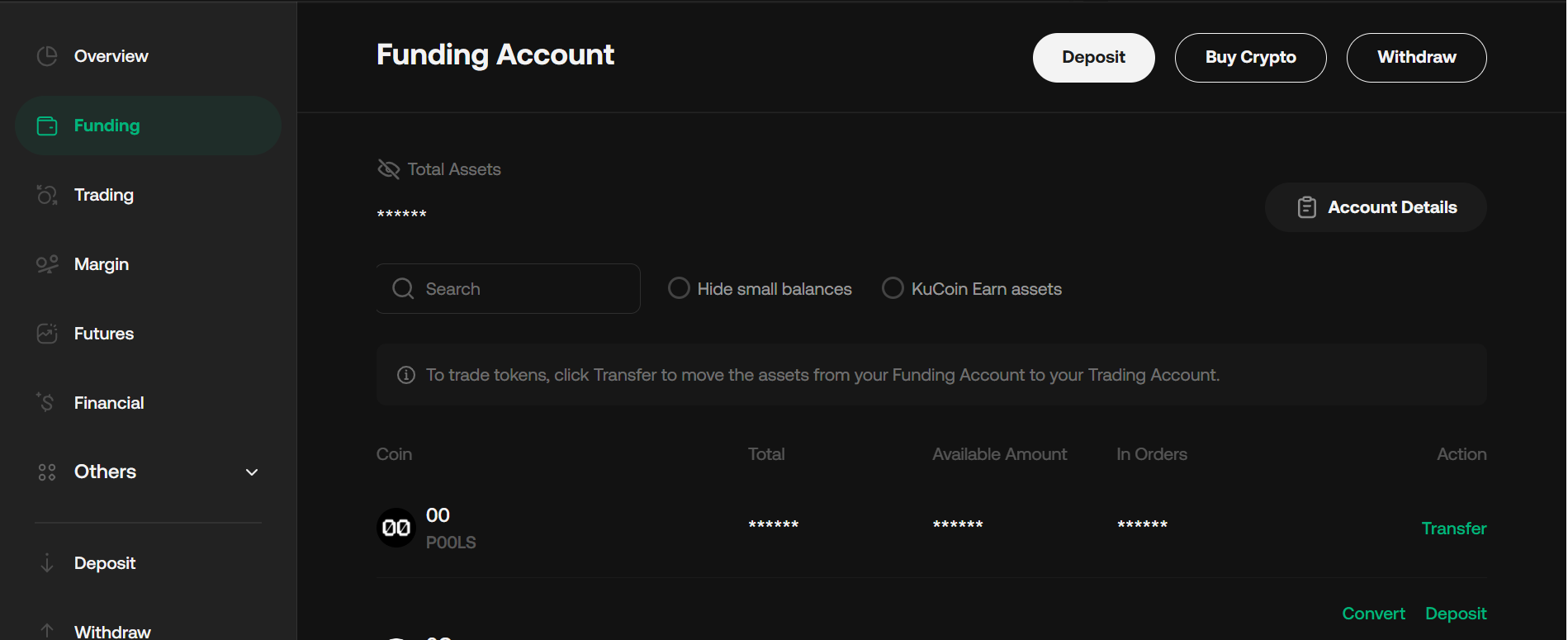
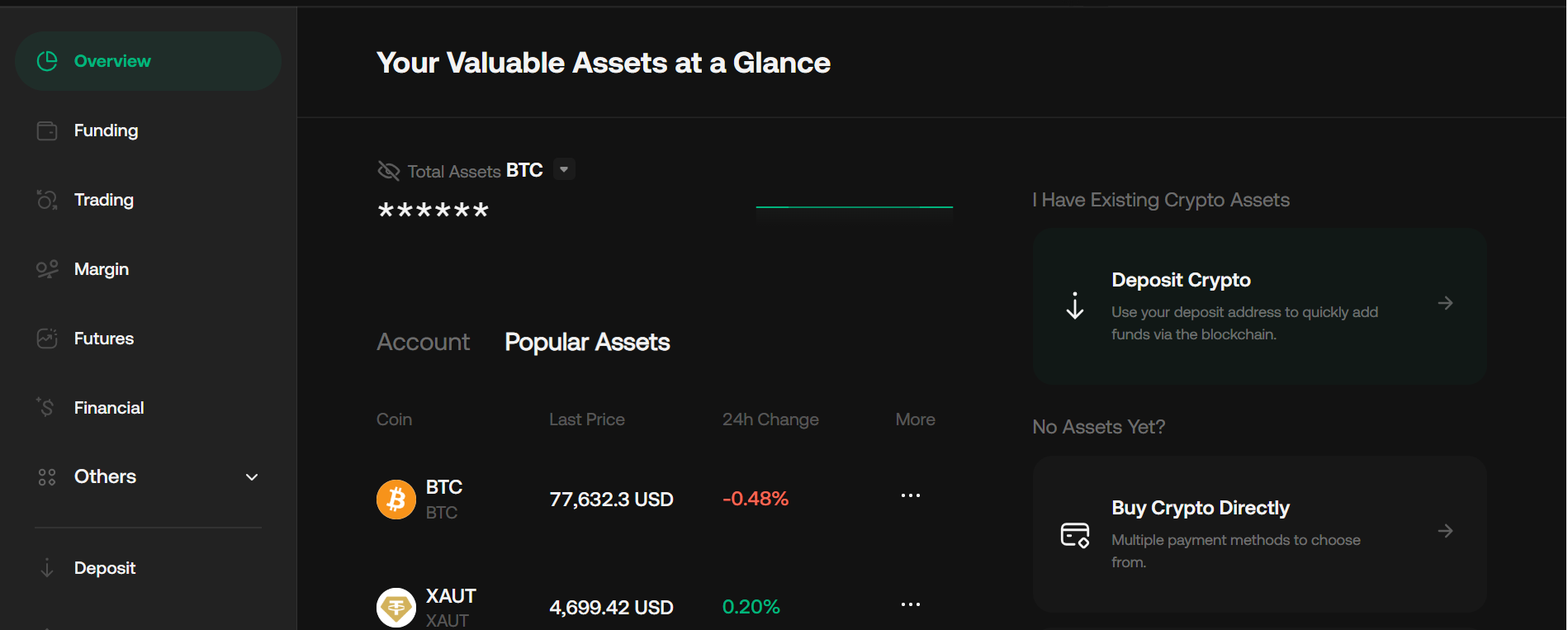
Go to Assets (bottom menu on app) → Deposit → Fiat.
Select AUD (Australian Dollar).
Choose payment method: PayID / Osko (or Bank Transfer via PayID).
The platform will display your unique PayID (email-style address) and/or reference code.
Tap Copy for accuracy.
Take a screenshot of the full details and any deposit limits shown.
Tip: Refresh the page if you leave it open too long (session may expire).
Make the Transfer from Your Banking App
Open your Australian banking app (CommBank, ANZ, Westpac, NAB, or others supporting Osko/PayID).
Go to Pay Someone / Transfer → Select PayID or Osko.
Paste the PayID address from KuCoin.
Enter the deposit amount.
In the Description / Reference field, paste the Reference Code (if provided).
Confirm the payment is set to Osko / Instant.
Review and send.
Expected time: Near-instant (seconds to minutes) via NPP/Osko network, 24/7, including weekends.
Check Deposit Status & Confirm Funds
Return to KuCoin Assets → Deposit History.
Monitor status: “Processing” → "Success."
Funds arrive in your funding account (you will often get a push notification/email).
First-time deposits may have a temporary bank security hold (up to 24 hours); contact your bank to whitelist if needed.
Common path: Buy USDT/USDC first, then trade for other assets (over 1,500 available).
Optional: KuCard for Everyday Spending
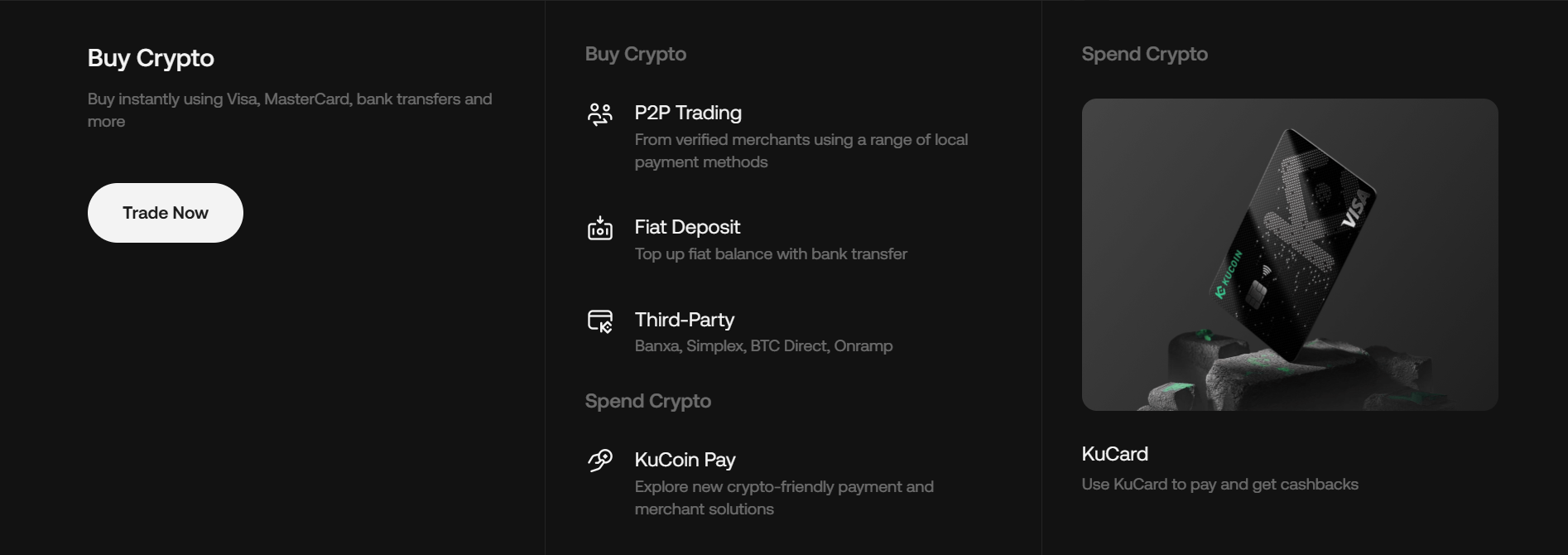
After KYC, apply for KuCard (physical/virtual Mastercard) in the app.
Link AUD or crypto balance.
Spend anywhere Mastercard is accepted, with auto crypto-to-AUD conversion at checkout + possible cashback.
Common Mistakes to Avoid
Forgetting the Reference Code (causes delays/manual processing).
Name mismatch between the bank account and KYC.
Using expired PayID details (refresh the KuCoin page).
Sending from joint/business accounts.
First-time bank holds are normal for security.
Quick Tips
Deposits via PayID/Osko typically have zero or very low fees on the KuCoin side.
Check your personal daily/monthly limits in Account → Limits.
Use the official KuCoin AU platform only. Never follow external links or social media instructions.
For delays (>30 min): Check the bank app first, then contact in-app live chat with your transfer receipt.
FAQ
1. Safe? Yes, it uses Australia’s regulated NPP/Osko system + KuCoin security (2FA recommended).
2. Supported banks? Most major ones (CommBank, ANZ, Westpac, NAB, etc.).
Delayed? Common for first transfers; provide a receipt to support if needed.
3. Is KYC required? Yes, you must complete identity verification before depositing AUD.
4. How do I get PayID details? Go to Assets → Deposit → AUD → PayID to generate your unique details.
5. How fast are deposits? Usually instant (seconds to minutes) via Osko/PayID.
6. Why is my deposit delayed? Delays are often due to missing references, name mismatches, or bank checks.
7. What can I do after depositing? Transfer to trading and buy crypto via Fast Buy or Spot trading.
Disclaimer
This is for informational purposes only and does not constitute investment advice. Cryptocurrency investments carry risk. Please do your own research (DYOR) and only invest what you can afford to lose.