

How to Prevent Fake Crypto Apps and Wallets?
They look almost exactly like the real KuCoin app, but the goal is simple: trick you into giving up your login info, your private key (like the key to your wallet), or your seed phrase (a set of words used to recover your wallet). Once you hand that over, your crypto is gone.
Here’s how these scams usually work, and what you can do to stay safe.
What Are Fake Apps and Wallets?
They’re apps made by scammers pretending to be official platforms. Once installed, they might:
-
Ask for your login info, private key, or seed phrase — then steal your funds.
-
Show you a balance that looks normal, but secretly move your coins away.
-
Install spyware or malware on your phone to grab more of your personal data.
Common Scamming Methods
-
Fake listings in app stores Scammers upload apps with almost the same name and logo as KuCoin. Easy to mistake if you’re not careful.
-
Links on social media Shared on Telegram, Twitter, or YouTube — but actually leads to malicious APKs or fake wallets.
-
Fake “update” messages You get a message saying “update your KuCoin app/wallet,” but the link installs malware.
How to Stay Safe
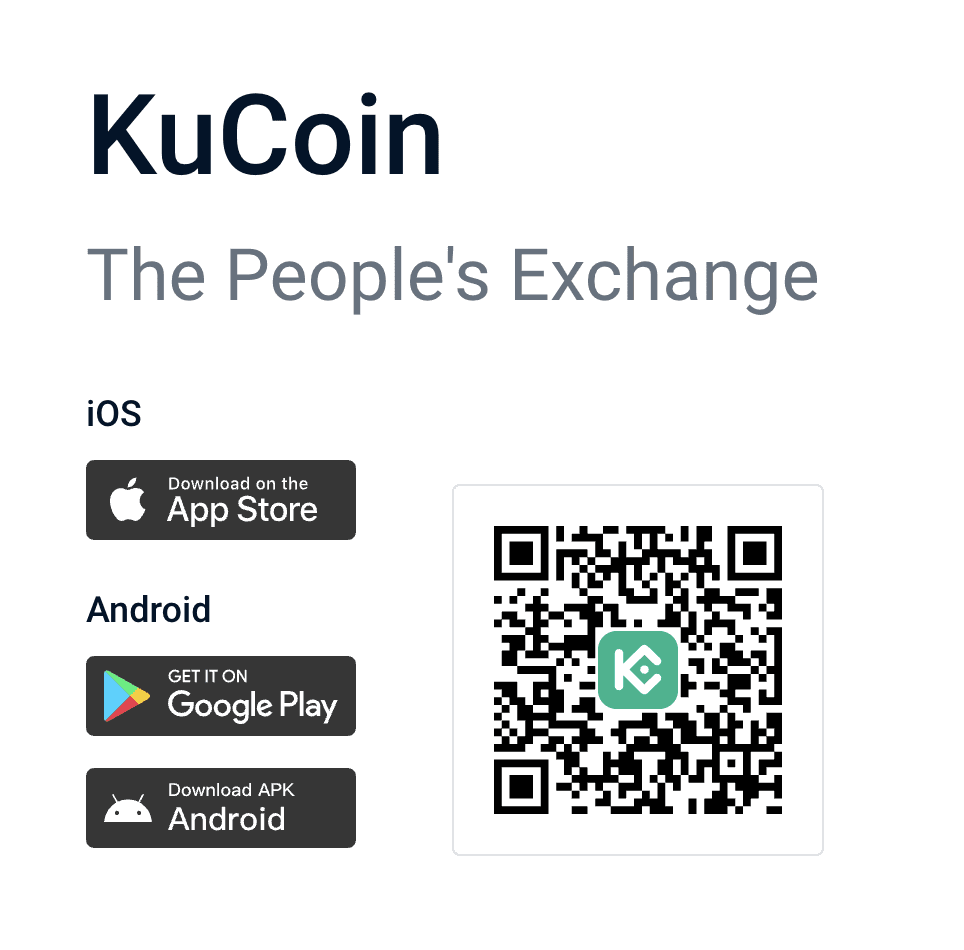
1、Download only from official sources
-
- KuCoin official download page: www.kucoin.com/download
-
-
iOS: Apple App Store
-
Android: Google Play
-
Never use links from strangers.
-
2、Check app details
-
- Look at the developer name (commonly shown as Kugame Global Limited or KuCoin Technology LLC).
- Fake apps often have very few downloads, strange ratings, or copy-paste reviews.
3、Turn on security features
-
-
Enable Two-Factor Authentication (2FA).
-
Set up an anti-phishing code in KuCoin to verify emails and SMS.
-
4、Red flags to watch out for
-
-
KuCoin exchange account: Any app asking for your private key or seed phrase is 100% fake.
-
Non-custodial wallets (like MetaMask or KuCoin Web3 Wallet): Your seed phrase is only for your own backup. KuCoin will never ask for it.
-
Be careful with links from Telegram, emails, or SMS.
-
What to Do If You Installed a Fake App
-
Delete the fake app right away.
-
Change your KuCoin login password and reset 2FA.
-
If you enter your seed phrase or private key, move your funds into a new wallet immediately.
-
Contact KuCoin support through official channels:
-
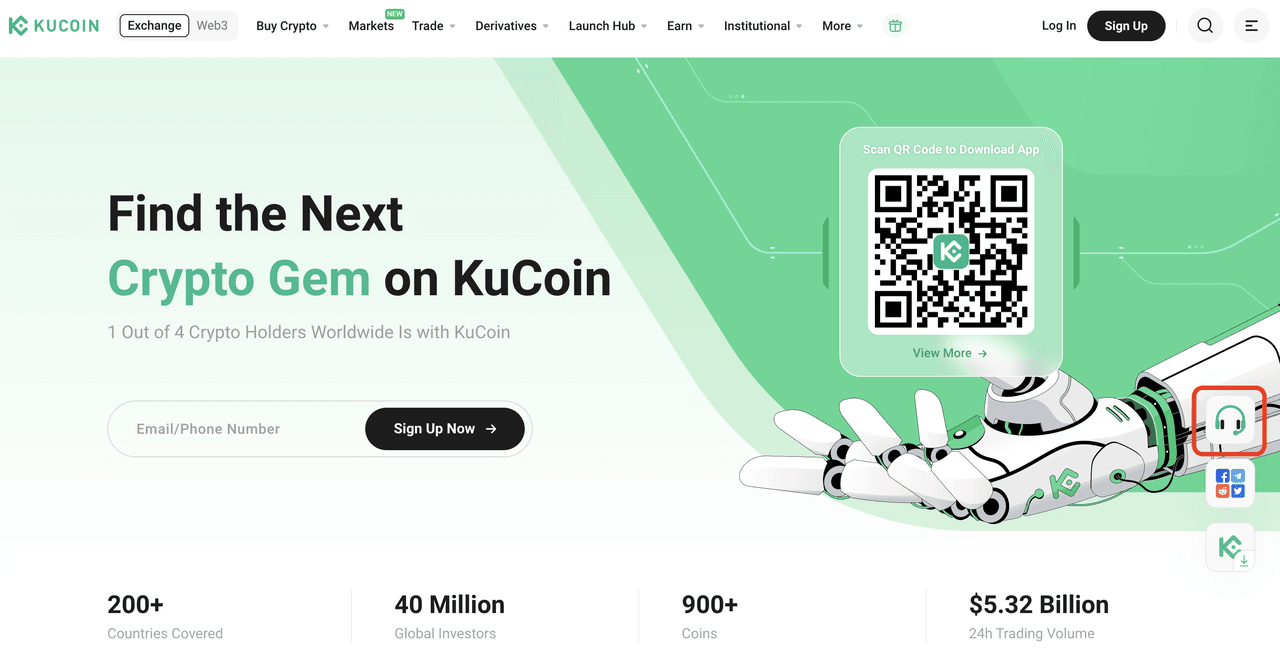
- Web: Click the headset help icon on the right side of the homepage → this opens the Help Center, or go directly to kucoin.com/support.
-
- iOS: Tap the customer service icon in the top right.
- Android: Personal Center → Help Center → Online Customer Service.
Final Thoughts
Fake apps and wallets are just another reminder that scammers keep coming up with new tricks.
To keep your crypto safe, always remember:
-
Only download apps from official channels.
-
Never share your private key or seed phrase.
-
When in doubt, stop and double-check with KuCoin first.
Stay alert, and you’ll be able to trade with confidence.