Sub-Accounts
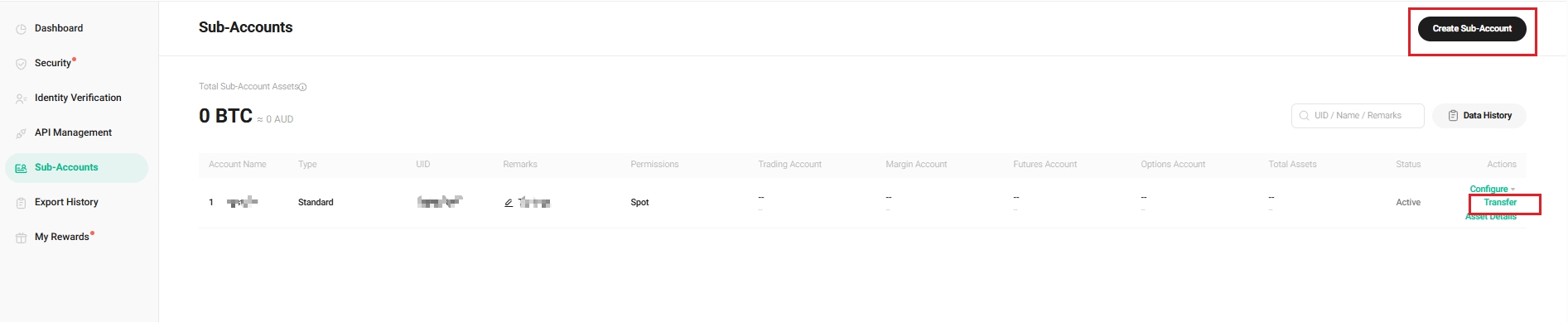
As the crypto industry continues to evolve, KuCoin noticed a growing demand for better management of multiple exchange accounts. KuCoin allows you to create Sub-Accounts under one Master Account to improve the efficiency of account management.
This article outlines how to create a sub-account and explains how they differ from your master Account.
Contents
1. How to Create a Sub-Account
3. The Relationship Between the Master and Sub-Accounts
1. How to Create a Sub-Account
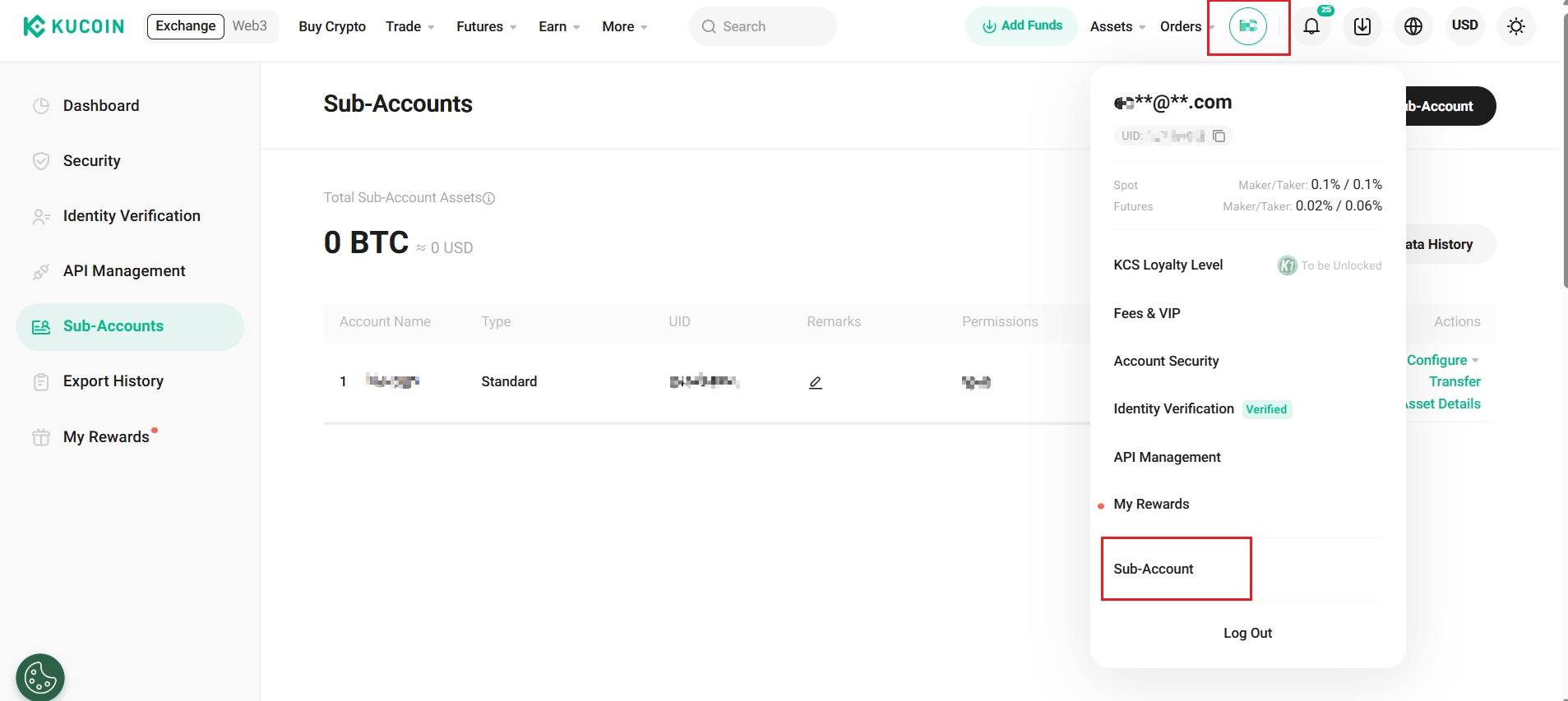
Step 1. Go to www.kucoin.com/en-au and click Avatar on the header, then click Sub-Account.
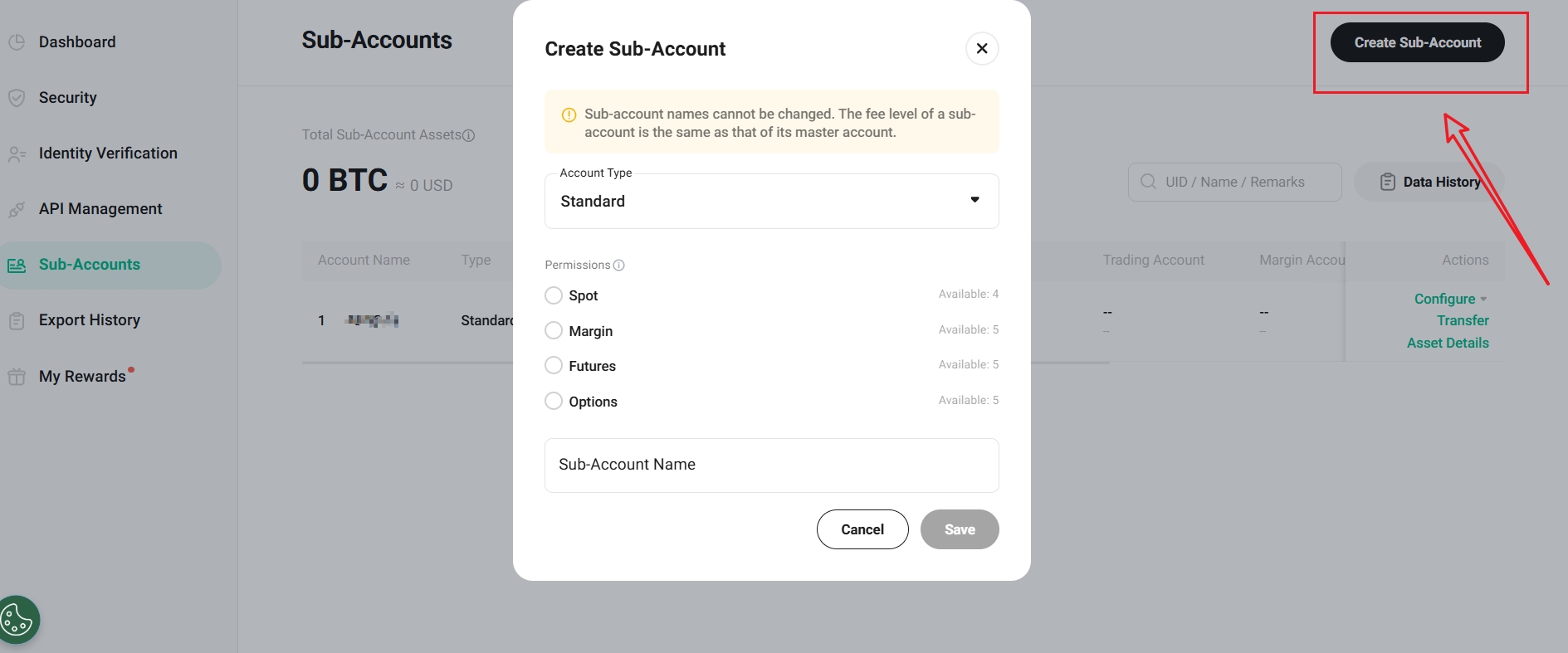
Step 2. Click Create Sub-Account, fill in the name, password, and remarks (optional) to proceed. The name of the sub-account must be unique and cannot be modified once created.
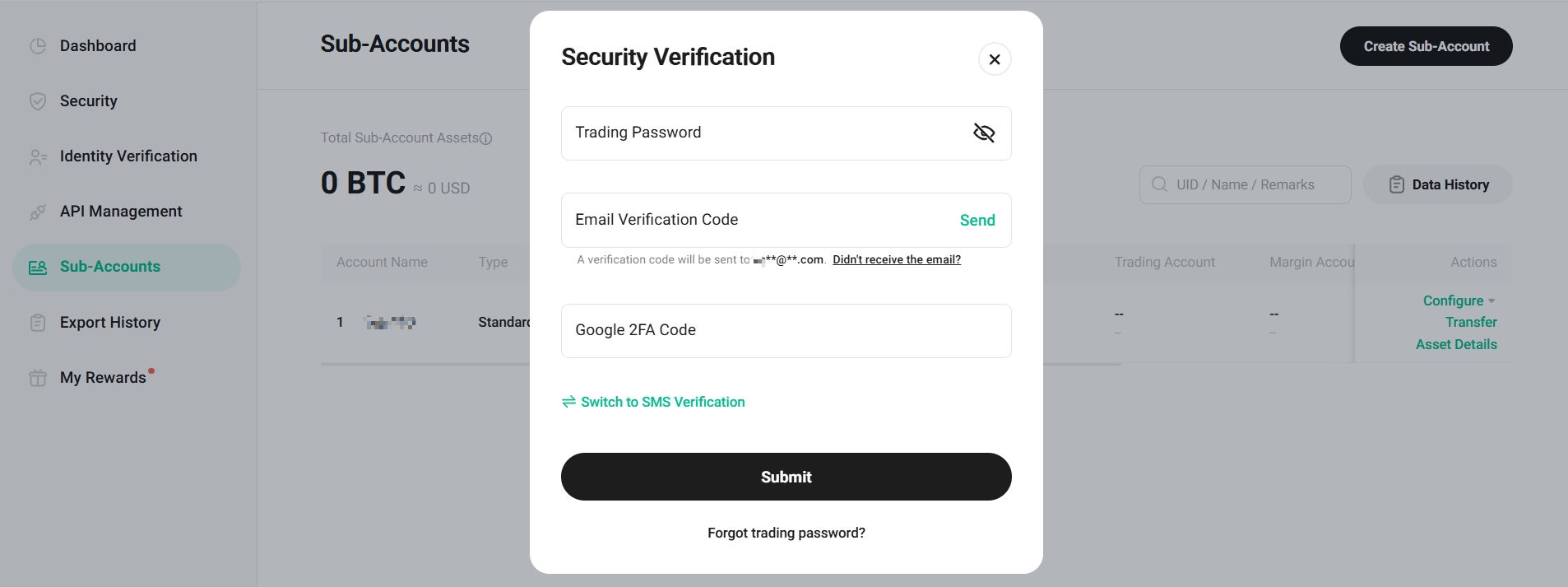
Step 3. Complete the security verification by providing your trading password, email verification code, Google 2FA code, or SMS verification code.
Note:
The maximum number of sub-accounts that can be created under a master account is as follows:
| Master Account Tier (Fee Tier) | Maximum Number of Sub-Accounts |
| LV 0 | 5 |
| LV 1 | 5 |
| LV 2 | 5 |
| LV 3 | 5 |
| LV 4 | 10 |
| LV 5 | 15 |
| LV 6 | 20 |
| LV 7 | 25 |
| LV 8 | 30 |
| LV 9 | 35 |
| LV 10 | 40 |
| LV 11 | 45 |
| LV 12 | 50 |
2. Sub-Account Functionality
In general, Sub-Accounts have the function and enjoy the same benefits as the Master Account, including:
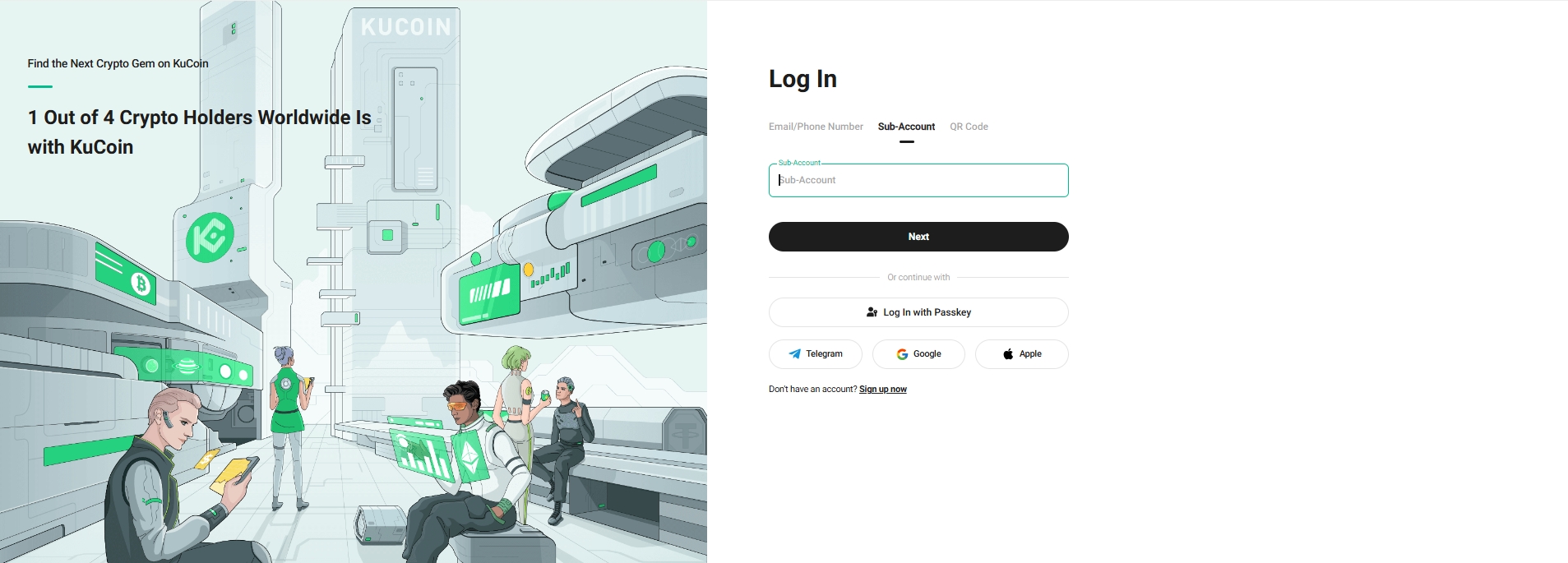
(1) Log in a sub-account independently
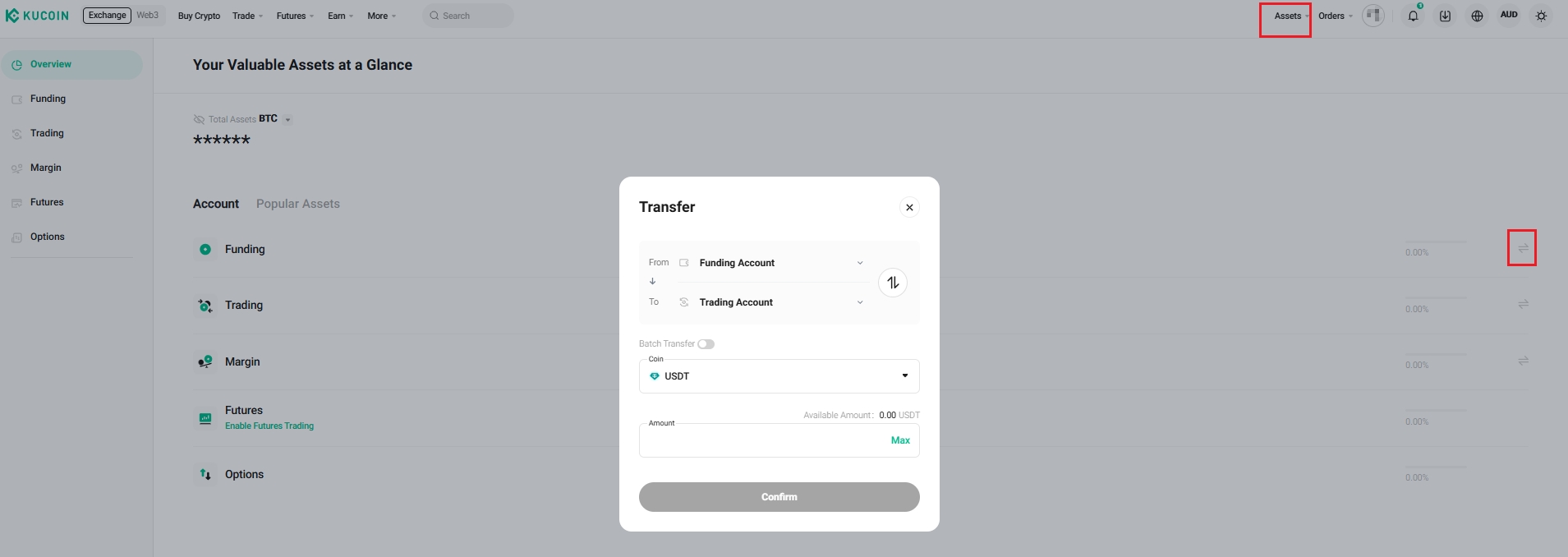
(2) Transfer of funds
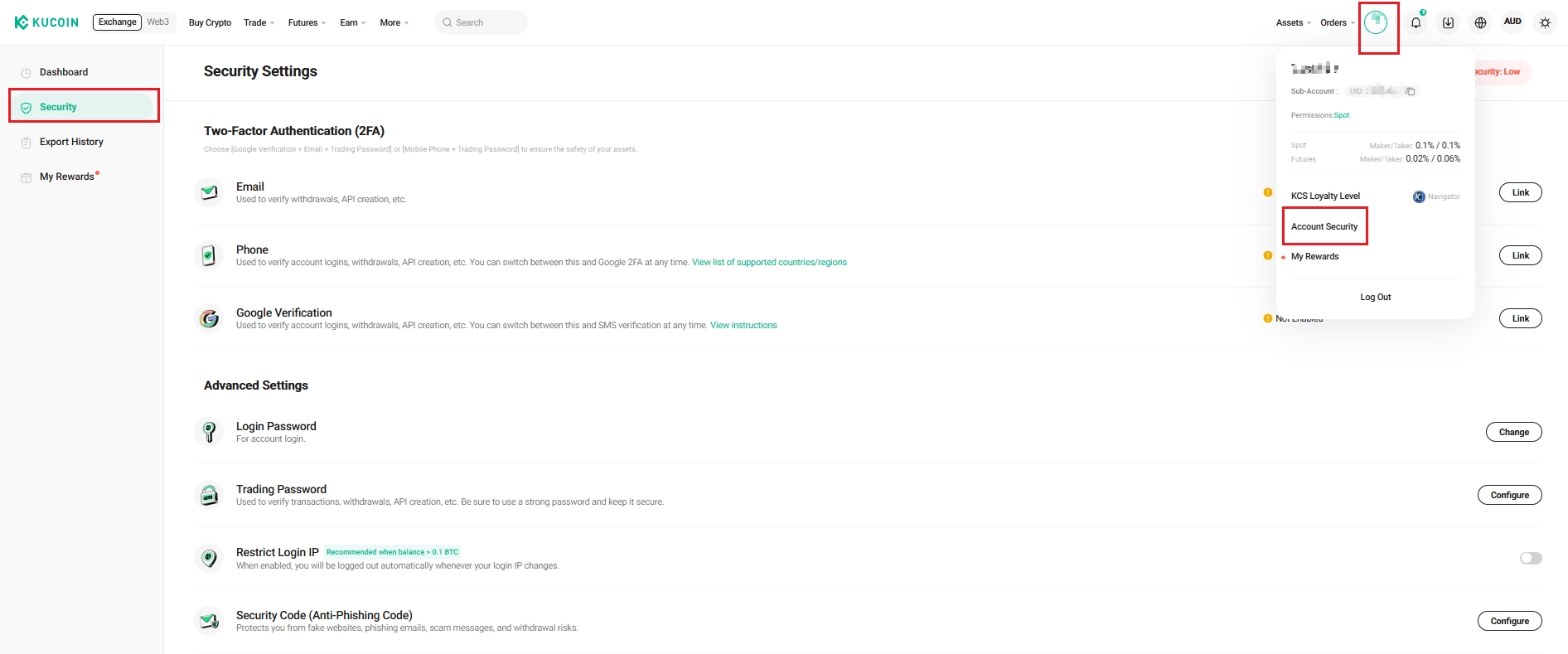
(3) Configuration of security settings such as Google 2FA and trading password
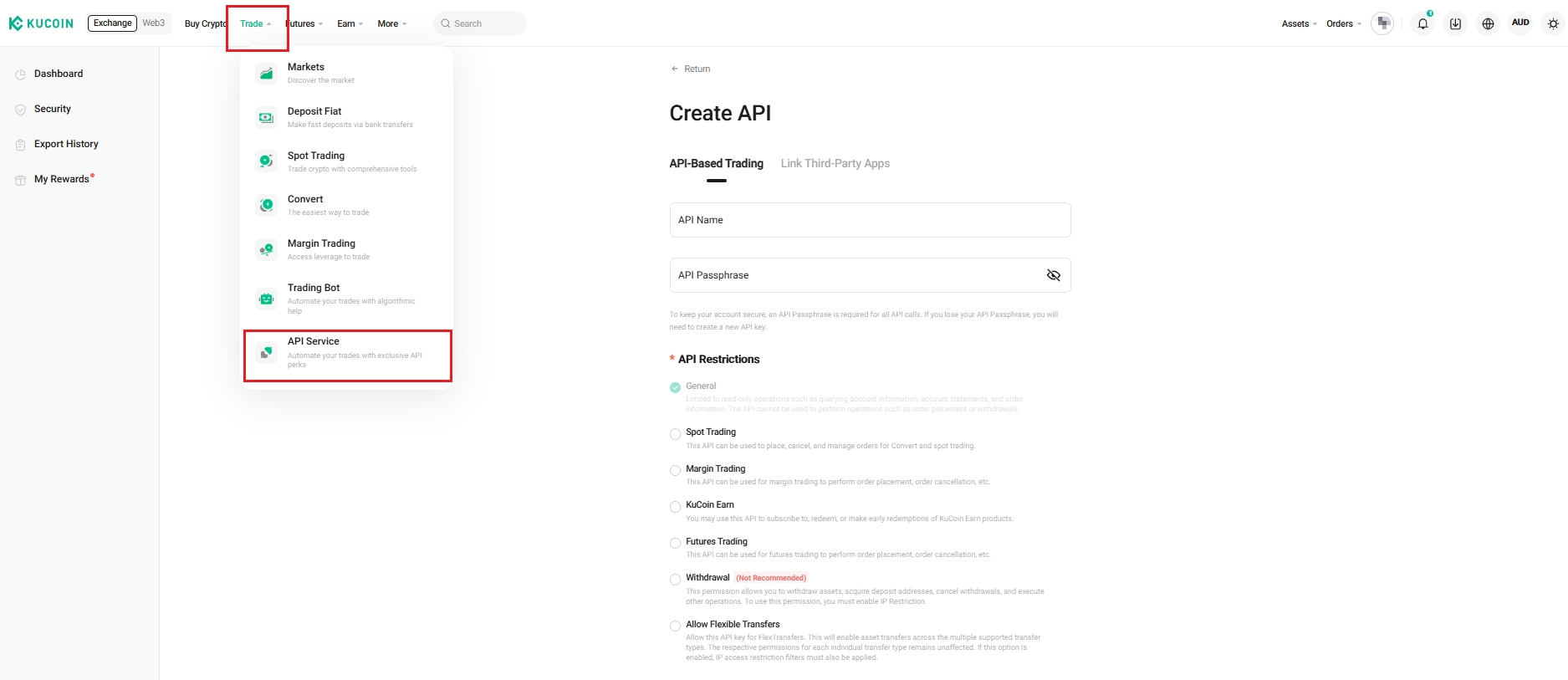
(5) Creation of APIs (10 per sub-account)
(6) Trading in the KuCoin Spot, Margin, or Futures market
However, there are also a few things a Sub-Account CANNOT do, including:
(1) Withdraw funds
Note: You must transfer funds to the Master Account to make a withdrawal.
(2) Participate in most events and campaigns on KuCoin as specified in the activity rules.
3. The Relationship Between the Master and Sub-Accounts
(1) Sub-Account Creation
You can only create the Sub-Account under your Master Account.
(2) KYC & Trading Fee Tier
The Master Account and all Sub-Accounts share the same KYC level and trading fee tier. This means that you do not need to submit KYC Verification again if the Master Account has already done so. All the trading volume and trading fees will be accumulated in the Master Account.
(3) Security Settings
The Master Account has the right to freeze & unfreeze all Sub-Accounts and change security settings such as the password, trading password, and Google 2FA.
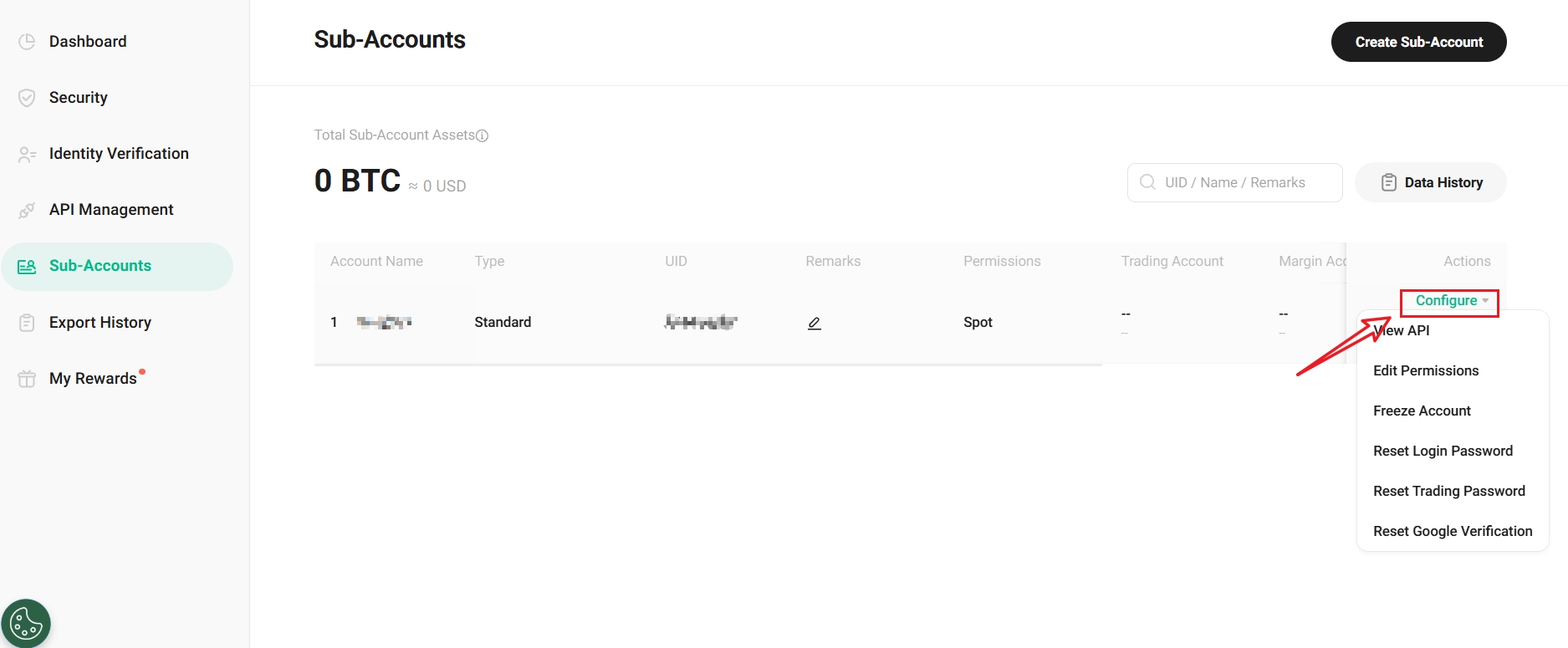
(4) Master Account Rights
The master account has absolute control over the sub-account, and can control the creation of the sub-account, account security settings change, and the transfer of funds.