
How to deposit AUD and withdraw via Bank Transfer
শেষ আপডেট: 21/07/2026, 10:45:17
Q1: How do I Deposit AUD using Bank Transfer?
A: To Deposit AUD via Bank Transfer:
-
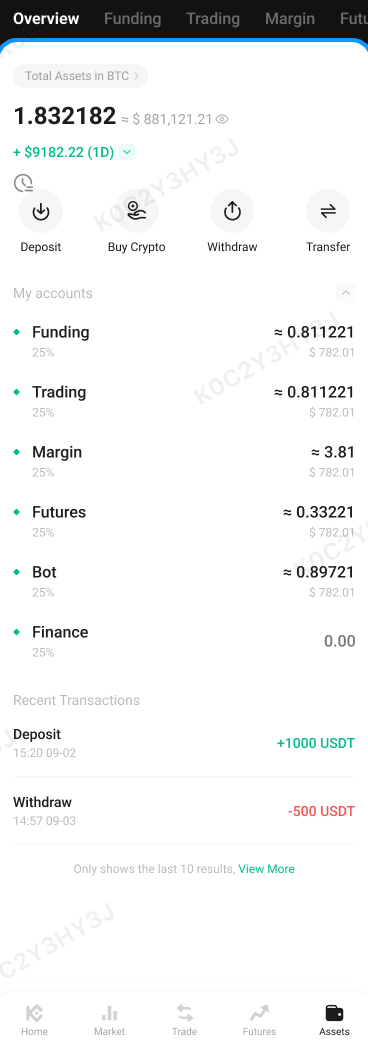
Open the app and go to Home. Click on the Assets tab at the bottom.
-
Select Deposit, then choose Fiat Currency.

-
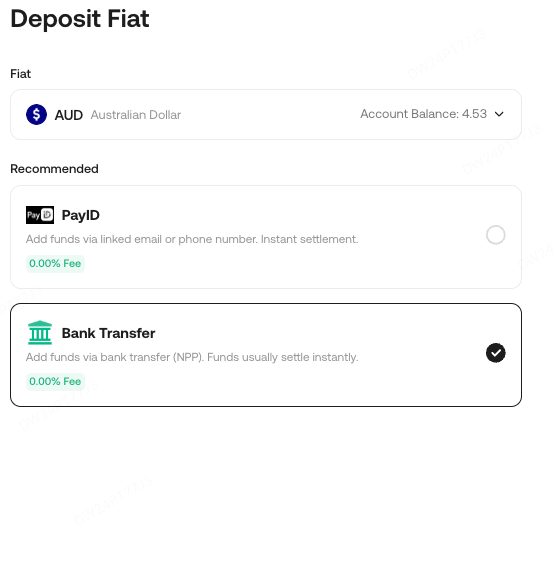
Select AUD from the list of available currencies. Choose either PayID or bank transfer as your payment method.
-
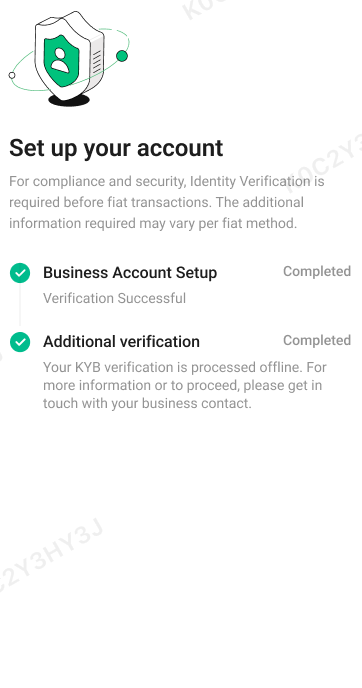
Before making a deposit, ensure that you have completed the KYC process for the selected channel. Once the KYC is completed, you can proceed with the deposit.
-
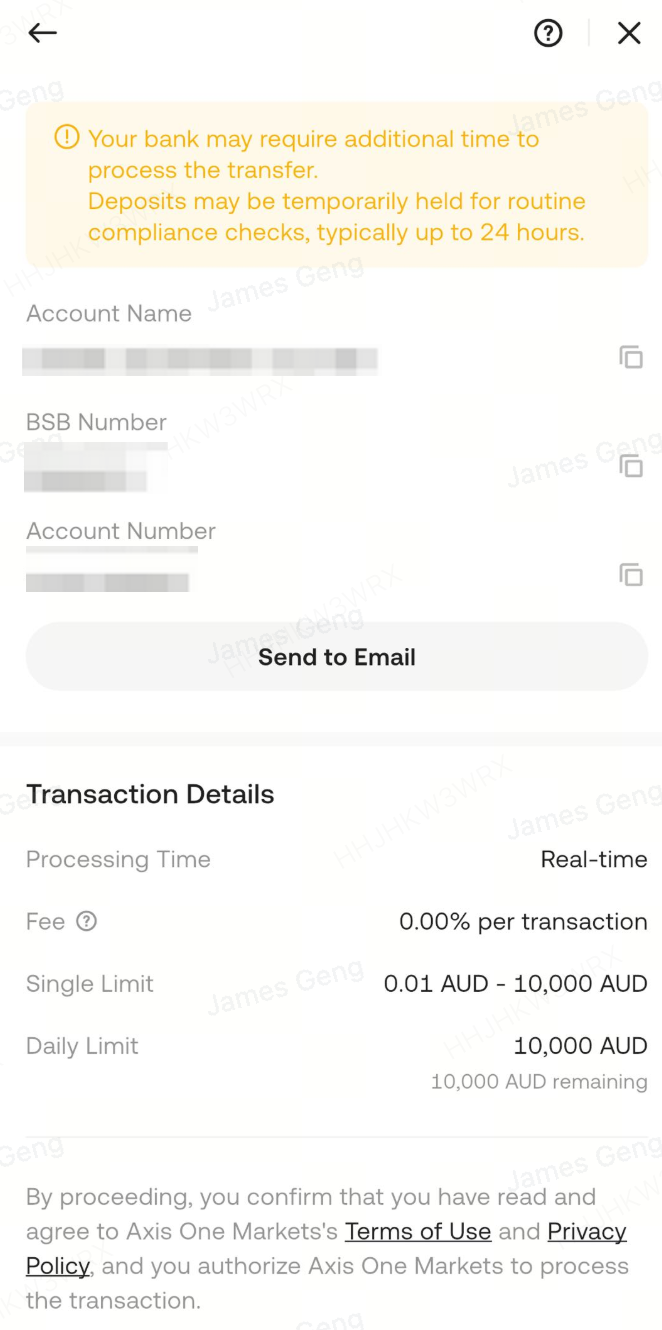
Carefully review the bank account details and unique reference number provided.
-
Open your banking app or website and initiate a transfer to the provided bank account using the reference number.
Note: Ensure the reference number is entered correctly to avoid delays. Deposits via Bank Transfer may take 1-3 business days to process.
Q2: How do I Withdraw AUD via Bank Transfer?
A: To Withdraw AUD via Bank Transfer:
-
Open the app and go to Home.Click on Assets, then select Withdraw.

-
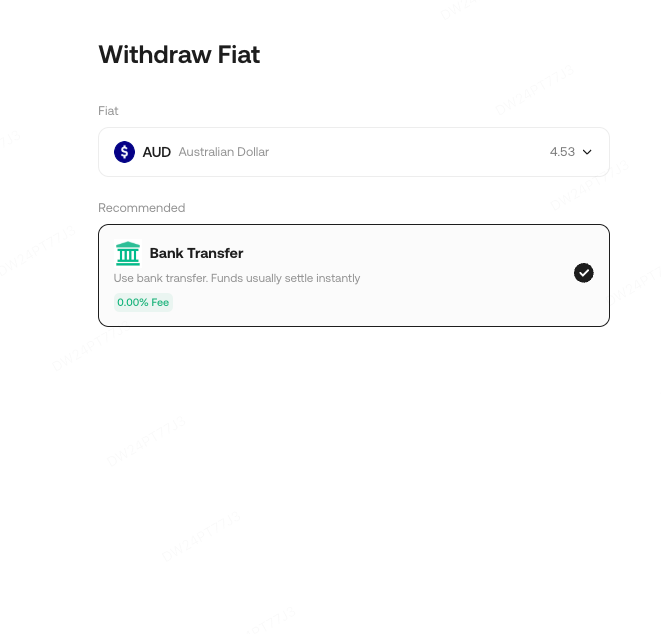
Choose Fiat Currency and select AUD as the withdrawal currency.
-
Enter your bank account details, including the BSB code (if applicable) and account number.
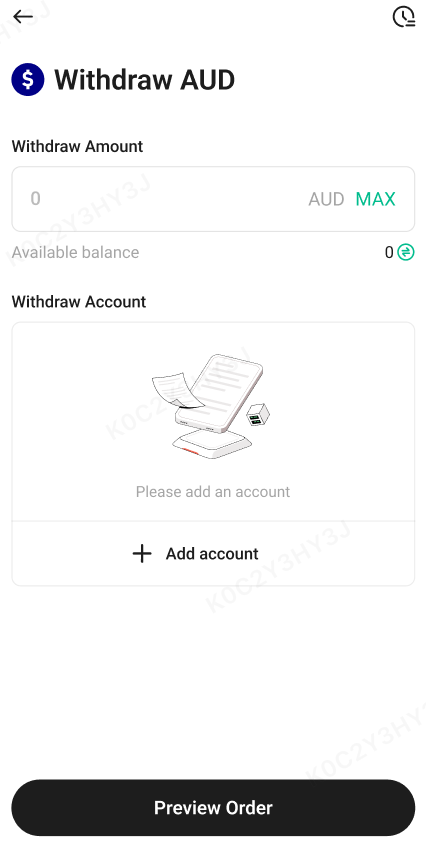
- Specify the withdrawal amount and click Confirm.Wait for the withdrawal to be processed, which may take 1-3 business days depending on your bank.

We hope this article has been helpful. If you have any other questions, please reach out to our customer support via online chat or submit a ticket.
Happy trading on KuCoin!