How to Sell Crypto to Fiat Currencies and Withdraw to Your Card on KuCoin?
Last updated: 11/25/2025
You can now sell crypto to cash and withdraw them directly to your card on the KuCoin app and website.
-
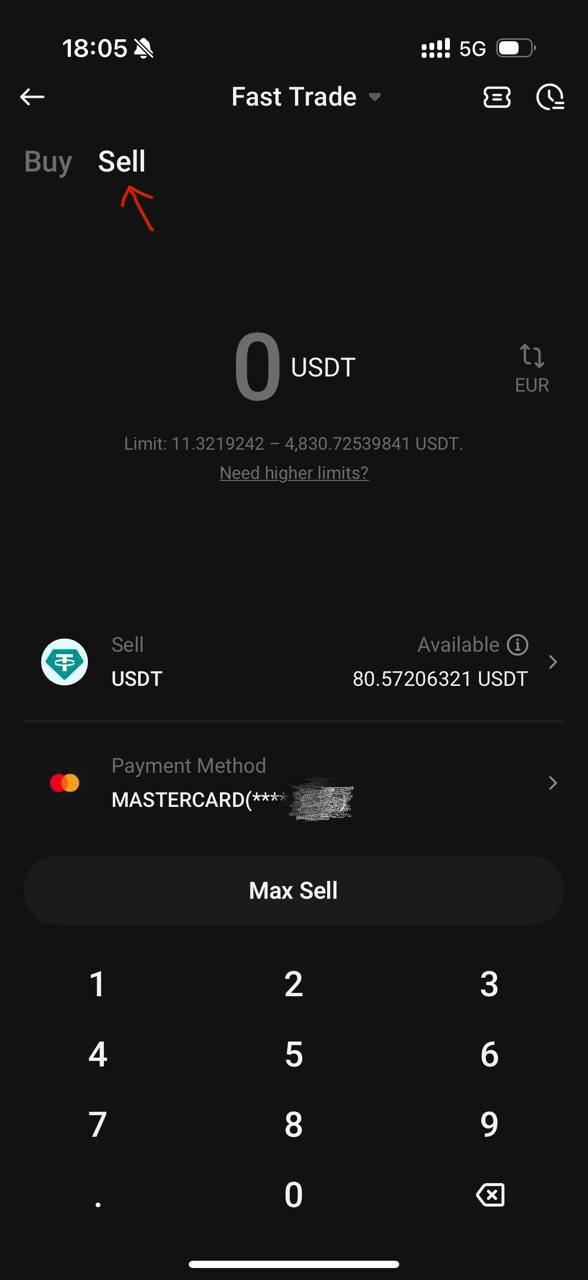
Log in to your KuCoin app and go to [Buy Crypto] - [Fast Trade], then switch to [Sell] at the top.
-
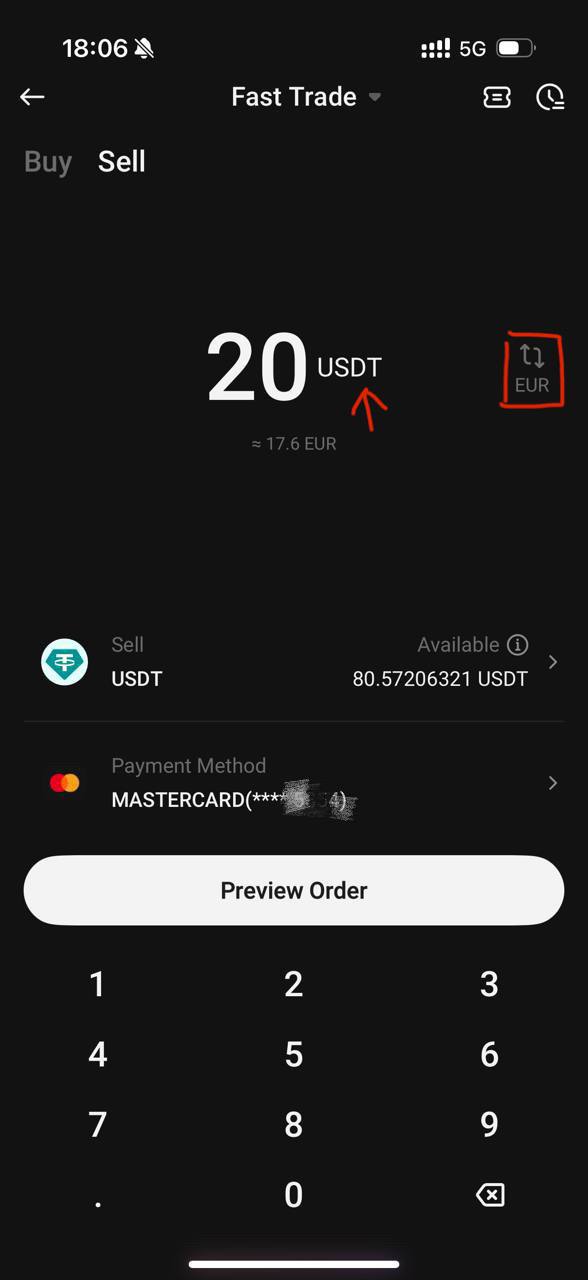
Choose the crypto you want to sell, select the currency you want to receive, enter the amount, and choose [Card] as the payment method. Read and agree to the Buy & Sell Services Terms.
Note:
Currently supported crypto: USDT
Currently supported fiat: USD, AED, AUD, ILS, PLN, SEK, CHF and more.
-
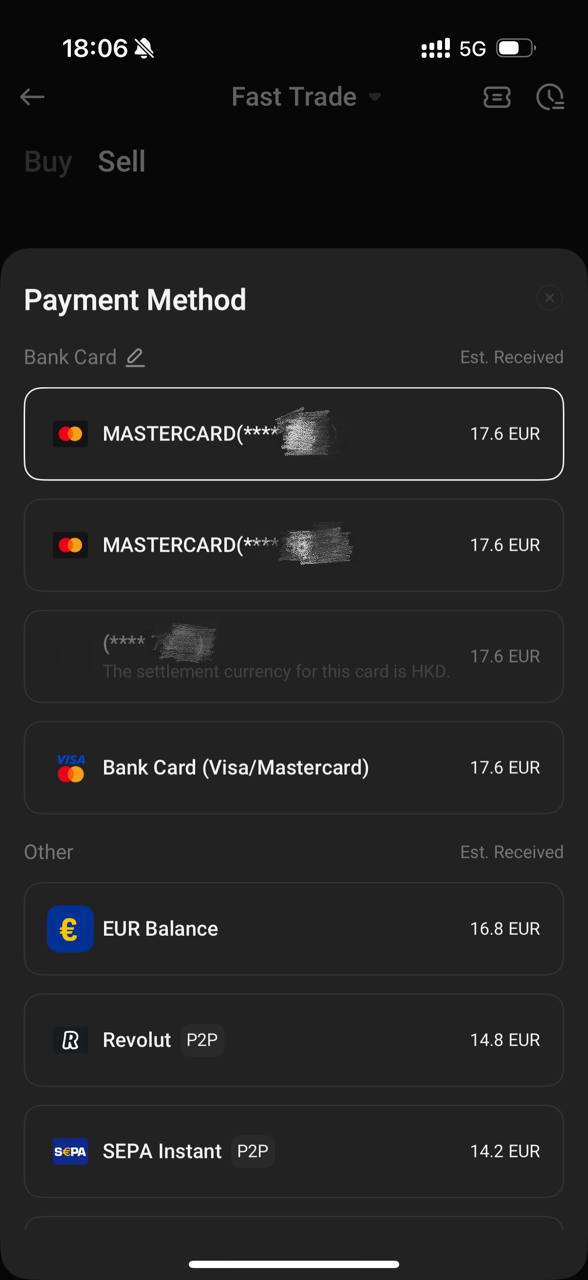
Select a linked card, or add a new card if you haven’t linked one yet.
-
Your order will be processed shortly.
-
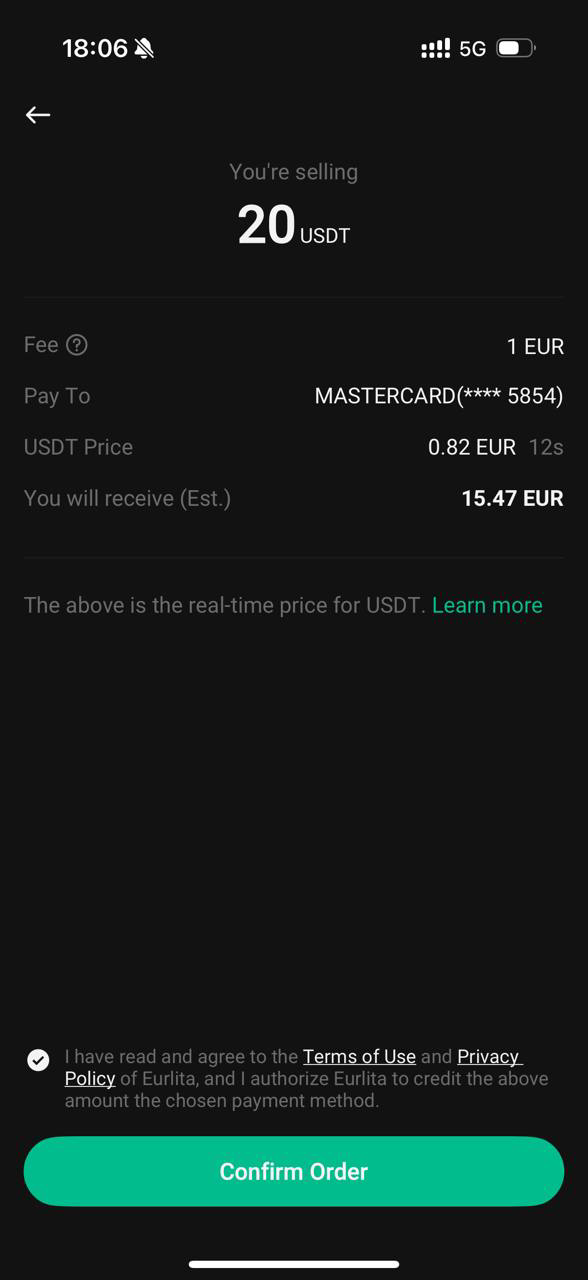
Review the sell order details, read the terms carefully, and tap [Confirm].
-
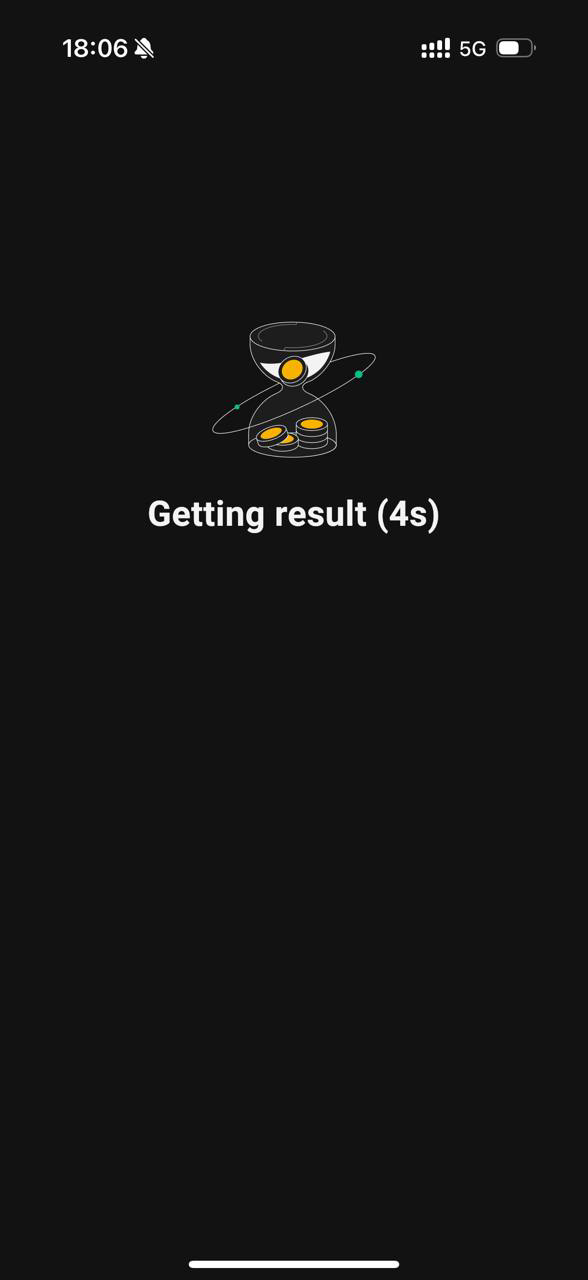
Complete security verifications.
If the process takes too long, the price quote may expire. In this case, you’ll be redirected to a new quote page. Please review the updated quote and confirm the transaction again to proceed.
-
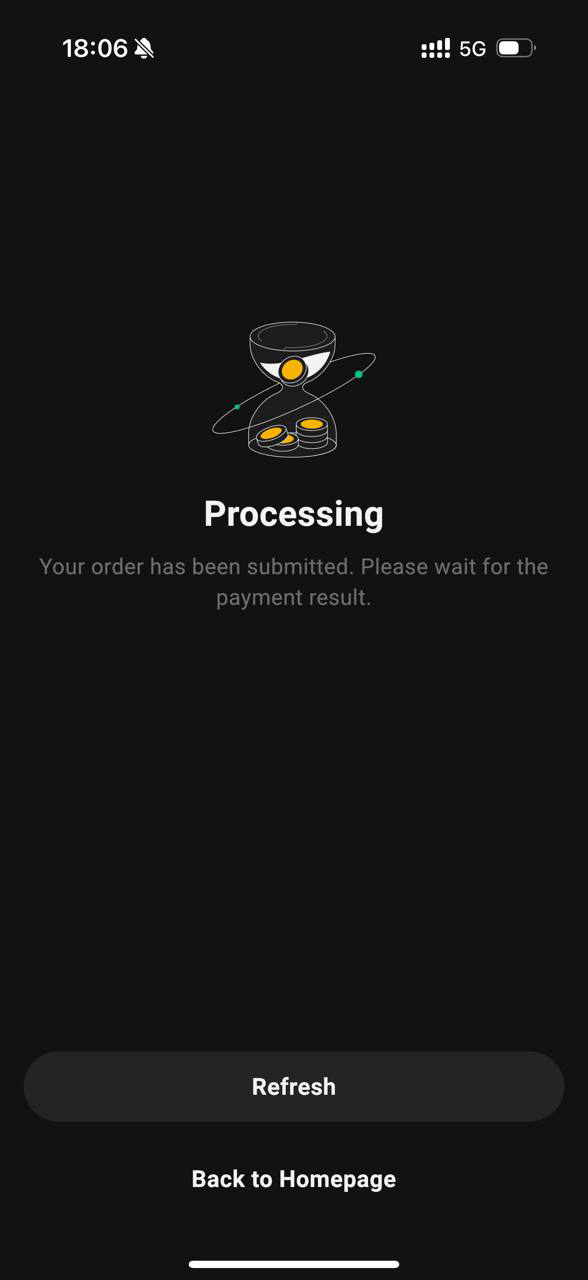
Your order is successfully submitted.
-
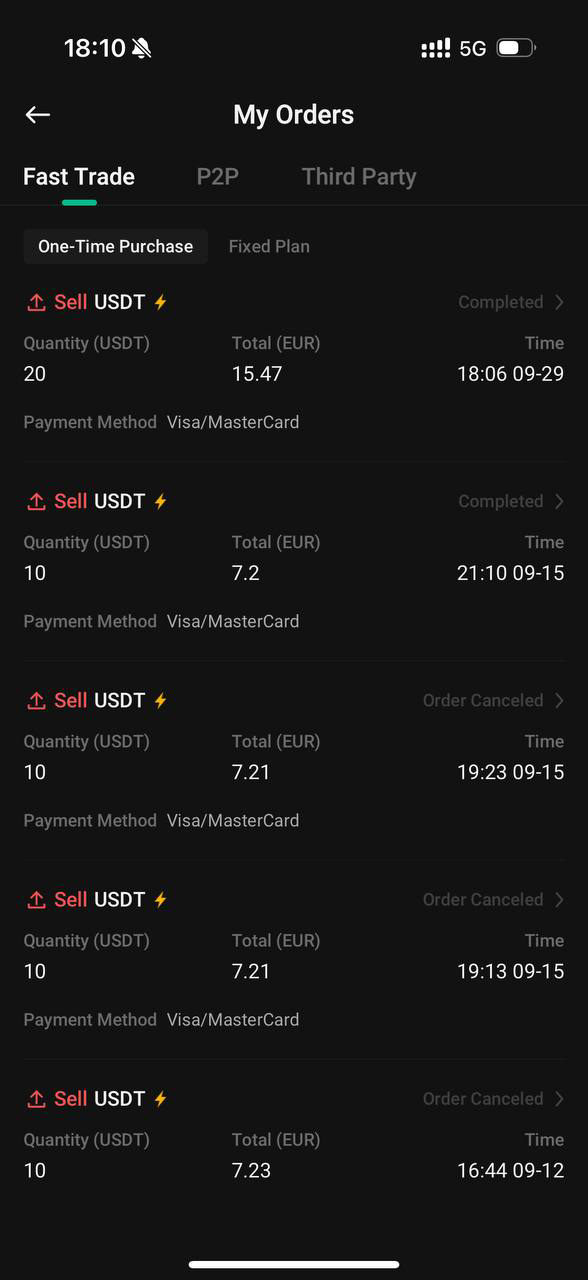
To check your order details, go to [Orders] - [Buy Crypto Orders] - [Sell].