How to Sign Up & Log in
Contents
1. How to Sign Up
2. How to Log in
3. How to Change Login Password
1. How to Sign Up
Step 1: Visit the official KuCoin website and select Sign Up in the top right.
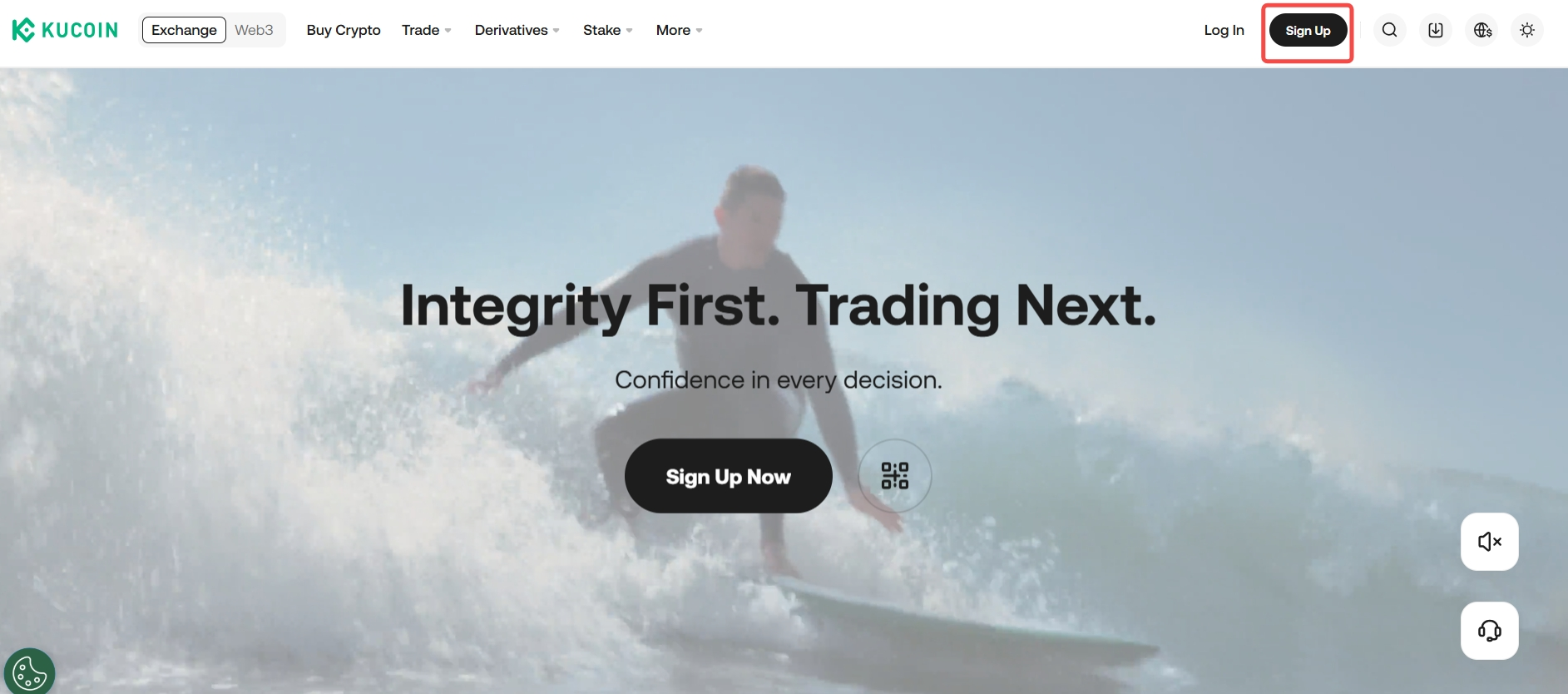
Step 2: You can sign up with either an email or a phone number, or third-party contact.
i.Sign Up with Email/Phone Number
From the KuCoin homepage on either the web or app, enter the email/phone number you wish to sign up with, and the referral code (if any).

ii. Sign Up with Apple ID/Telegram/Google

Step 3: Check the box to agree Terms of Use and Privacy Policy, then select Create Account.

Step 4: Complete security verification, enter the code you receive, create your login password, and then select Confirm to finish.


Note:
i. If your email or phone number is already in use with another account, it cannot be used again.
ii. Once you’ve signed up for an account, all of KuCoin’s features are for you to explore. Check out our Getting Started guides to set up your security settings and start trading.
2. How to Log in
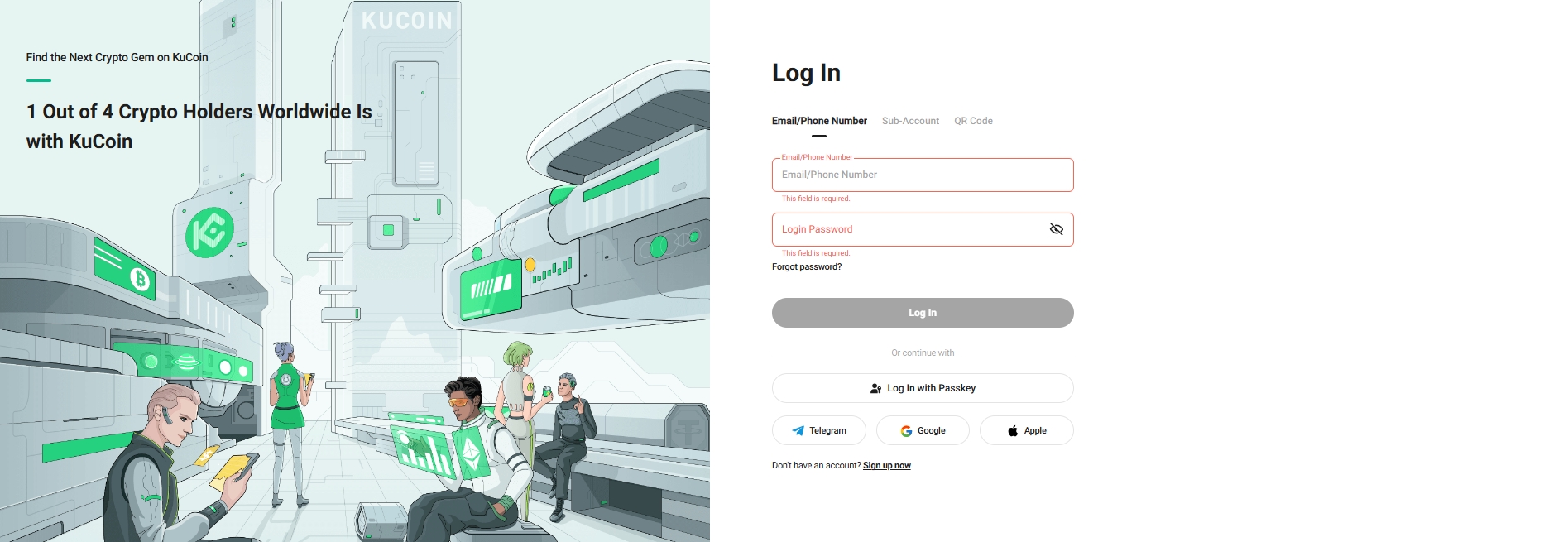
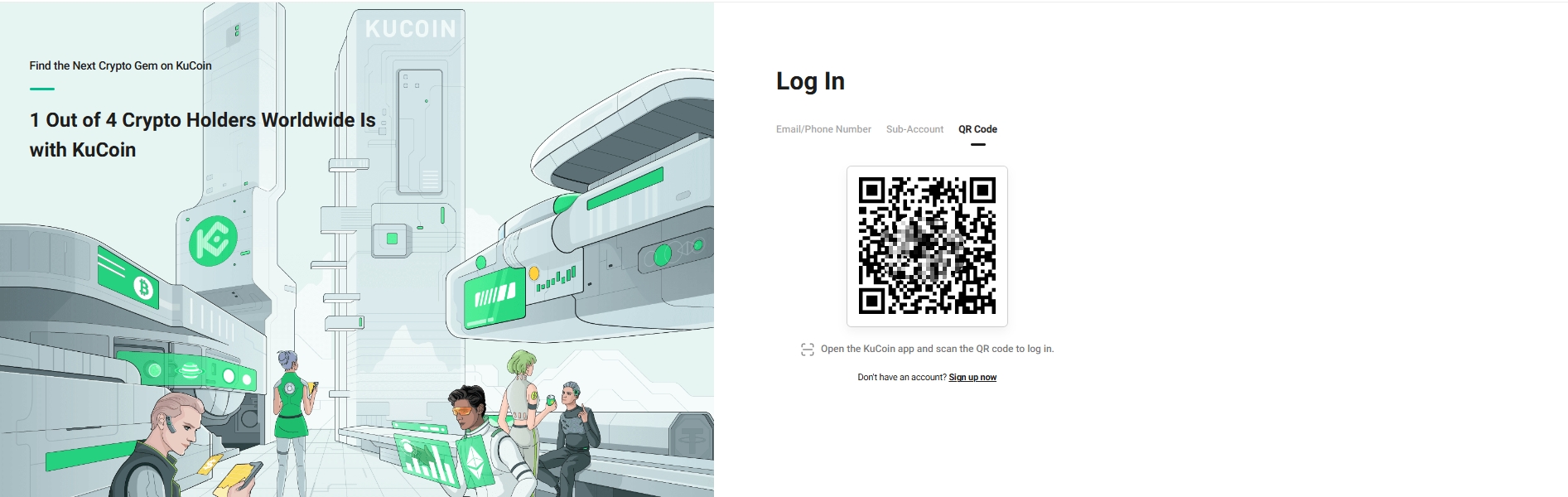
Step 1: Visit the official KuCoin and select Log in from the top right. You can log in via your account details or by scanning a QR code.
i. Login with Account Details
Enter your email/phone number, and password to log in.
Open the app and tap Home. After logging in, tap the Scan icon to log in via QR code straight from the web.
Notes:
i. If you’ve forgotten your password, reset it with Login Password
ii. For problems logging in with Google, check out Google Authenticator
iii. For problems logging in with your phone, check out Phone Number
iv. Entering the wrong verification details more than 5 times will lock your account for 2 hours, so please enter codes carefully.
3. How to Change Login Password
Change Login Password (When logged in)
You can only change your login password when you still log into your KuCoin account. Look for your profile icon in the top right. Select Security, then hit Change on the right of Login Password: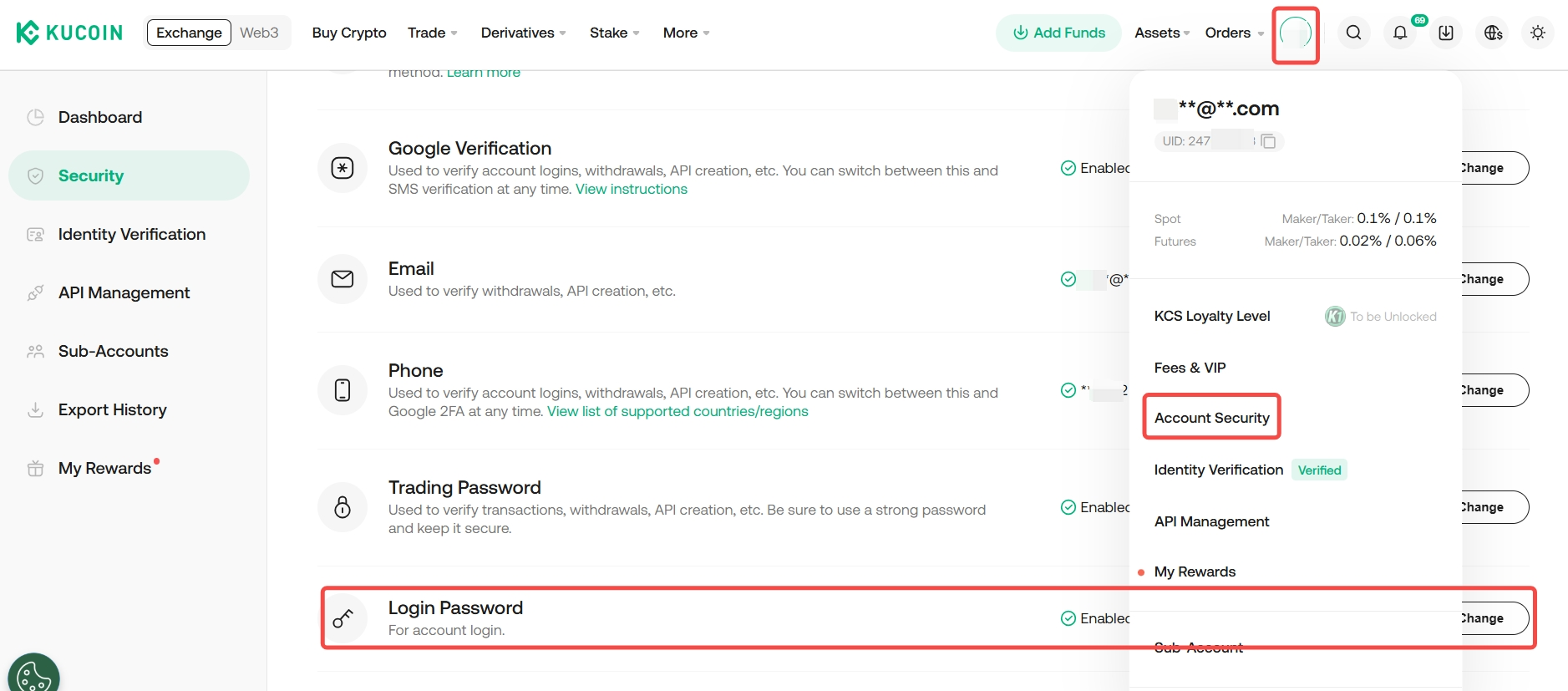
Enter the old password, set a new password, and select Change to finish.
Forgot Password (Unable to log in)
First, on the login page, select “Forgot Password?” Enter the correct email address and select Send Verification Code. Check your inbox or phone messages for the code, fill it in, and hit Next. Remember: Before entering your email, make sure it’s the one you used to sign up with KuCoin. This verification code is valid for 10 minutes.
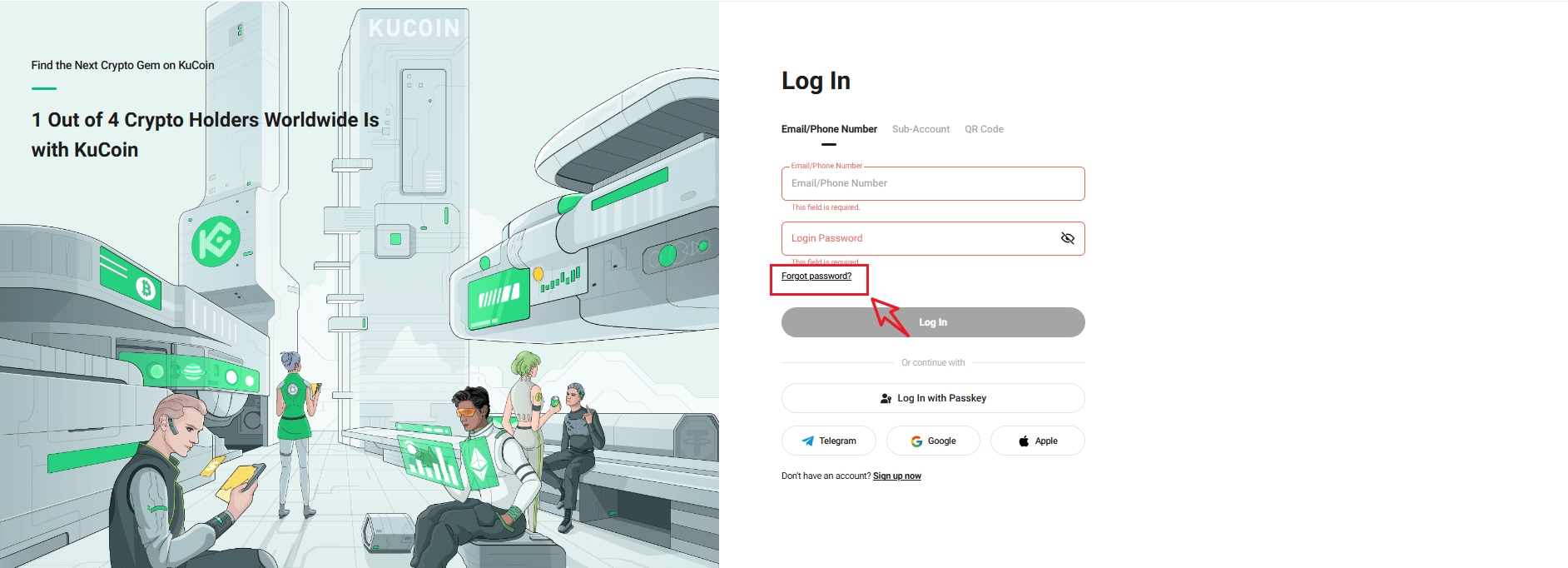
Now, set your new password. Choose one that’s not too simple and keep it secure.
Tip:
i. Avoid using the same password as your email or other accounts.
ii. Withdrawal feature will be restricted for 24 hours after you resetting your login password.