

How To Buy Crypto on KuCoin AU With a Bank Account
Buying digital assets in Australia has moved into a new era of speed and simplicity as we head into late 2026. This guide explores the specific steps required to fund a KuCoin Australia account using local bank transfers, focusing on the highly efficient PayID and Osko systems that have become the local standard.

Thesis Statement
Moving money from a traditional bank into the digital asset world used to be a slow, days-long process. Today, the integration of the New Payments Platform (NPP) with major trading platforms means your Australian dollars (AUD) can move almost as fast as a text message. Whether you are using a big bank like CommBank or a smaller digital-only bank, the process follows a clear path that prioritizes your security and the speed of your local network.
By utilizing the dedicated KuCoin AU fiat gateway and linking a verified Australian bank account via PayID or Osko, investors can achieve near-instant AUD deposits with zero local transfer fees to begin trading over 500 different cryptocurrencies.
1. Account Setup & Identity Verification (KYC)
-
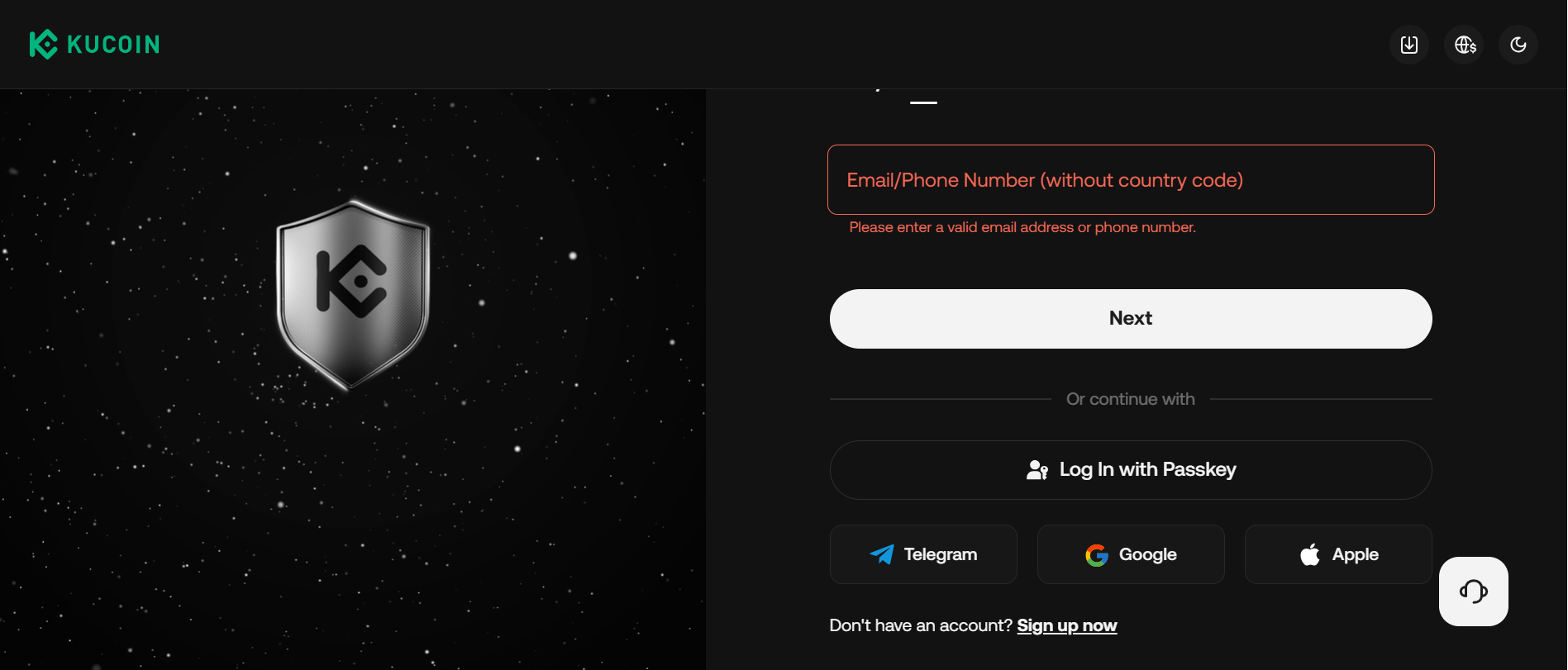
Go to the official KuCoin Australia site (kucoin.com/en-au) or app and log in/create an account.
-
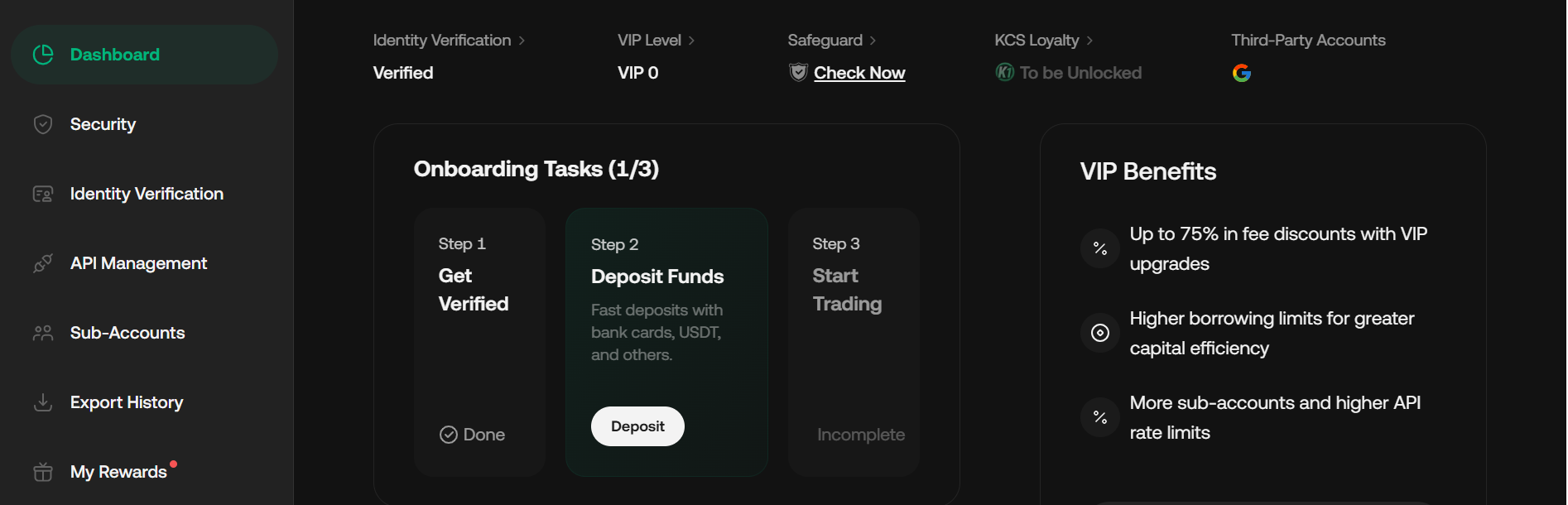
Navigate to Profile (avatar icon) → Identity Verification → Individual Verification.
-
Select Australia as the country/region and choose the Australian driver's license or passport.
-
Upload clear photos of your ID + complete live selfie/face verification.
-
Wait for approval (usually minutes to a few hours; name on ID must match your bank account exactly).
Note: KYC is mandatory for AUD deposits/withdrawals and higher limits.
2. Deposit AUD via Bank Transfer (PayID / Osko) – Recommended Method
-
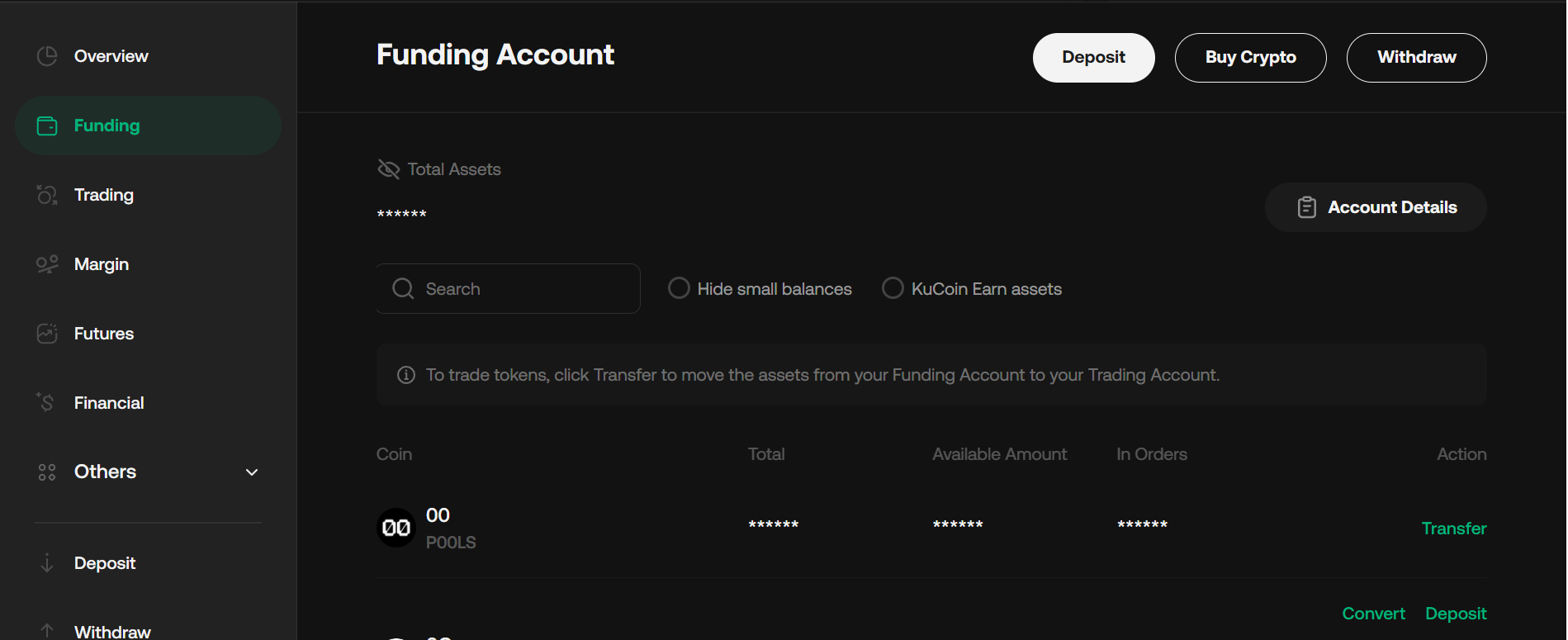
In the app or website, go to Assets (bottom menu on app) → Deposit → Fiat → Select AUD.
-
Choose PayID / Osko as the payment method.
-
Copy your unique PayID (usually an email-like address) and reference code shown on screen.
Take a screenshot for accuracy.
-
Open your Australian banking app (CommBank, ANZ, Westpac, NAB, etc.).
-
Go to Pay Someone or Transfer, then select PayID or Osko.
-
Paste the PayID, enter the amount, and paste the reference code in the description/reference field.
-
Confirm and send the transfer (Osko/NPP usually processes in seconds to minutes).
Expected time: Near-instant for most transfers; first-time transfers may have a 24-hour bank security hold.
3. Check Deposit Status
-
Return to Assets → Deposit History.
-
Look for status: “Processing” → "Success."
-
Once successful, AUD appears in your funding account.
4. Transfer Funds to Trading Account (if needed)
-
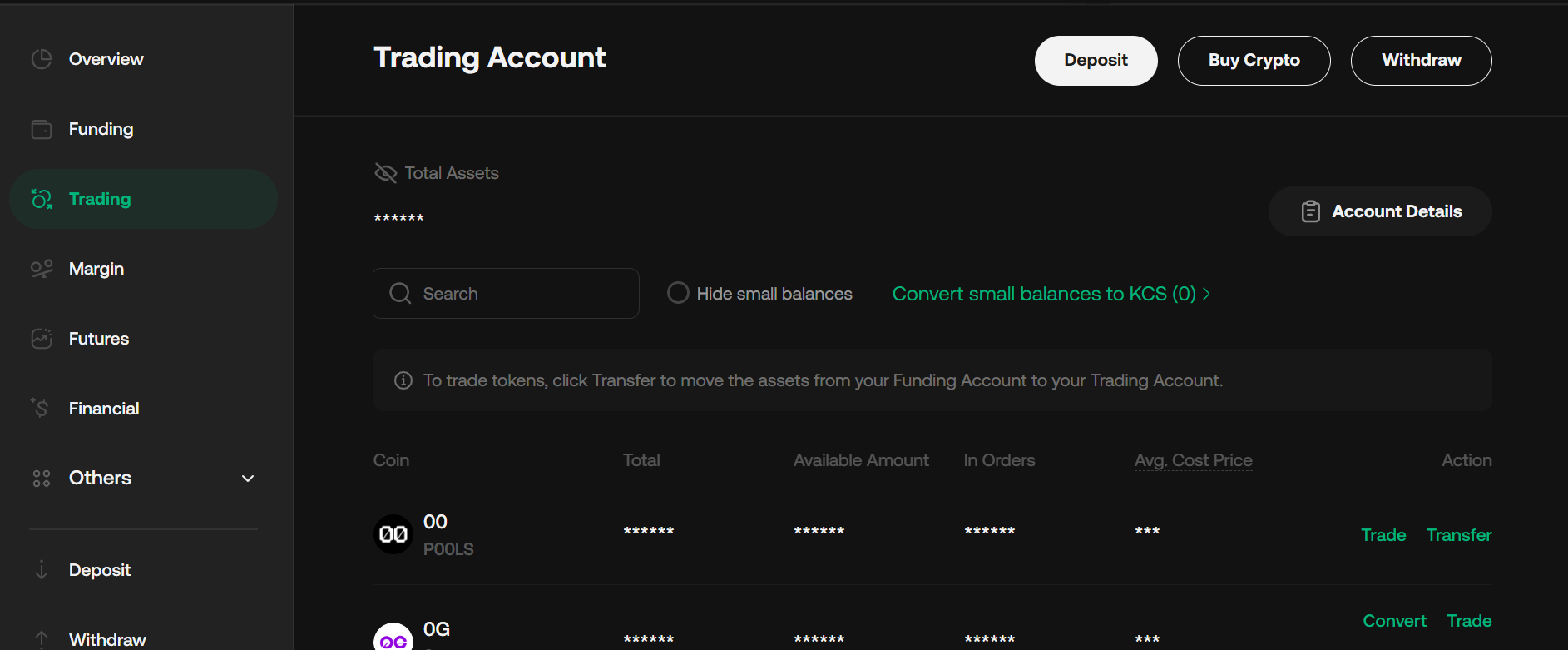
Go to Assets overview.
-
Select AUD (or the asset) → Transfer.
-
Choose Funding as source → Trading as destination → Confirm.
-
Internal transfers are instant and free.
5. Buy Cryptocurrency with AUD
-
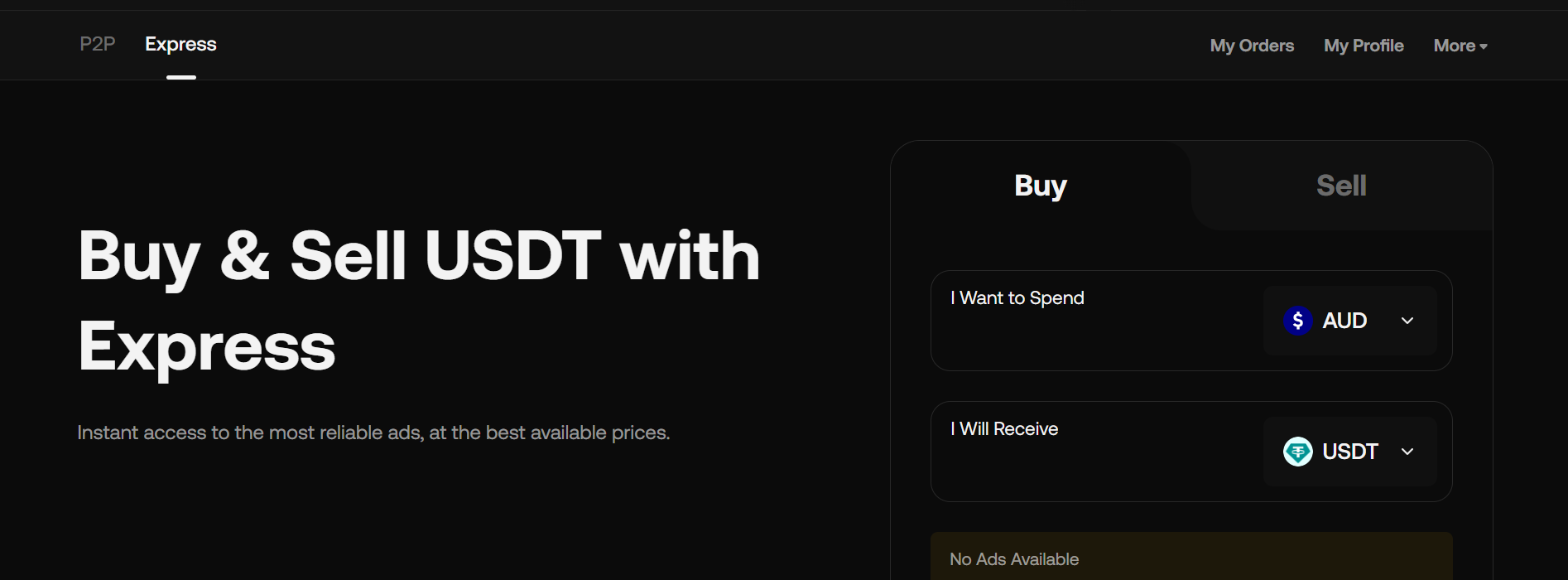
Option A – Fast/Express Buy (Simplest for beginners):
-
Go to the Buy Crypto or Express tab.
-
Select the coin (e.g., BTC, USDT) and enter the AUD amount.
-
Review the quote and confirm. Crypto appears in your wallet instantly.
-
Option B – Spot Trading (Better rates/control):
-
Go to Trade → Spot.
-
Search for pairs like BTC/AUD or USDT/AUD.
-
Place a market or limit order.
-
Many users buy USDT first, then trade for other coins.
6. Security Setup (Do This Immediately After Funding)
-
Enable Two-Factor Authentication (2FA) via Google Authenticator or Authy.
-
Set a separate trading password (6-digit code required for trades/withdrawals).
-
For large holdings: Transfer crypto to a personal hardware wallet.
7. Optional: KuCard for Spending
-
After KYC, apply for KuCard (physical/virtual Mastercard) in the app.
-
Link your AUD or crypto balance.
-
Spend anywhere Mastercard is accepted; auto-conversion happens at market rate + possible cashback.
8. Withdraw Profits Back to Bank (Off-ramp)
-
Sell crypto for AUD via the Express or Spot market.
-
Go to Assets → Withdraw → Fiat → AUD.
-
Add your Australian bank details (BSB + account number).
-
Enter the amount, complete 2FA + email confirmation.
-
Funds usually arrive in your bank account within minutes (via NPP/Osko).
Fees: Bank transfers via Osko are typically free or very low on the KuCoin side.
Common Mistakes to Avoid
-
Forgetting the unique reference code in the bank transfer causes manual processing delays.
-
Using a joint/business account where names don’t match your KYC.
-
Ignoring first-time bank holds.
-
Using unofficial links or sharing login details.
Quick Tips
Always use the official KuCoin AU platform (kucoin.com/en-au) for localized AUD options.
Compare the platform's BTC/AUD price with global rates for the best value.
For issues: Use in-app live chat support (Australian time-friendly) and provide your bank receipt if needed.
Disclaimer
This is for informational purposes only. Cryptocurrency involves risk. Do your own research (DYOR) and only invest what you can afford to lose.