How to Calculate Spot Trading Fees
At KuCoin Spot/Margin trading market, there are several aspects that have an effect on your trading fee level. Kindly refer to the following to know more details about it.
1. Trading Fee Level
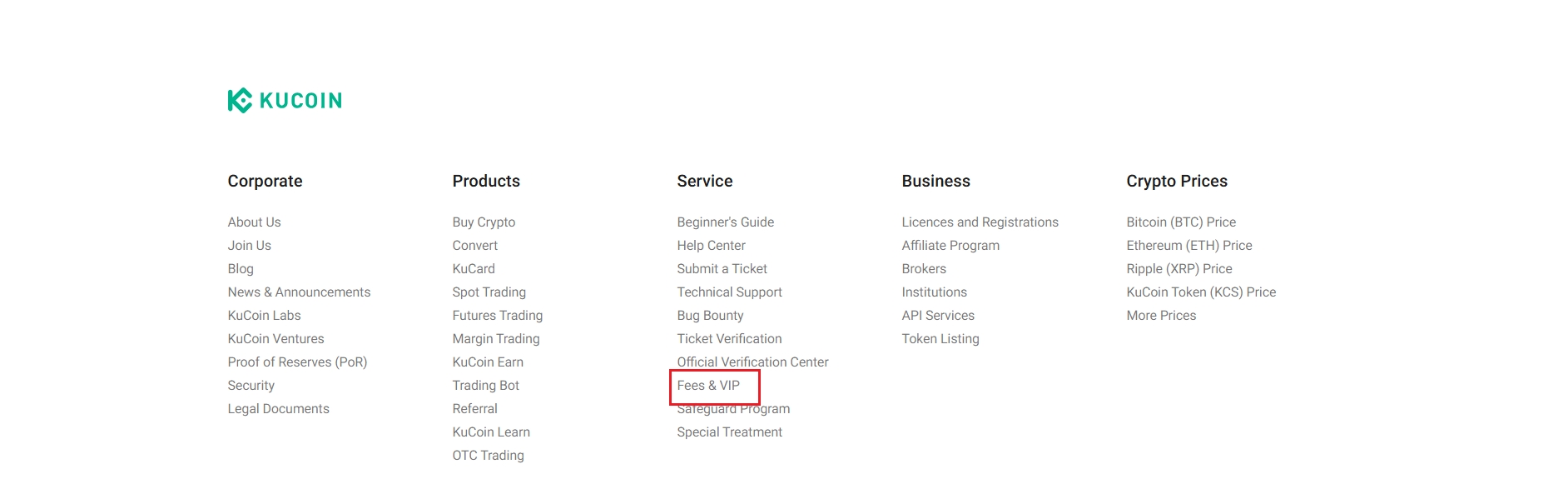
After logging in, You can click the Fee button via KuCoin's official website or click your Fees & VIP from your profile page. And you can also just visit the trading fee page to check your trading fee level and current fee. The higher your trading fee level is, the lower your trading fee is, even a negative fee rate is possible.
Note:
Above fee levels are based on trading pairs with 0.1% maker fee and 0.1% taker fee, which do not apply to some of the trading pairs. Please check the exact trading fee rate on the trading page.
2. Maker/Taker
Being a Maker/Taker would also affect your trading fee rate.
>>Learn more about Maker/Taker
2.1 Taker
In a Market/Hidden/Iceberg Order, you will be charged a taker fee as a taker.
2.2 Maker
In a Limit Order/Post only Order, you will be charged a maker fee as a maker.
3. Pay Fees with KCS Feature
Your trading fee rate can also be affected if you enable KCS pay fees function.
4. Trading fee token:
KuCoin deducts the token after slash of a trade pair as the fee token. For example, users will pay USDT/KCS as the trading fee token for BTC/USDT, LTC/KCS. It's worth noting that in certain trading, the same coin will be charged as the fee, and the actual trade quantity may be different from the quantity that arrives in the account because a certain part is deducted as the fee.