How to Create API
To make trading more convenient, users can create API to conduct their trading and withdrawal operations. The API creation process is as follows:
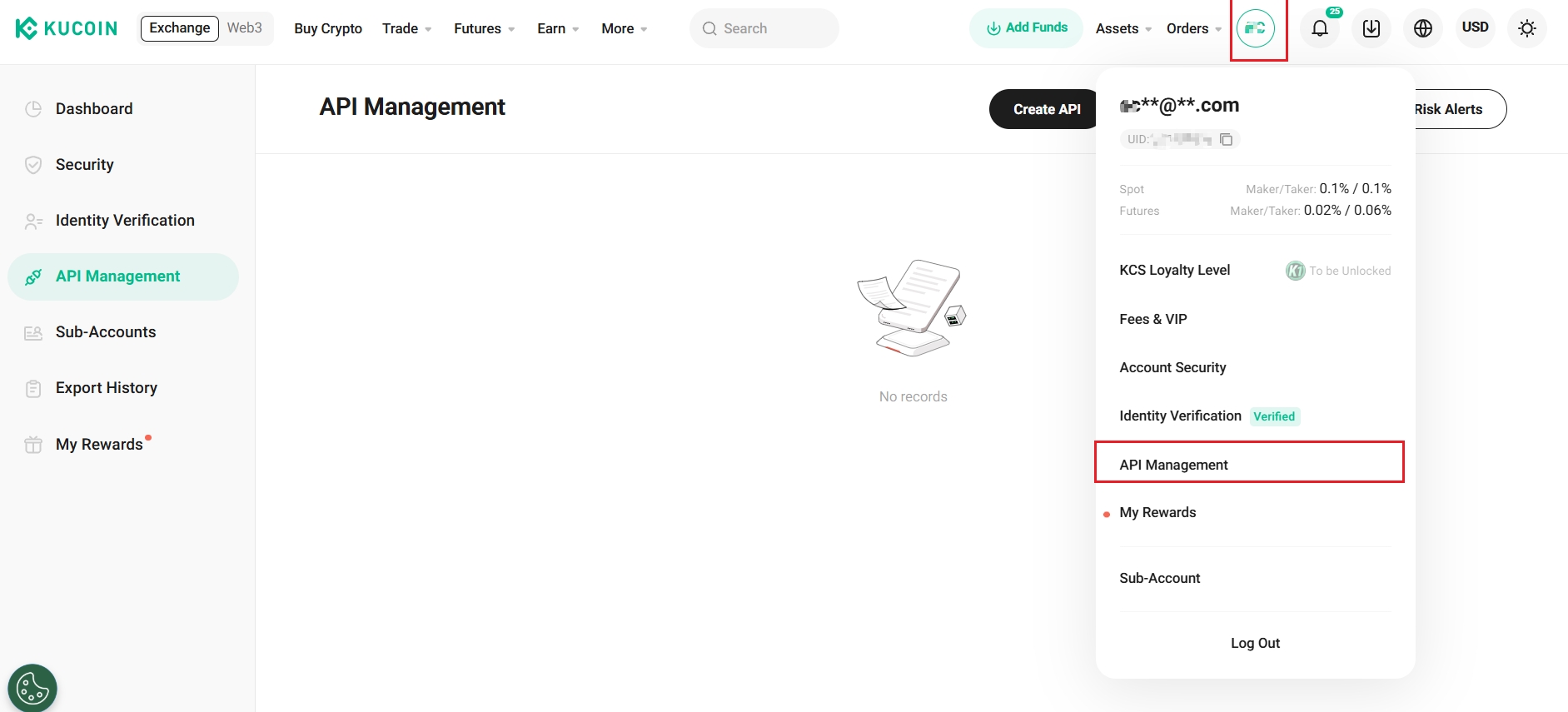
1. Log in to KuCoin, click the avatar, in the drop-down menu, select API Management, as shown in the image, then click Create API
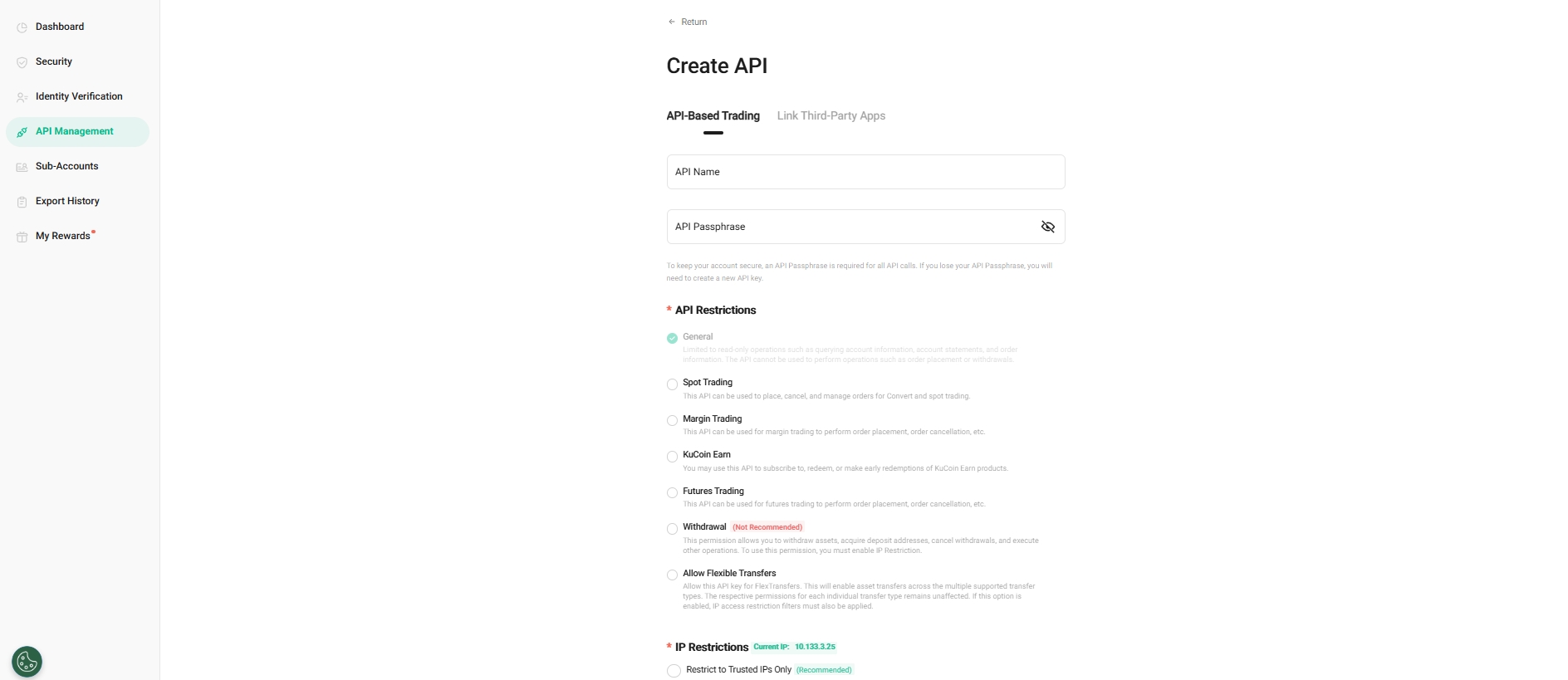
2. A window will pop up where you can choose either API-Based Trading or Link Third-Party Apps. For API trading, enter the API name and API passphrase.
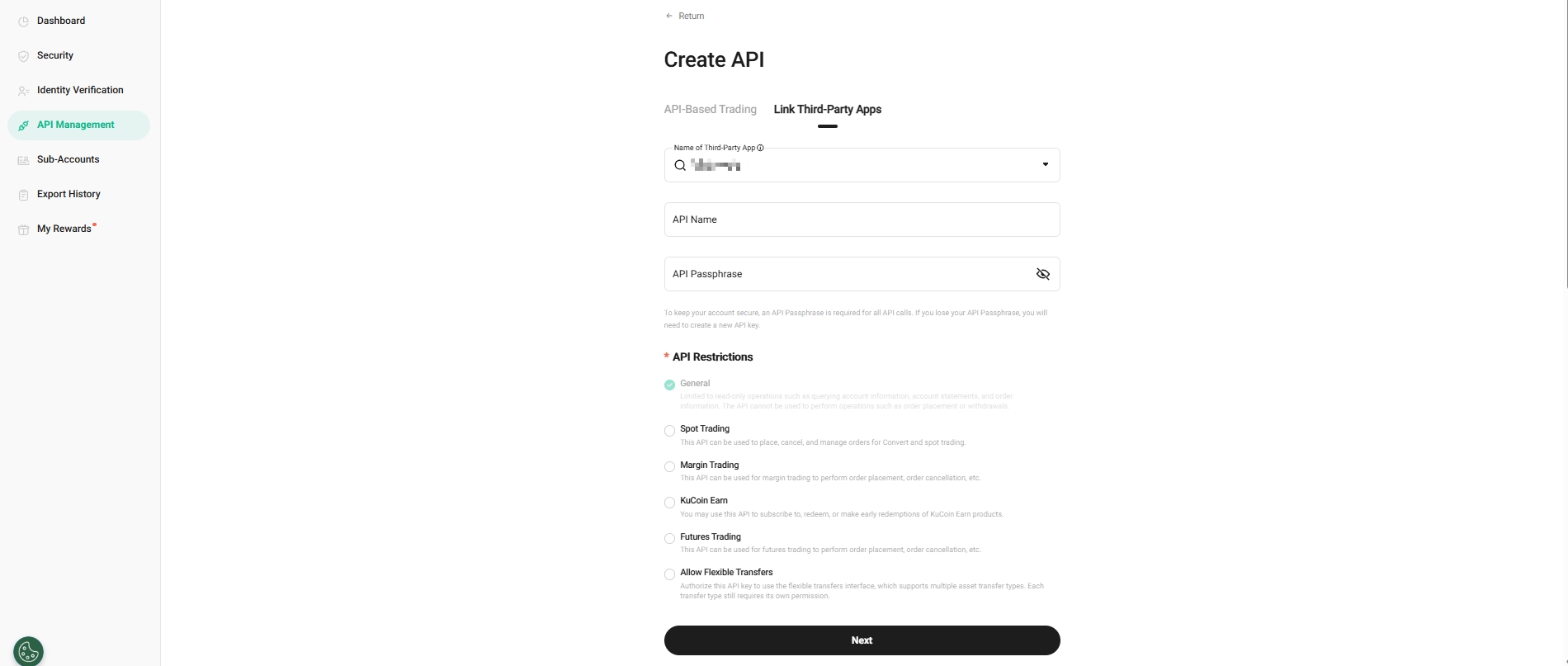
For linking to a Third-Party Apps, first select the name of the Third-Party App you wish to link. Then, enter the API name and API passphrase, and select API Restrictions.
For account security purposes, withdrawals are not supported by linking a Third-Party App, and there is no need to link an IP address. During transactions, the platform will use the configured third-party IP addresses.
During the creation process, pay attention to the relevant prompts and rules on the API creation page. Here are some points for your special attention:
- The API passphrase is crucial. It is highly recommended to write it down and store it in a secure location. You will need the API passphrase for verification when using the API. Additionally, do not disclose your API key to prevent any potential loss of assets.
-
To protect your assets, API keys used for spot, margin, or futures trading without configured IP address restrictions will be automatically deleted after 30 days of inactivity. If an API key is deleted, you’ll need to reapply to continue using it. API keys that have IP address restrictions in place or are set to "General" permissions only will not expire.
-
API keys that do not have IP address restrictions configured cannot be granted transfer permissions.
3. A security verification will pop up. Enter your trading password, Email Verification Code, Google 2FA code or SMS Verification Code.
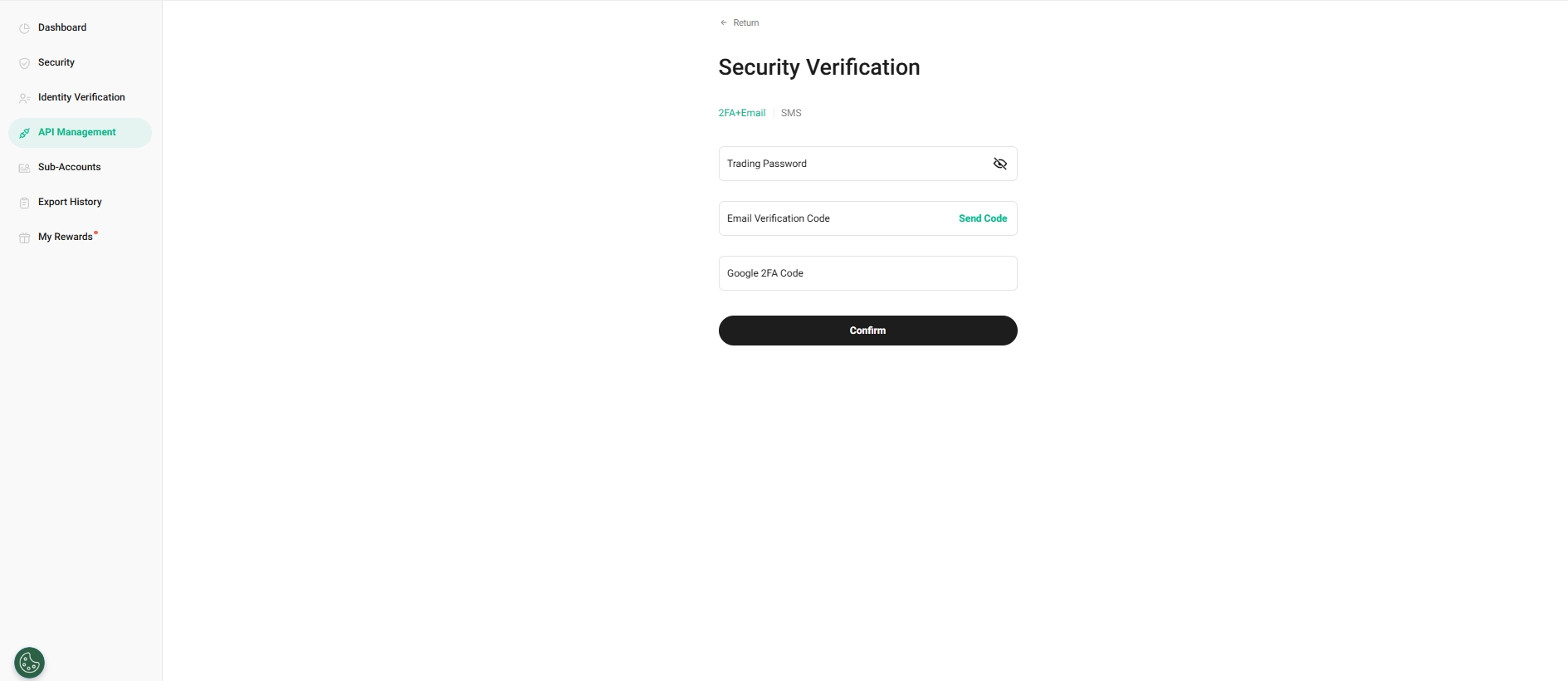
4. Click the button to confirm and complete the creation.